
Discover how Flutter and Artificial Intelligence are transforming the way apps are built and experienced in 2026. The mobile app world is changing fast, with users now expecting intelligent, adaptive features in every app they use.
Flutter, Google’s powerful UI toolkit, is making it easier than ever to blend smart AI capabilities into beautiful, cross-platform apps. By embracing flutter artificial intelligence, developers can automate complex tasks, boost engagement, and deliver truly personalized experiences.
This guide will walk you through the latest trends, practical steps for integration, leading AI tools, and future-ready strategies to help you innovate with Flutter in 2026.
The Evolution of Flutter and Artificial Intelligence
Flutter’s journey since its launch in 2017 has been nothing short of remarkable. Initially celebrated for its ability to streamline cross-platform development, Flutter quickly gained traction among developers. By 2024, over 2 million developers were using Flutter, as highlighted at Google I O. Its reach now spans mobile, web, desktop, and even embedded devices. Enterprises increasingly rely on Flutter for consistent UI across platforms. Key milestones include the launch of Flutter 3.0, which brought greater performance and stability, and exciting new features are anticipated for 2026, promising even more innovation for flutter artificial intelligence projects.

Flutter’s Growth Trajectory and Key Milestones
From its beginnings, Flutter has focused on developer productivity and design flexibility. The open-source framework rapidly grew in popularity, driven by its single codebase approach for multiple platforms. By 2024, Flutter had surpassed 2 million developers, and its use in web and desktop apps expanded its reach. Enterprises now choose Flutter for mission-critical applications, highlighting its reliability. The release of Flutter 3.0 introduced improved support for embedded systems and further optimized performance. As we approach 2026, new features like better AI integration are on the horizon, making flutter artificial intelligence development even more accessible.
AI in Mobile Apps: Past, Present, and Future
Artificial intelligence has steadily evolved within mobile apps. Early on, AI powered basic chatbots, voice assistants, and simple recommendation engines. Today, users experience AI-driven personalization, predictive analytics, and advanced image recognition in everyday apps. According to a Global AI in Mobile Apps Market Overview, the demand for AI features is surging, with 80 percent of users expecting them by 2026. As AI becomes a core differentiator, flutter artificial intelligence will be pivotal in shaping user experiences and market success.
Why Flutter is Ideal for AI Integration
Flutter artificial intelligence integration is gaining momentum due to several key advantages. Flutter’s unified codebase enables rapid deployment of AI features across platforms, reducing development time and effort. Its robust plugin ecosystem, including TensorFlow Lite, ML Kit, and OpenAI, makes adding AI capabilities straightforward. The hot reload feature accelerates prototyping and testing, allowing developers to iterate on AI-powered features quickly. Community-driven packages and extensive documentation support innovation. These factors make Flutter a go-to choice for teams seeking to embed artificial intelligence without sacrificing speed or quality.
Challenges and Opportunities in AI-Driven Flutter Apps
Building flutter artificial intelligence apps presents both unique challenges and exciting opportunities. Developers must balance performance with the complexity of AI models, especially on mobile devices with limited resources. Privacy and data security are critical, often requiring on-device inference to protect user information. Yet, these challenges also open doors for innovation. AI can automate testing, improve accessibility, and enable adaptive user interfaces. For example, a health tracking app built with Flutter and TensorFlow Lite can offer real-time insights, demonstrating how flutter artificial intelligence can create impactful solutions.
Core AI Technologies for Flutter Apps in 2026
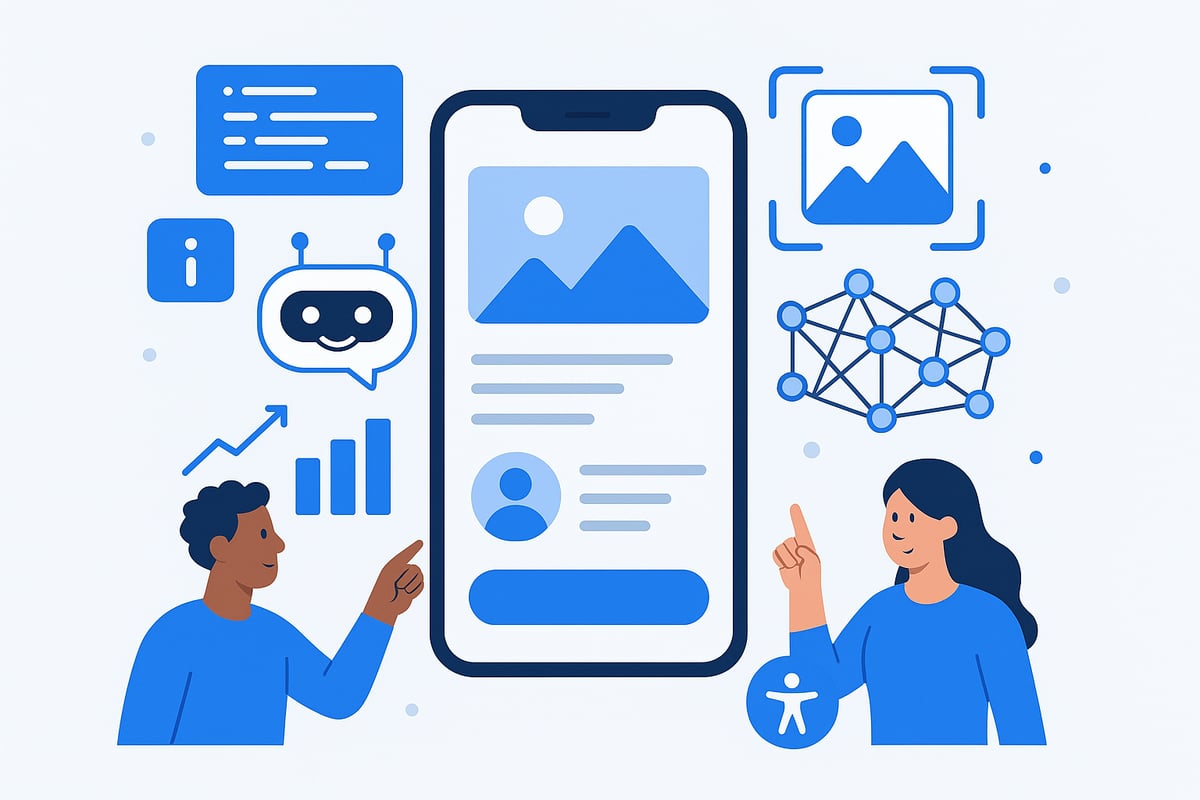
The landscape of flutter artificial intelligence is rapidly expanding, bringing smarter, more intuitive apps to users. Developers now have access to a robust toolkit that connects Flutter’s cross-platform strengths with the latest AI breakthroughs. Let’s dive into the core technologies shaping app innovation in 2026.
Machine Learning Frameworks Compatible with Flutter
Choosing the right machine learning framework is crucial for any flutter artificial intelligence project. The top contenders in 2026 are:
| Framework | Best For | Flutter Plugin | On-Device Support |
|---|---|---|---|
| TensorFlow Lite | Image, speech, custom ML | tflite_flutter | Yes |
| ML Kit | Vision, language | google_ml_kit | Yes |
| PyTorch Mobile | Experimental models | Custom integration | Yes |
TensorFlow Lite excels at on-device inference, supporting tasks like image recognition and speech processing. ML Kit simplifies common AI features such as text scanning and translation, while PyTorch Mobile is gaining ground for custom models. For a deeper dive into tools and plugins, check out Essential AI tools for coding.
Natural Language Processing (NLP) and Conversational AI
NLP transforms flutter artificial intelligence apps into conversational, multilingual experiences. By integrating Dialogflow or OpenAI APIs, developers can deploy chatbots, sentiment analysis, and smart reply systems. These solutions empower apps to understand and generate human-like language, making interactions seamless.
For example, a Flutter app can use real-time translation to bridge language barriers. AI-driven NLP also enables context-aware suggestions and voice command features. As users expect smarter communication in 2026, NLP is key for standout apps.
Computer Vision: Image and Video Intelligence
Computer vision is a cornerstone of flutter artificial intelligence, opening new possibilities in image and video processing. With ML Kit or TensorFlow Lite, developers can add face detection, object recognition, and even augmented reality overlays.
Use cases are vast: visual search in e-commerce, health diagnostics, and biometric authentication. A standout example is a Flutter-powered plant disease detection app, which analyzes images with high accuracy. Integrating computer vision keeps apps not just interactive, but truly intelligent.
Personalization and Predictive Analytics
Personalization powered by flutter artificial intelligence keeps users engaged and loyal. AI models analyze user behavior to recommend content, products, or services tailored to each individual. Predictive analytics anticipate user needs, enabling proactive notifications and adaptive interfaces.
Key features include:
- Recommendation engines for dynamic content
- Real-time user behavior analysis
- Adaptive UI elements that respond to user patterns
By processing data on-device, these features deliver instant, secure personalization, setting modern apps apart.
AI-Powered Accessibility and Automation
Accessibility is a vital aspect of flutter artificial intelligence, making apps usable for everyone. AI-driven speech-to-text and text-to-speech tools enhance communication for users with disabilities. Automation speeds up UI testing and helps optimize user experiences.
Essential features:
- Voice navigation and screen readers
- Dynamic font adjustments for readability
- Automated accessibility testing powered by AI
These tools ensure your app is inclusive, efficient, and ready for the future of mobile innovation.
Step-by-Step Guide: Integrating AI into Flutter Apps
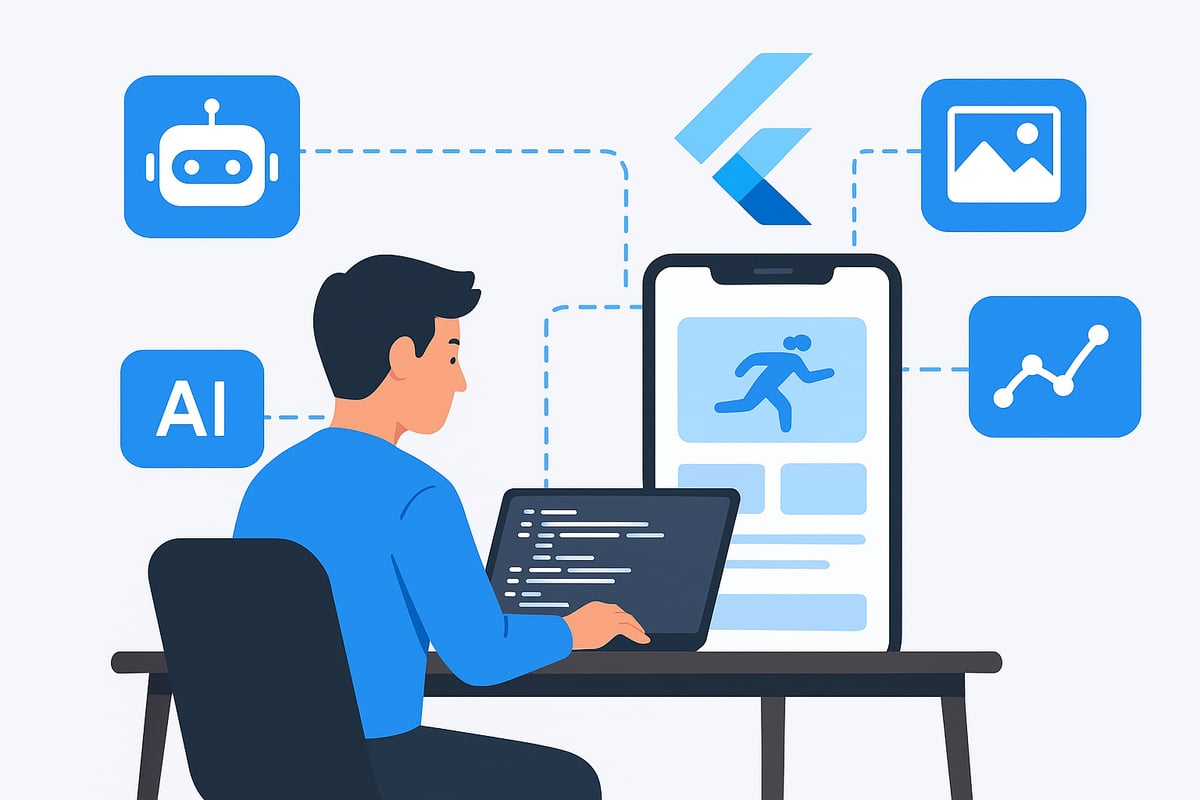
Ready to bring the power of flutter artificial intelligence to your next mobile project? Here’s a practical, step-by-step guide designed for both beginners and experienced developers. Let’s break down the process into actionable steps so you can confidently build smarter, more adaptive apps.
Step 1: Define App Objectives and AI Use Cases
Start by clarifying what you want your app to achieve and how flutter artificial intelligence can make a meaningful impact. Identify the business goals and user problems you aim to solve. Do you need a chatbot for instant support, image analysis for photo-based features, or predictive recommendations?
List potential AI-driven features and prioritize them based on user value and technical feasibility. Evaluate the return on investment for each idea. For example, an e-commerce app could benefit from personalized product suggestions or automated customer support.
By focusing on high-impact use cases, you’ll ensure your AI integration aligns with both user needs and your overall app vision.
Step 2: Choose the Right AI Framework and Tools
Selecting the appropriate tools is crucial for successful flutter artificial intelligence integration. Compare popular frameworks like TensorFlow Lite, Google ML Kit, and third-party APIs for their capabilities, model support, and ease of use.
| Framework | Strengths | Best For |
|---|---|---|
| TensorFlow Lite | On-device ML, broad model support | Image, speech, text analysis |
| ML Kit | Easy integration, vision/language | Barcode, translation, OCR |
| Third-party APIs | Powerful, scalable, cloud-based | Conversational AI, NLP |
Consider on-device versus cloud inference, model size, and latency requirements. If your app needs offline functionality, TensorFlow Lite is a solid option. For real-time translation or barcode scanning, ML Kit is user-friendly and robust.
Step 3: Prepare and Train Your AI Model
Once you’ve chosen your tools, it’s time to prepare your AI models for flutter artificial intelligence projects. Start with data collection, ensuring your dataset is diverse and relevant to your app’s context.
Preprocess your data for mobile suitability—this may involve resizing images, normalizing text, or balancing classes. Train your models using Python and popular frameworks, then export them to TFLite or ONNX formats for mobile deployment.
Leverage open-source datasets or transfer learning to save time. Always validate your model’s accuracy and performance before moving forward.
Step 4: Integrate AI Model into Flutter
Now, bring your AI model into the Flutter environment. Use plugins like tflite_flutter or google_ml_kit for seamless model inference within your app. Add the required dependencies to your pubspec.yaml and configure permissions for camera, microphone, or storage access as needed.
Handle platform-specific nuances for Android and iOS, ensuring smooth integration. With flutter artificial intelligence, you can leverage hot reload for rapid testing and iteration, making it easy to tweak your AI features on the fly.
Here’s a simple example of loading a TFLite model:
final interpreter = await Interpreter.fromAsset('model.tflite');
Step 5: Optimize Performance and User Experience
Performance is key for any flutter artificial intelligence implementation. Apply quantization and model compression to reduce file size and speed up inference. Use lazy loading and asynchronous processing so AI features don’t block the main UI.
Aim for inference times under 200ms for a buttery-smooth user experience. Benchmark your app across devices and optimize for both high-end and budget smartphones. Provide clear feedback to users when AI is processing, and design fallbacks for when models are unavailable.
Step 6: Test, Monitor, and Iterate
Rigorous testing ensures your flutter artificial intelligence features remain reliable and effective. Use automated testing suites to validate AI-driven components, such as chatbots or image classifiers, across multiple scenarios.
A/B test new features to gauge user response and collect real-world feedback. Monitor your AI models in production to detect drift or performance drops. Plan for regular updates and retraining cycles to keep your app’s intelligence sharp and relevant.
For more hands-on guidance, check out Building apps with AI in 2025 for detailed integration tips and practical examples.
Step 7: Ensure Security, Privacy, and Compliance
Protecting user data is critical when integrating flutter artificial intelligence. Favor on-device inference for sensitive data to minimize exposure. Encrypt data pipelines and secure model assets against unauthorized access.
Stay updated on regulations like GDPR and CCPA to ensure compliance. Be transparent with users about how their data is processed and offer granular privacy controls. Regularly audit your app for vulnerabilities and update your security practices as needed.
By following these steps, you’ll build AI-powered Flutter apps that are innovative, secure, and ready for the future.
Top AI Tools, Plugins, and Packages for Flutter in 2026
Selecting the right tools is essential for any developer working with flutter artificial intelligence. The ecosystem in 2026 is rich with plugins and packages that simplify integration, boost performance, and unlock creative possibilities. Let’s explore the most impactful options for building future-ready AI-powered Flutter apps.

TensorFlow Lite and tflite_flutter
TensorFlow Lite, paired with the tflite_flutter plugin, remains the go-to choice for on-device ML in flutter artificial intelligence projects. It supports image, text, and audio models, making it versatile for real-time inference. Developers benefit from low-latency performance, efficient model execution, and broad hardware compatibility.
Key features include:
- Model quantization for faster inference
- Support for custom and pre-trained models
- Easy deployment across iOS and Android
For example, a shopping app can implement real-time object detection to enhance the user experience. Need tips on best practices? Check out AI Integration in Flutter: Development Tips for practical guidance.
Google ML Kit
Google ML Kit is another cornerstone for flutter artificial intelligence, offering a suite of vision and language APIs. With the google_ml_kit plugin, developers can easily add barcode scanning, face detection, translation, and OCR features to their apps.
Highlights include:
- Turnkey solutions for common AI tasks
- On-device and cloud-based inference options
- Regular updates from Google for new capabilities
A popular use case is building a document scanner with OCR, giving users the ability to digitize receipts or contracts instantly. ML Kit’s flexibility and reliability make it a top pick for both startups and enterprises.
OpenAI and Generative AI APIs
Integrating OpenAI’s GPT-4 or GPT-5 models unlocks conversational and generative AI in flutter artificial intelligence applications. These APIs power smart chatbots, content summarization, and creative writing tools.
Benefits:
- Human-like text generation for chat or support
- Seamless API integration with Flutter
- Flexible pricing and scalable infrastructure
Imagine an AI-powered writing assistant app that helps users draft emails or articles. With OpenAI’s API, such features are now accessible to Flutter developers, driving new engagement opportunities.
Hugging Face Transformers and NLP Models
Hugging Face offers a vast library of pre-trained NLP models, accessible via API, that are easily integrated into flutter artificial intelligence projects. Use cases range from sentiment analysis to question answering and text summarization.
Key advantages:
- Access to state-of-the-art NLP without heavy lifting
- Multilingual support out of the box
- Fast prototyping for chatbots and support tools
For instance, a Flutter customer support app can harness these models for instant, context-aware responses, raising user satisfaction and reducing manual intervention.
Community Packages and Custom Solutions
The Flutter community continues to innovate, providing packages that make flutter artificial intelligence more accessible. Popular plugins include flutter_tts for text-to-speech, speech_to_text, and camera_ml_vision for live image analysis.
Community highlights:
- Open-source resources and active forums
- Custom model deployment strategies
- Frequent package updates for new AI trends
For deeper insights on community-driven Flutter development, see Flutter app development expertise. Leveraging these resources empowers teams to build, test, and deploy smarter apps faster.
Best Practices and Future Trends for AI-Driven Flutter Apps
Building with flutter artificial intelligence requires more than just technical know-how. Developers must blend user experience, ethics, and advanced engineering to create apps that truly stand out. By embracing best practices and staying alert to future trends, you can ensure your app remains relevant and impactful in the years ahead.
Designing User-Centric AI Experiences
When developing with flutter artificial intelligence, always start with the user in mind. Create transparent AI features that explain their decisions, so users feel in control.
- Prioritize explainability in AI-driven recommendations.
- Build trust by being clear about how data is used.
- Respect privacy, only collecting what is essential.
Ethical design means testing for bias and ensuring your AI benefits everyone. Personalization should enhance, not intrude. By focusing on user needs, you foster loyalty and long-term engagement.
Performance, Scalability, and Maintenance
Performance is crucial for any flutter artificial intelligence project. Modular app architecture allows you to update AI features quickly and efficiently.
- Use edge AI for low latency and cloud AI for complex tasks.
- Monitor inference time and optimize models for mobile devices.
- Plan for regular retraining and updates as user data evolves.
Scalability comes from balancing speed, cost, and reliability. Automated monitoring tools help spot issues early, keeping your app responsive and robust.
AI-Driven Monetization and Business Models
Monetization is evolving with flutter artificial intelligence. New business models unlock value while keeping the user experience seamless.
| Model | Description | Example |
|---|---|---|
| Subscription | Recurring fee for premium AI features | Personalized fitness plans |
| In-app purchases | Pay for advanced AI tools or content | AI-powered photo filters |
| Freemium | Free basic AI, paid advanced capabilities | Smart writing assistants |
Always test pricing strategies and listen to user feedback. Use ethical upselling, ensuring value aligns with what users actually need.
Preparing for the Next Wave: AI and Flutter in 2026
The future of flutter artificial intelligence is dynamic. Expect advances like federated learning and on-device training to change how apps learn and adapt.
As highlighted in the Gartner Predicts Mobile App Usage Decline report, AI assistants are reshaping user habits, so building adaptive, context-aware features is key. Stay current by following Flutter's roadmap, attending community events, and experimenting with new AI tools.
Continuous learning and adaptation are the best ways to future-proof your flutter artificial intelligence projects. This mindset keeps your apps ahead of the curve and ready for the next generation of user expectations.
Now that you’ve seen how Flutter and AI are teaming up to shape the future of app development in 2026, you might be wondering how your own ideas could come to life. Whether you’re building your first MVP or ready to scale, getting a clear perspective on what’s possible is the best next step. I know every project is unique, and sometimes you just need an expert’s eye to see the potential. If you’re curious about how your app concept stacks up or want tailored advice on AI integration, let’s chat—grab your Get a Free App Feasibility Review and start your journey toward innovation today.

About Big House
Big House is committed to 1) developing robust internal tools for enterprises, and 2) crafting minimum viable products (MVPs) that help startups and entrepreneurs bring their visions to life.
If you'd like to explore how we can build technology for you, get in touch. We'd be excited to discuss what you have in mind.
Other Articles
Discover the future of development tooling in 2025 with expert insights on AI, automation, no code, collaboration, and security to boost your team's productivity.
Discover the top 9 UI UX and development agencies for 2026 success Compare leading firms strengths pricing and ideal clients to choose the best partner for your goals
Learn how to hire full stack programmer talent for your team. Expert tips on skills assessment, interviewing, and finding the right developer fit.