

Cursor AI has rapidly become one of the most powerful AI-powered code editors available in 2026, transforming how developers write, debug, and optimize code. As businesses and individual developers evaluate whether to adopt this tool, understanding cursor ai pricing becomes essential for making informed decisions. The platform offers multiple pricing tiers designed to accommodate different usage patterns, from hobbyist developers to large enterprise teams. This comprehensive guide breaks down every aspect of cursor ai pricing, examining what you get at each tier and helping you determine which plan delivers the best value for your specific development needs.
Understanding Cursor AI's Pricing Structure
Cursor AI operates on a tiered subscription model that balances accessibility with advanced functionality. The pricing structure reflects the platform's positioning as a premium development tool that leverages cutting-edge AI capabilities.
At its core, Cursor's official pricing page outlines three main tiers: Free, Pro, and Business. Each tier provides different levels of access to AI features, request limits, and support options. The Free tier serves as an entry point for developers wanting to test the platform's capabilities without financial commitment.
The Free Tier: Entry-Level Access
The Free plan provides basic access to Cursor AI's functionality, making it an excellent starting point for individual developers exploring AI-assisted coding. This tier includes:
- Limited AI requests per month (typically 50 completions)
- Basic code suggestions and autocomplete
- Access to the core editor features
- Community support through forums
- Standard response times from the AI model
Important limitations to consider with the free tier include restricted monthly AI request quotas and no access to premium AI models. For developers working on small personal projects or those wanting to evaluate the platform, the Free tier provides sufficient functionality to understand Cursor's value proposition.
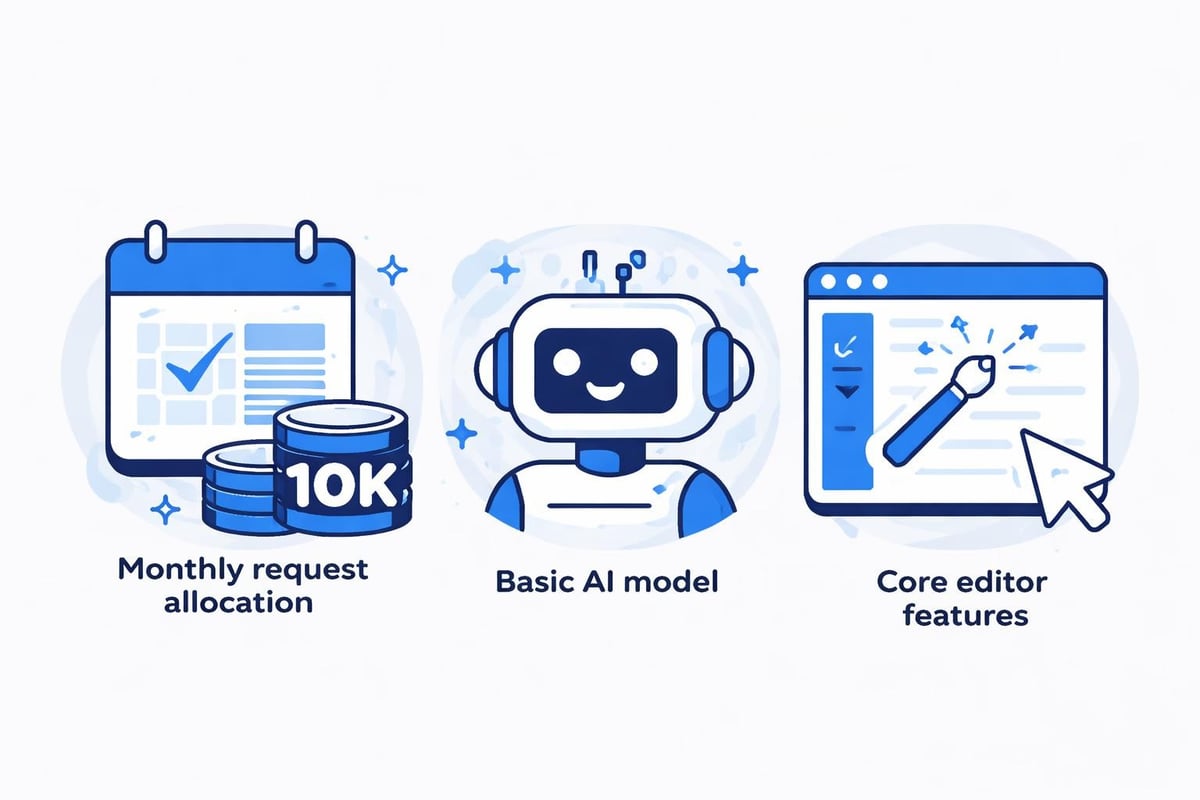
Many developers start with this tier before upgrading once they recognize how AI assistance accelerates their workflow. The transition point typically occurs when hitting the monthly request limit becomes a regular occurrence.
Pro Plan: The Sweet Spot for Most Developers
The Pro plan represents the most popular cursor ai pricing option for professional developers and small teams. Priced at $20 per month (billed monthly) or $16 per month (billed annually), this tier unlocks significantly more capability.
What You Get with Pro
The Pro subscription dramatically expands your AI capabilities compared to the free tier. According to detailed analysis of Cursor's pricing plans, Pro users receive:
- 500 fast premium requests per month
- Unlimited slow premium requests
- Access to GPT-4 and Claude 3.5 Sonnet models
- Priority support from the Cursor team
- Enhanced code completion accuracy
- Advanced debugging assistance
| Feature | Free Plan | Pro Plan |
|---|---|---|
| Monthly Cost | $0 | $20 ($16/year) |
| Fast Requests | 50 | 500 |
| Slow Requests | Limited | Unlimited |
| Premium Models | No | Yes |
| Priority Support | No | Yes |
The distinction between "fast" and "slow" requests matters for workflow optimization. Fast requests provide near-instantaneous responses ideal for real-time coding, while slow requests take slightly longer but allow unlimited usage for non-urgent tasks.
Pro Plan Value Proposition
For most professional developers, the Pro tier delivers exceptional value. The $20 monthly investment becomes negligible when considering productivity gains from AI-assisted development. Reports indicate that Nvidia engineers using Cursor commit three times more code than before adoption, highlighting the substantial productivity multiplier.
This tier works particularly well for freelancers, indie developers, and small agencies building applications on platforms like AI-assisted app builder platforms where rapid iteration matters.
Business Plan: Enterprise-Grade Solutions
The Business tier represents cursor ai pricing designed for larger organizations requiring team collaboration, advanced security, and dedicated support. This plan requires custom pricing based on team size and specific needs.
Business Plan Features
Organizations choosing the Business plan gain access to comprehensive enterprise features:
- Centralized billing across entire development teams
- Admin controls for managing user access and permissions
- Enhanced security features including SOC 2 compliance
- Dedicated account management and priority support
- Custom AI request allocations based on team needs
- Usage analytics to track team adoption and ROI
The Business plan also includes advanced collaboration features that allow teams to share AI-generated code snippets, templates, and best practices across the organization.
When Business Pricing Makes Sense
Enterprise adoption of Cursor AI typically occurs when organizations recognize AI-assisted development as a competitive advantage. Companies building complex applications or managing large codebases benefit from the enhanced request limits and team coordination features.
For agencies like those specializing in no-code AI app development platforms, the Business tier enables consistent development velocity across multiple client projects simultaneously.
Comparing Normal Mode vs Max Mode Costs
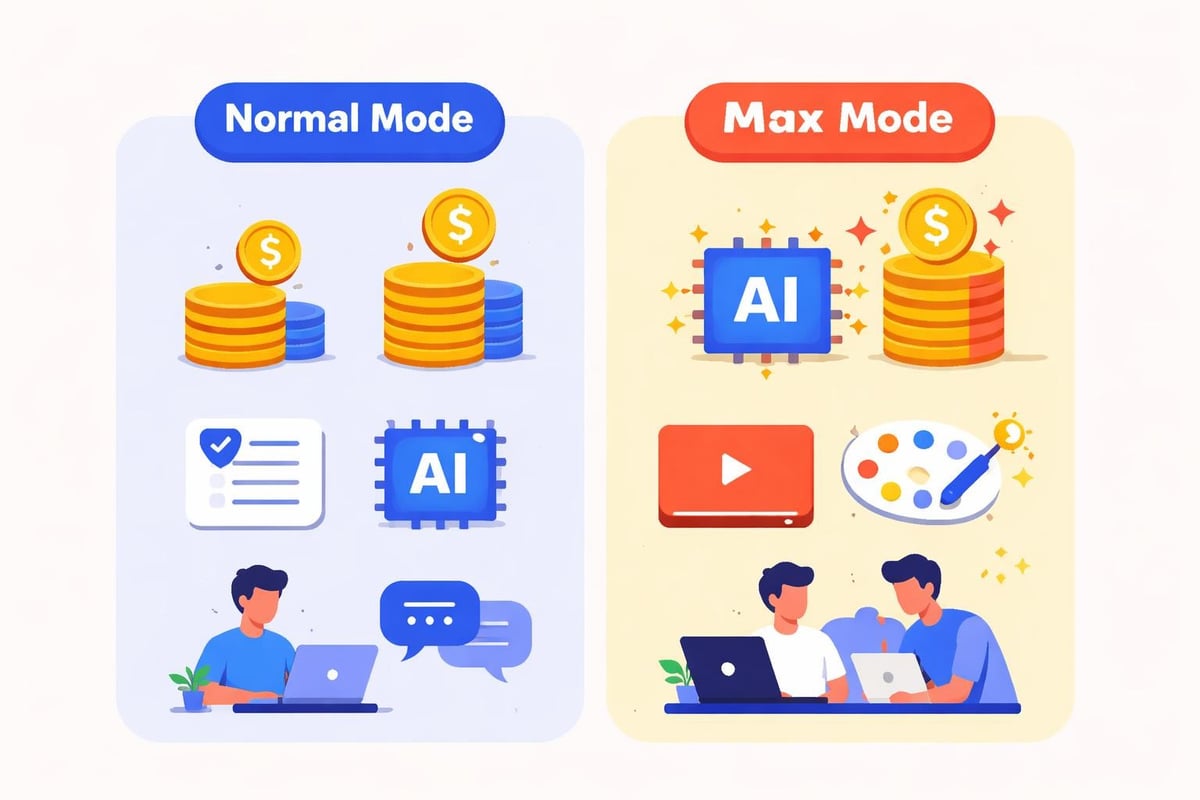
An often-overlooked aspect of cursor ai pricing involves understanding the difference between Normal and Max Mode usage patterns. Analysis of Cursor AI's cost structure reveals these modes significantly impact monthly expenses.
Normal Mode Economics
Normal Mode provides standard AI assistance for most coding tasks:
- Uses faster, more efficient AI models
- Consumes fewer credits per request
- Suitable for routine development work
- Balances performance with cost-effectiveness
Max Mode Considerations
Max Mode activates more powerful AI capabilities for complex problems:
- Leverages the most advanced available models
- Consumes significantly more credits per request
- Provides deeper context understanding
- Ideal for architectural decisions and complex debugging
Developers on the Pro plan should strategically use Max Mode for genuinely complex tasks while relying on Normal Mode for routine work to maximize their monthly allocation.
Hidden Costs and Additional Considerations
Beyond the base subscription fees, understanding the complete cursor ai pricing picture requires examining potential additional costs and usage patterns.
Over-Limit Usage
When exceeding your plan's monthly allocations, Cursor offers pay-as-you-go options:
- Additional fast requests available for purchase
- Per-request pricing varies based on AI model used
- Volume discounts may apply for Business tier customers
- No automatic charges without explicit authorization
Integration Costs
While Cursor AI itself has transparent pricing, organizations should consider integration-related expenses:
- Training time for team members to adopt the tool effectively
- Workflow adjustments to maximize AI assistance benefits
- API integrations if connecting Cursor to custom development pipelines
- Storage costs for saving AI-generated code libraries
These indirect costs remain minimal compared to productivity gains but deserve consideration in total cost of ownership calculations.
Cursor AI Pricing vs Competitive Alternatives
Evaluating cursor ai pricing requires context within the broader AI coding assistant market. Several alternatives offer different pricing models and feature sets.
Market Comparison Table
| Platform | Starting Price | Key Differentiator |
|---|---|---|
| Cursor AI | Free/$20/mo | Full IDE replacement with advanced AI |
| GitHub Copilot | $10/mo | Deep GitHub integration |
| Tabnine | Free/$12/mo | Privacy-focused, local processing |
| Codeium | Free/$15/mo | Multi-language support emphasis |
| Amazon CodeWhisperer | Free | AWS ecosystem integration |
For developers already invested in specific ecosystems, exploring AI coding assistant alternatives provides valuable perspective on which tool offers the best value for particular use cases.
Cursor's premium pricing reflects its comprehensive approach as a complete IDE rather than just an autocomplete plugin. This distinction matters for developers seeking a fully integrated AI development environment.
Maximizing Value from Your Cursor AI Investment
Getting the most from cursor ai pricing involves strategic usage patterns and workflow optimization. Smart developers employ several tactics to maximize their subscription value.
Efficiency Strategies
Batch similar tasks to leverage AI assistance most effectively:
- Group related coding tasks during focused work sessions
- Use AI for initial code generation, then refine manually
- Reserve Max Mode for genuinely complex architectural decisions
- Rely on cached responses for repetitive patterns
Leverage unlimited slow requests on the Pro plan for non-urgent work. Writing documentation, generating test cases, and refactoring legacy code work excellently with slower response times.
Monitor your usage patterns through Cursor's analytics dashboard. Understanding when you exhaust monthly allocations helps determine if upgrading makes financial sense or if adjusting usage patterns optimizes your current tier.
Team Optimization
Organizations on Business plans should establish best practices across development teams:
- Create shared libraries of AI-generated solutions for common patterns
- Define when Max Mode usage justifies the additional cost
- Track productivity metrics to quantify ROI from the subscription
- Rotate team members through training to ensure consistent adoption
Recent analysis questions whether the productivity claims might be too optimistic, but even conservative estimates suggest 50-100% productivity improvements justify the investment for most teams.
Cursor AI Pricing for Different Developer Personas
The optimal cursor ai pricing tier varies significantly based on developer type, project complexity, and usage patterns. Understanding which plan aligns with specific personas helps make informed decisions.
Freelance Developers
Independent developers typically find the Pro plan delivers optimal value. The $20 monthly cost easily pays for itself through faster project completion and reduced debugging time. Freelancers building client projects benefit particularly from AI assistance with unfamiliar frameworks or languages.
Startup Teams
Early-stage startups face a choice between equipping their entire team with Pro subscriptions versus adopting the Business plan. For teams of 3-5 developers, individual Pro subscriptions often cost less than Business pricing while providing similar functionality. Beyond five developers, Business plans typically become more cost-effective.
Enterprise Development Organizations
Large organizations evaluating cursor ai pricing should conduct pilot programs before full deployment. Comprehensive guides to Cursor's pricing recommend starting with a small team on Business tier, measuring productivity improvements, then expanding based on demonstrated ROI.
No-Code and Low-Code Developers
Developers working with platforms like those covered in AI tool for code discussions find Cursor particularly valuable. The AI assists with the traditional coding portions while no-code platforms handle visual development, creating a powerful hybrid approach.
Annual vs Monthly Billing Considerations
Cursor AI offers both monthly and annual billing options for the Pro tier, with annual billing providing a 20% discount. This pricing structure warrants careful analysis based on your situation.
Annual Billing Advantages
Paying annually for the Pro plan costs $192 versus $240 for monthly payments:
- $48 annual savings (20% discount)
- Budget predictability with fixed annual costs
- No monthly billing administration overhead
- Commitment signals to yourself about adoption
Monthly Billing Benefits
Despite higher total costs, monthly billing offers flexibility advantages:
- Lower initial commitment for testing extended usage
- Easy cancellation if needs change
- Cash flow management for variable-income developers
- Ability to adjust based on project pipelines
Most developers should start with monthly billing for 2-3 months to confirm consistent usage patterns, then switch to annual billing once confident in long-term adoption.
Recent Pricing Updates and 2026 Changes
Cursor AI has maintained relatively stable pricing throughout 2025 and into 2026, though several important updates merit attention. Recent articles discussing Cursor's pricing structure highlight key changes in request allocations and model access.
Notable 2026 Updates
The platform has enhanced value without increasing base prices:
- Increased fast request allocations from 400 to 500 for Pro users
- Added Claude 3.5 Sonnet access to Pro tier
- Improved response times for slow requests
- Enhanced code completion accuracy across all tiers
These improvements demonstrate Cursor's commitment to delivering increasing value at existing price points rather than passing AI model cost increases directly to customers.
Is Cursor AI Pricing Worth It?
The fundamental question facing developers evaluating cursor ai pricing centers on value justification. Does the subscription cost deliver sufficient productivity improvements to warrant the investment?
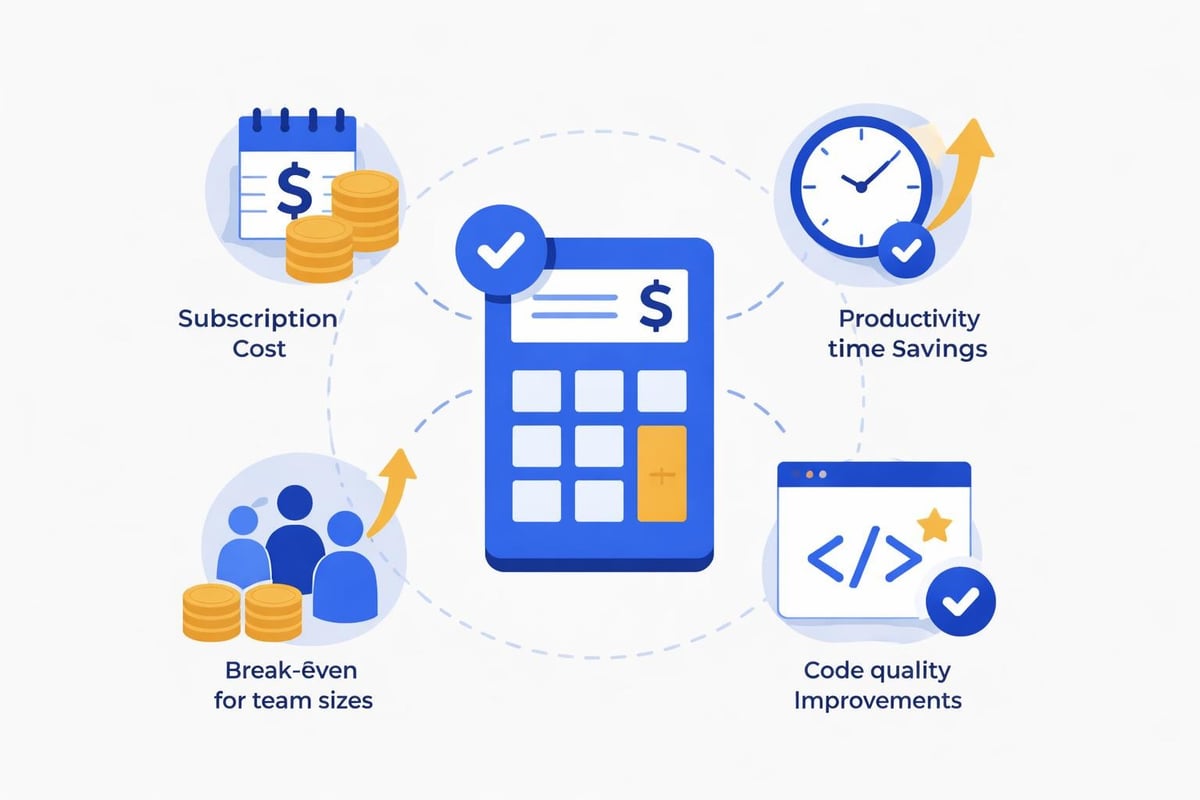
Calculating Personal ROI
Consider this framework for individual developers:
If Cursor saves you 5 hours per month at a $50/hour billing rate, the value created equals $250 monthly. Subtracting the $20 Pro subscription cost yields $230 in net value. This represents an 11.5x return on investment.
Even conservative estimates suggesting 2-3 hours of monthly time savings still deliver 5-7x ROI for most professional developers. The calculation becomes even more compelling for those billing at higher rates or working in time-sensitive environments.
Team-Level Analysis
Organizations must evaluate cursor ai pricing against fully-loaded developer costs. With average software engineer salaries exceeding $120,000 annually in the United States, even modest productivity improvements justify the investment.
A development team of 10 engineers on the Business plan might pay $2,000-3,000 monthly. If this investment improves team productivity by just 10%, the organization gains the equivalent of one additional developer while paying a fraction of hiring costs.
Strategic Considerations for Agencies
Development agencies face unique considerations when evaluating cursor ai pricing. The decision impacts not only internal development efficiency but also competitive positioning and client delivery capabilities.
Agency Implementation Models
Agencies typically adopt one of three approaches:
- Universal adoption where all developers use Cursor as the standard IDE
- Selective deployment for specific project types or senior developers
- Project-based allocation activating subscriptions for particular client engagements
Agencies specializing in AI software development often find universal adoption delivers the strongest competitive advantage, enabling faster client delivery and higher margins.
Client Cost Pass-Through
Some agencies include Cursor AI subscription costs in project pricing, treating it as a development tool expense similar to hosting or third-party services. This approach makes sense when the tool directly contributes to client deliverables and accelerates project completion.
Others absorb the cost as overhead, viewing improved developer productivity as an internal efficiency gain that increases overall profitability without requiring explicit client billing.
Making Your Cursor AI Pricing Decision
Selecting the right cursor ai pricing tier requires honest assessment of your development patterns, budget constraints, and growth trajectory. Use this decision framework to guide your choice.
Decision Matrix
Ask yourself these critical questions:
- How many AI-assisted coding requests do I generate weekly? If regularly exceeding free tier limits, Pro justifies its cost.
- Do I work with multiple programming languages or frameworks? Multi-language developers gain more value from premium AI models.
- Is my billing rate sufficient to justify the investment? Calculate your hourly rate times estimated time savings.
- Do I need team collaboration features? Organizations requiring admin controls should evaluate Business tier.
- Can I commit to annual billing? Long-term users should leverage the 20% annual discount.
Trial Recommendations
Start with the free tier for one month to establish baseline usage patterns. Track how frequently you hit request limits and note situations where AI assistance would have accelerated development. This data-driven approach removes guesswork from the pricing decision.
If consistently maxing out free tier allocations, upgrade to Pro on monthly billing for quarter two. Evaluate productivity improvements and calculate actual ROI before committing to annual billing for year two.
Understanding cursor ai pricing empowers developers and organizations to make informed decisions about adopting this powerful AI-assisted development tool. Whether you start with the free tier, invest in the Pro plan, or deploy the Business solution across your organization, aligning the pricing tier with your actual usage patterns ensures maximum value. At Big House Technologies, we leverage cutting-edge development tools including AI assistants to deliver scalable software solutions efficiently. Our expertise in no-code platforms like Bubble combined with AI-enhanced development workflows enables us to build enterprise-grade applications faster and more cost-effectively than traditional approaches. Ready to accelerate your development project? Contact us to discover how we can transform your ideas into fully functional products.

About Big House
Big House is committed to 1) developing robust internal tools for enterprises, and 2) crafting minimum viable products (MVPs) that help startups and entrepreneurs bring their visions to life.
If you'd like to explore how we can build technology for you, get in touch. We'd be excited to discuss what you have in mind.
Other Articles
Discover how telegram bot ai transforms business communication. Learn development strategies, use cases, and no-code implementation approaches.
Discover how voice to text AI revolutionizes business workflows, enhances accessibility, and powers modern no-code applications in 2026.
Discover 7 inspiring software project ideas for 2026 to boost your skills and portfolio Explore AI no code SaaS and more with practical steps to get started