
Imagine a world where anyone can build powerful apps and automate tasks without writing a single line of code. In 2026, no code tools are poised to revolutionize how businesses and individuals innovate, making digital transformation faster and more accessible than ever.
This article dives into the top 10 no code tools that will shape the future of workflows. Discover platforms packed with cutting-edge features, flexible pricing, and real-world success stories. Whether you want to streamline processes or launch a new idea, these tools offer the keys to unlocking productivity and growth.
Get ready to explore the solutions that will drive your success in the no code era.
The Rise of No Code Solutions in 2026
The landscape of technology is undergoing a seismic shift as no code tools reshape how businesses and individuals innovate. What began as basic website builders has evolved into a vibrant ecosystem of platforms that empower users to build apps, automate workflows, and solve complex problems—all without writing a single line of code.
The Evolution of No Code Tools
No code tools have come a long way from their humble beginnings. Early platforms focused on simple drag-and-drop website creation, but today's solutions offer robust capabilities for building everything from internal dashboards to customer-facing apps. These platforms now feature visual editors, database connectors, and even AI-driven components, enabling rapid prototyping and deployment.
This evolution has opened the door for a broader audience. Now, business users, marketers, and project managers can design, launch, and iterate on solutions without waiting on traditional development cycles. The result is a faster, more inclusive approach to digital transformation.
Explosive Market Growth and Adoption
The global appetite for no code tools is at an all-time high. Recent studies show that enterprises and startups are adopting these platforms at record rates, driven by the need for speed and cost efficiency. In fact, the No-code AI Platforms Market Growth report forecasts the market to reach $24.7 billion by 2029, with a CAGR of 38.2 percent.
These numbers highlight the mainstream acceptance of no code tools across industries. Organizations are increasingly using them to reduce development time, lower expenses, and stay agile in a competitive market.
Key Drivers Fueling No Code Tools
Several factors are behind the surge in no code tools. First, there is a persistent shortage of skilled developers, making it tough for companies to deliver software at the pace demanded by modern business. Second, the pressure for rapid digital transformation means organizations need to respond to changes quickly.
No code tools address these challenges by offering scalable, customizable solutions that anyone can use. They lower barriers for innovation, allowing teams to experiment and iterate without the overhead of traditional development.
Expanding Use Cases and AI Integration
No code tools are no longer limited to simple websites or forms. Their capabilities now power a wide range of applications, including internal tools, CRMs, analytics dashboards, client portals, and e-commerce sites. The integration of AI is a major trend, with platforms offering smart automation, data processing, and predictive analytics.
AI-driven no code tools enable smarter workflow automation, helping businesses automate repetitive tasks and handle complex data with ease. This integration is setting a new standard for what users expect from modern platforms.
Challenges, Limitations, and The Road Ahead
Despite their advantages, no code tools face some hurdles. Scalability can be a concern for very large or complex projects. Security and compliance remain top priorities, especially when sensitive data is involved. Integration with legacy systems can also pose challenges.
Looking forward, the future is bright. Experts predict continued innovation, greater interoperability between tools, and widespread enterprise adoption. As no code tools mature, they are poised to become the backbone of digital transformation strategies in 2026 and beyond.
How to Choose the Right No Code Tool for Your Workflow
Selecting the right no code tools for your workflow can feel overwhelming with so many options available. The right choice can unlock huge productivity gains, while the wrong fit can cause frustration and setbacks. A clear, methodical approach ensures you find the best platform to support your goals.
Assess Your Workflow Needs
Start by identifying where your current processes slow you down. Are manual tasks eating into your time? Do you need better data management or more efficient approvals? Pinpointing these pain points will help you see where no code tools can automate or streamline your workflow.
List out essential requirements, such as collaboration, automation, or client-facing portals. Prioritize must-have features over nice-to-haves. This clarity will make it easier to filter out platforms that do not align with your needs.
Evaluate Core Features and Flexibility
When considering no code tools, focus on the features that matter most to your business. Look for intuitive visual editors, robust data integrations, scalable architecture, and AI-powered automation. Platforms with customizable templates and API access allow for greater flexibility as your needs evolve.
Security and compliance are also critical, especially if you handle sensitive information. Ensure the platform you choose meets industry standards for data protection, with user permission controls and audit logs.
Understand Pricing and Customization
No code tools come in a variety of pricing models, from free plans with limited features to enterprise-level subscriptions. Consider user-based pricing, potential add-on costs, and any limitations on data or automation volume. Free plans can be a great way to test the waters, but advanced features often require paid tiers.
Customization is just as important as cost. Does the tool offer a rich library of templates? Can you extend functionality with plugins or custom APIs? For a deeper dive, check out this detailed guide on how to choose no-code platforms for your business needs.
Prioritize User Experience and Security
Ease of use is a major factor when adopting no code tools. Evaluate the learning curve, quality of onboarding materials, and the strength of the user community. A supportive ecosystem can make adoption smoother and troubleshooting faster.
Security cannot be overlooked. Ensure the tool offers encryption, compliance certifications, and clear data ownership policies. These factors are especially important for industries with strict regulatory requirements.
Integration Ecosystem and Real-World Example
The best no code tools seamlessly connect with your existing stack, such as Google Sheets, Slack, or Salesforce. A strong integration ecosystem means you can automate workflows across multiple platforms without technical headaches.
For example, a mid-sized business recently improved their operations by carefully evaluating their pain points, comparing features, and selecting a no code platform that offered both robust integrations and strong security. As a result, they reduced manual work and boosted productivity across teams.
Top 10 No Code Tools to Transform Your Workflow in 2026
The landscape of no code tools in 2026 is more vibrant than ever. Businesses and individuals are increasingly turning to these platforms to streamline processes, launch new products, and automate daily tasks without writing a single line of code.
Below, we spotlight the top 10 no code tools reshaping workflows and unlocking productivity. Whether you’re building apps, automating workflows, or launching an online store, these solutions deliver speed, flexibility, and innovation.
Big House Technologies
Big House Technologies stands out among no code tools for its comprehensive suite covering everything from rapid prototyping to scalable app delivery. With flexible pricing tailored for both startups and enterprises, it’s designed to meet complex needs.
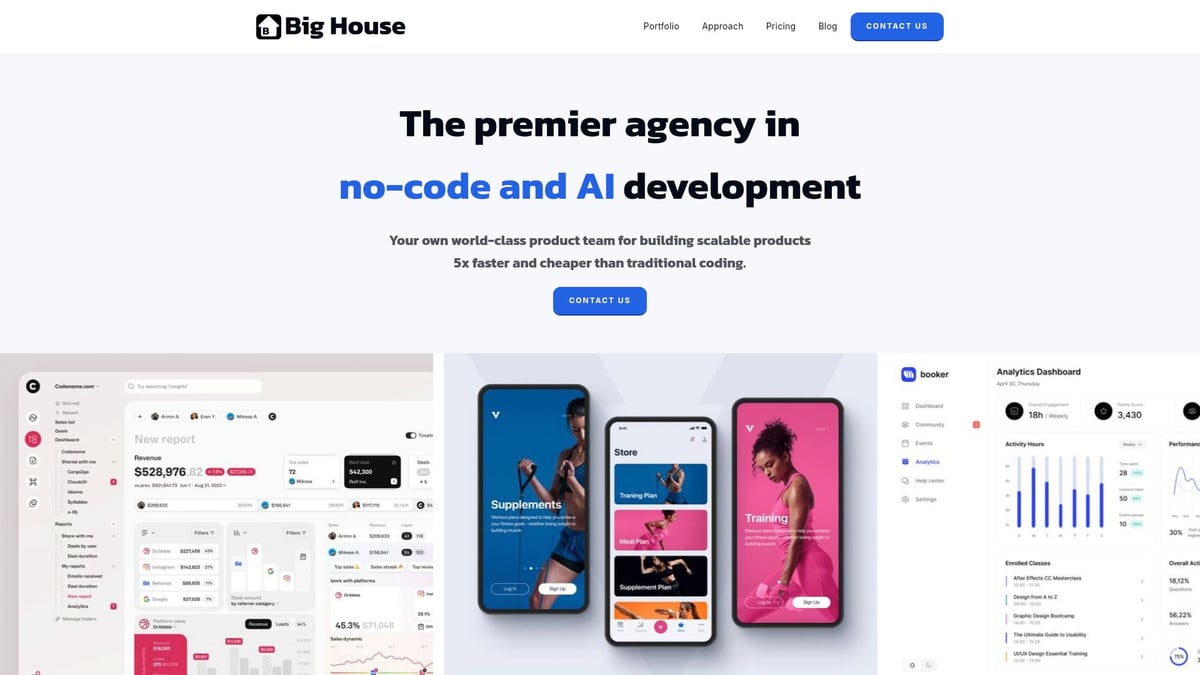
Core features include end-to-end no-code development, seamless AI integration, UI/UX design, and robust QA. Their platform leverages tools like Bubble and Lovable, allowing clients to build sophisticated applications with minimal friction.
The benefits are substantial. You can launch products up to five times faster and save as much as 75 percent compared to traditional development. Enterprise clients have reported saving millions, as in one case where a client reduced costs by €2 million.
Big House targets startups, enterprises, and non-technical founders who want high-quality custom apps or internal tools. Pros include deep expertise in no code tools and AI, a collaborative approach, and consistent results across industries. The main drawback is that their custom pricing may not fit micro-business budgets, as they focus on larger projects.
If you want to learn more about how enterprises use these solutions, check out No-code solutions for enterprises.
Softr
Softr makes it easy to turn spreadsheets into powerful web apps, client portals, or internal tools. It’s one of the most accessible no code tools for business users, educators, and non-profits.
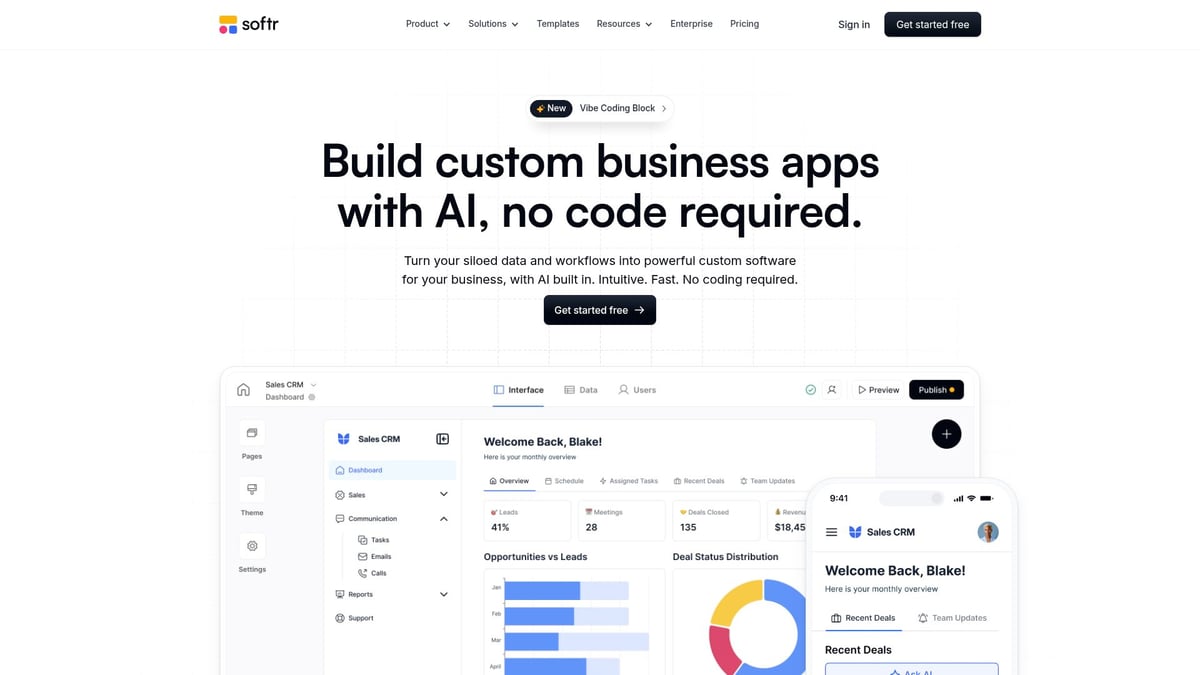
With a free plan and paid options starting at $49 per month, Softr offers drag-and-drop building, real-time database integrations (Airtable, Google Sheets, Notion), and responsive design. You can deploy a secure client portal or community hub in just days.
The platform’s benefits include rapid deployment, a rich template library, and mobile-friendly layouts. Operations teams, educators, and SMBs use Softr to automate processes and centralize data.
Pros are real-time data sync, extensive templates, and low technical barriers. Advanced features are reserved for higher-tier plans, which may limit entry-level users. Still, if you’re seeking no code tools that empower business teams, Softr is a top contender.
Zapier
Zapier is synonymous with automation in the world of no code tools. It connects over 6,000 apps, letting you automate repetitive tasks and build multi-step workflows without coding.
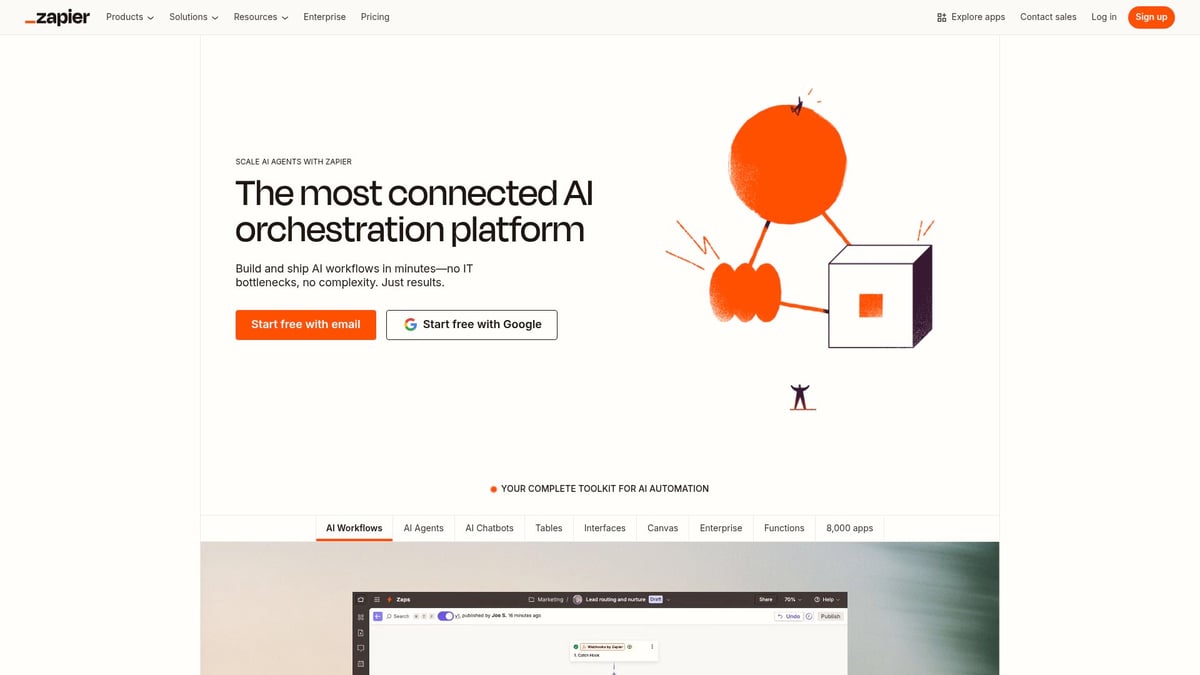
The free tier covers basic needs, while paid plans start at $19.99 per month. Zapier’s automation templates, conditional logic, and massive integration ecosystem make it a favorite for marketers, SMBs, and project managers.
With Zapier, you can boost productivity by connecting your favorite apps and automating lead management, notifications, or data entry. A marketing agency, for example, saved more than 10 hours per week by automating lead management.
Pros include easy setup, reliability, and an ever-growing app directory. The free plan has task limits, and advanced logic requires higher tiers. For businesses looking to streamline workflows, Zapier remains a must-have among no code tools.
Webflow
Webflow redefines website building among no code tools, giving users full design control and professional-grade results. With plans starting at $12 per month, plus CMS and e-commerce options, it’s ideal for designers, agencies, and content creators.
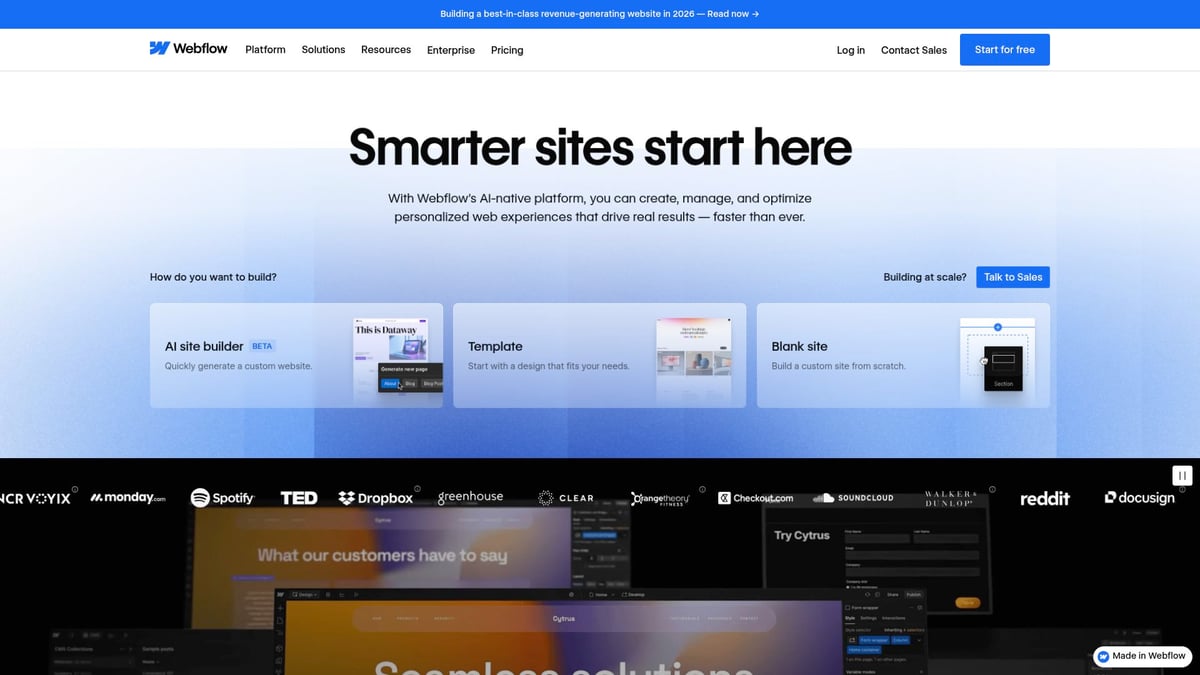
Key features are a visual website builder, custom animations, built-in CMS, SEO tools, and secure hosting. You can launch branded marketing sites or complex portfolios in record time.
Pros include advanced design flexibility, responsive layouts, and an intuitive CMS. However, mastering complex sites comes with a learning curve, and CMS features require paid plans.
Webflow empowers startups and agencies to create visually stunning sites quickly, making it a standout in the no code tools ecosystem.
Airtable
Airtable blends the familiarity of spreadsheets with the power of a database, making it one of the most versatile no code tools available. With a free plan for up to 1,200 records and paid options from $20 per user per month, it’s scalable for teams of any size.
Core features include collaboration tools, automation, and integrations with popular apps. Airtable helps organize data visually and automate routine tasks, making it perfect for project managers, product teams, and educators.
A standout benefit is its intuitive interface and rich template library. Teams have built real-time project trackers and automated updates, saving countless hours. The main con is that record limits and advanced automations require higher-tier plans.
No code tools like Airtable are transforming how teams manage data and streamline operations.
Shopify
Shopify has become a staple among no code tools for launching online stores. With a 14-day free trial and paid plans from $29 per month, it’s accessible for entrepreneurs, SMBs, and creators.

Shopify’s core features include a drag-and-drop store builder, integrated payment processing, inventory management, and a vast app marketplace. You can easily scale from a small shop to a global e-commerce brand.
The benefits include robust templates, seamless payments, and extensive add-ons. Retailers have used Shopify to expand into online sales and automate order fulfillment.
Pros are ease of use and scalability, while transaction fees and some customizations may require extra apps. For those seeking no code tools to power e-commerce, Shopify is a leader.
Directual
Directual brings powerful backend logic and AI integration to the table, making it a top pick among advanced no code tools. Paid plans start at $39 per month, offering a backend logic builder, plugin library, custom API support, and a web page builder.
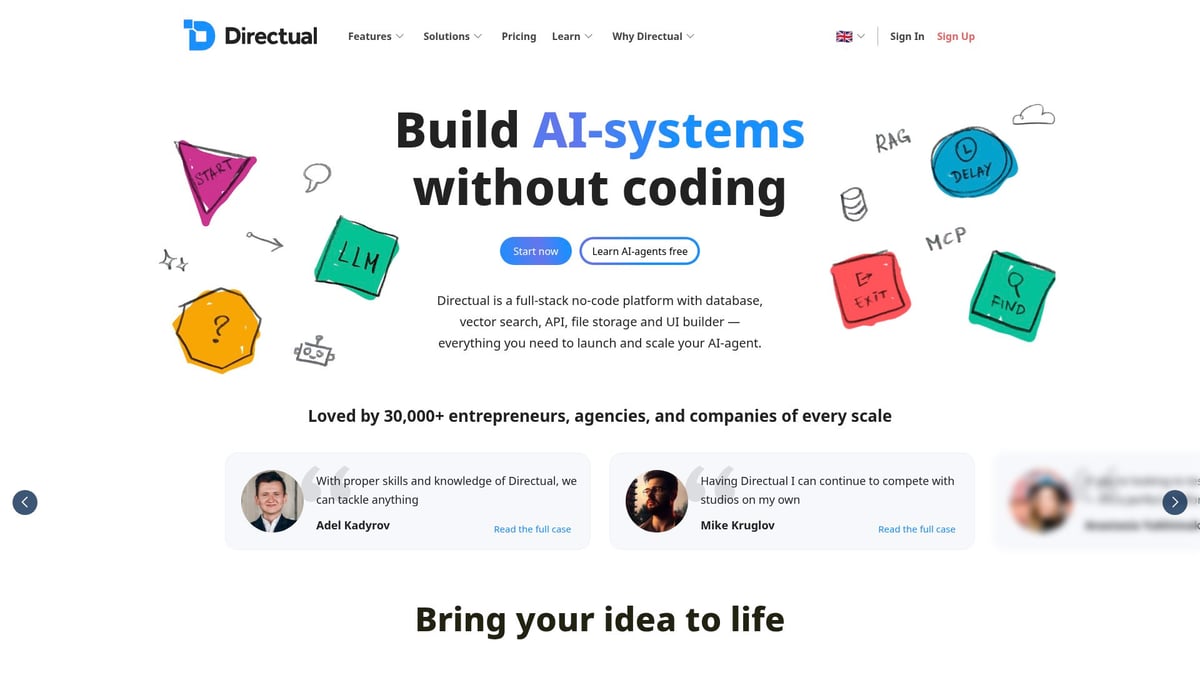
Directual enables businesses to build complex apps, integrate AI, and even add Web3 features—without writing code. SaaS startups have automated customer onboarding and built custom workflows using its visual interface.
Pros include robust backend workflows, flexible integrations, and prompt-to-code AI features. However, beginners may find the learning curve steep, and advanced features come at higher price points.
If you need no code tools with powerful logic and AI capabilities, Directual stands out.
Typeform
Typeform is a leader in conversational forms and surveys among no code tools. Its free plan allows up to 3 forms and 100 responses per month, with paid plans from $25 per month.
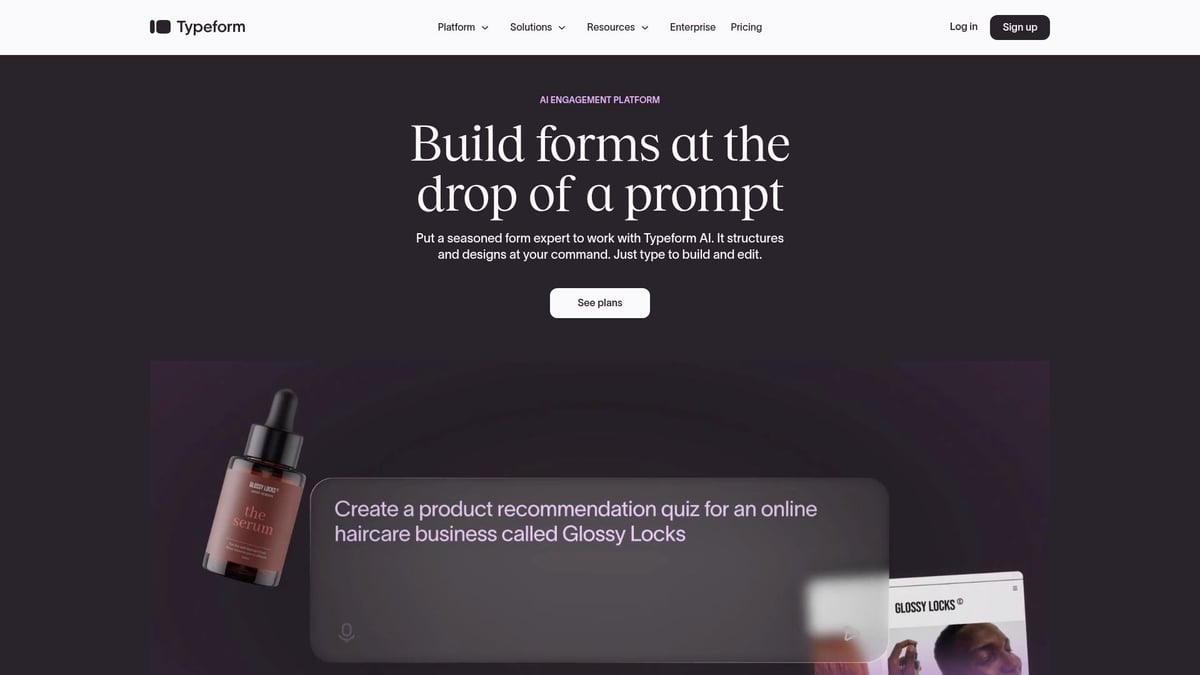
Key features include interactive forms, quizzes, 500+ integrations, and logic jumps. Marketers, HR teams, and educators use Typeform to collect data in an engaging way, often boosting response rates.
The intuitive UI, flexible logic, and CRM integrations make Typeform a favorite for businesses seeking better data collection. One HR team improved candidate experience by creating interactive job applications.
Cons are response limits on the free plan and advanced features requiring upgrades. Overall, Typeform brings a user-friendly approach to no code tools for data collection.
Carrd
Carrd makes building one-page sites incredibly simple and affordable, earning its place among the top no code tools for freelancers and creators. The free plan supports up to 3 sites, and the Pro plan is just $9 per year.
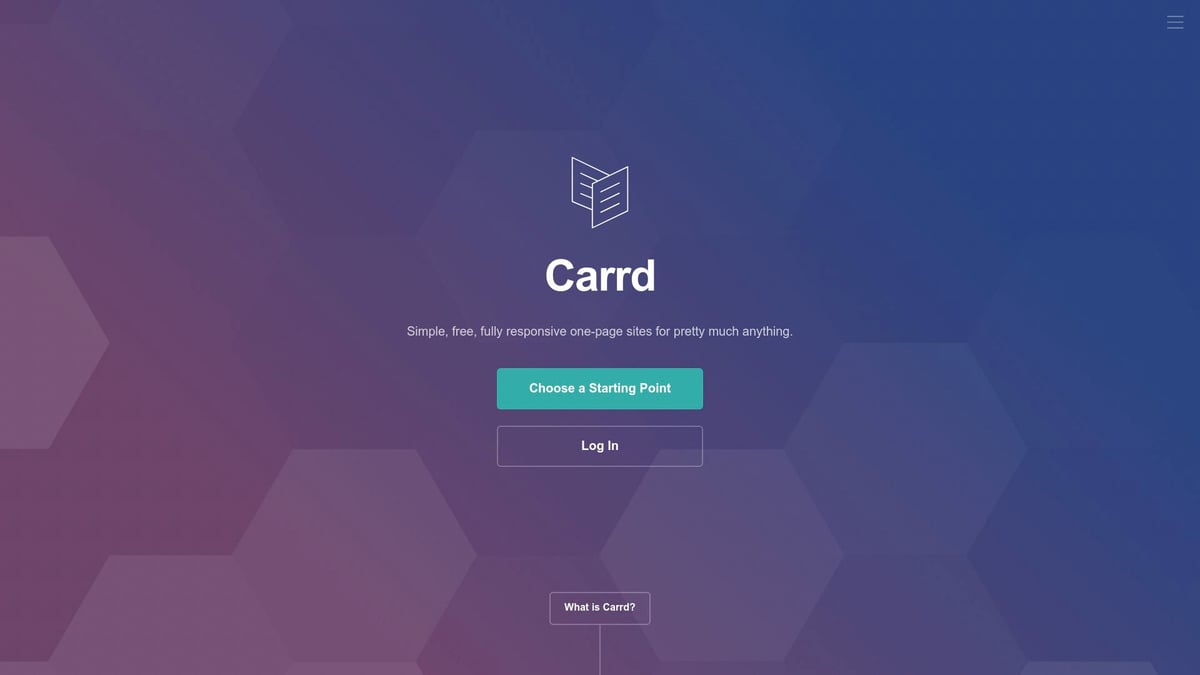
Features include a drag-and-drop editor, responsive design, custom domains, and basic forms. You can launch a landing page or personal portfolio in minutes.
The cost-effectiveness and ease of use are major pros. However, Carrd is limited to one-page sites and has fewer integrations compared to other no code tools.
For side projects, events, or quick portfolios, Carrd is the go-to choice for fast, budget-friendly web presence.
Memberstack
Memberstack brings membership management and paywalls to any website, making it a valuable addition to the no code tools lineup. The free plan lets you build until launch, with Pro plans starting at $25 per month for up to $1,200 in monthly revenue.
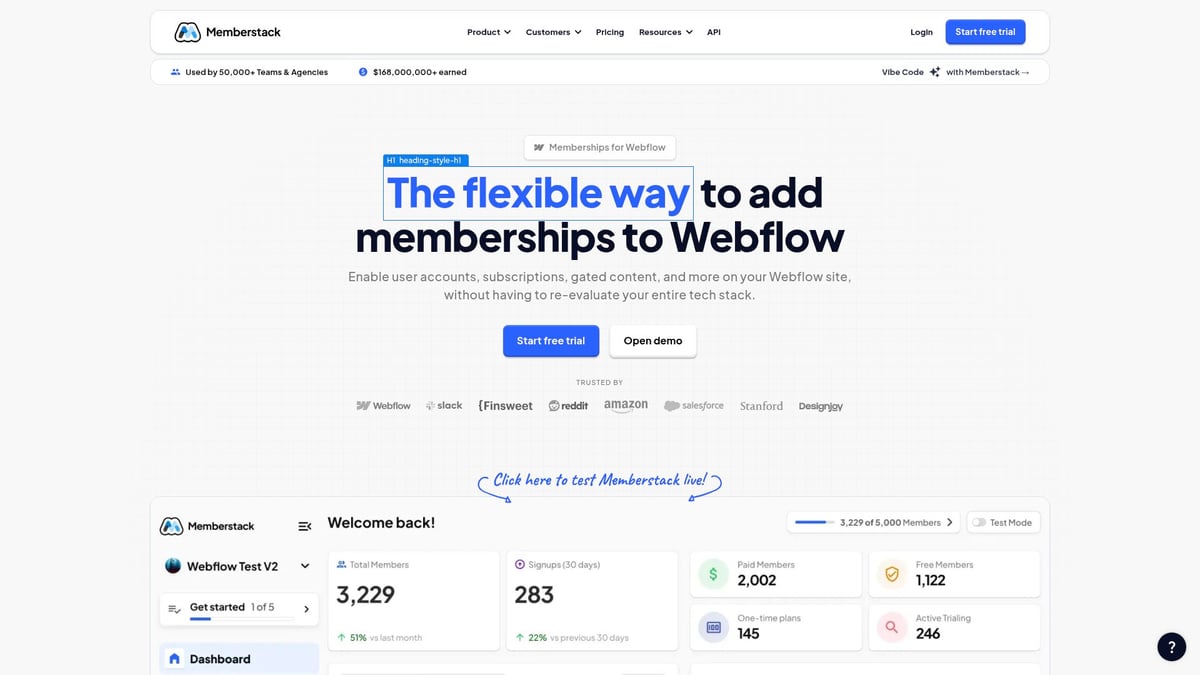
Core features include user authentication, payments, and dashboard templates. Community builders, educators, and SaaS founders use Memberstack to monetize content and manage user access.
Seamless Webflow integration, flexible user roles, and scalable pricing are big advantages. Transaction fees apply, and some advanced customizations may need developer input.
No code tools like Memberstack enable creators to launch gated communities and monetize digital products with ease.
No Code Tools Comparison Table
| Tool | Best For | Key Features | Starting Price | AI Integration | Standout Benefit |
|---|---|---|---|---|---|
| Big House | Enterprises | App dev, AI, QA | Custom | Yes | Full-service, big savings |
| Softr | Ops, SMBs | App builder, DB integration | $49/mo | Partial | Fast portal deployment |
| Zapier | Automation | 6,000+ integrations | $19.99/mo | Partial | Workflow automation |
| Webflow | Designers, SMBs | Visual site builder, CMS | $12/mo | Limited | Advanced design control |
| Airtable | Project mgmt | DB, automation, templates | $20/user/mo | Partial | Spreadsheet-database hybrid |
| Shopify | E-commerce | Store, payments, inventory | $29/mo | Limited | Quick online store launch |
| Directual | Advanced apps | Backend logic, AI, APIs | $39/mo | Yes | AI & Web3 app building |
| Typeform | Data collection | Forms, surveys, quizzes | $25/mo | Partial | Engaging data collection |
| Carrd | Simple sites | One-page builder | $9/year | No | Ultra-affordable |
| Memberstack | Membership | Auth, payments, dashboard | $25/mo | Limited | Membership monetization |
Real-World Workflow Transformations: Success Stories & Use Cases
The impact of no code tools is best understood through real-world transformations. Across industries, these platforms empower teams to automate, integrate, and innovate—often in weeks rather than months.
Consider the story of a non-profit that struggled with manual donor tracking and reporting. By adopting no code tools, they built an automated donor management system. Donation records, acknowledgments, and reports now update instantly, saving staff over 20 hours each month. The team can focus more on their mission, less on repetitive admin.
An e-commerce startup faced bottlenecks in order processing and inventory management. Their solution combined Shopify for sales, Zapier for automating notifications and fulfillment, and Airtable to track inventory in real time. With no code tools, they eliminated manual data entry, reduced shipping errors, and scaled up seamlessly as orders grew.
In the enterprise space, a global corporation needed better visibility into key metrics. Using Softr to design a custom dashboard and Directual to handle complex automation, they connected data from multiple departments. Decision makers now access real-time analytics without waiting for IT or custom reports, improving responsiveness across the organization.
For solopreneurs, no code tools open new doors. A freelancer built a lead capture and client onboarding system using Carrd for the landing page and Typeform for interactive forms. This setup automates follow-up emails and organizes client info, all without writing a single line of code. The result? Faster client acquisition and a professional first impression.
Education is another area where no code tools shine. A university combined Webflow for a sleek student portal with Memberstack for secure logins and membership management. Students access resources, submit assignments, and track progress—all through a platform built by non-technical staff.
These successes share a common thread: cross-tool integration. Teams achieve the most value when they connect their favorite no code tools to automate entire workflows. According to Gartner's Low-Code Adoption Forecast, organizations leveraging no code tools report project delivery up to 70% faster, with significant cost reductions.
The lessons are clear. Start with well-defined goals, use templates as a launchpad, and iterate based on feedback. As highlighted in The future of no-code development, the right approach unlocks efficiency, creativity, and growth for any team.
The Future of No Code: Trends and Predictions for 2026
The landscape of no code tools is evolving rapidly, and 2026 will be a landmark year for innovation and accessibility. With the growing demand for smarter solutions, these platforms are set to become the backbone of digital transformation for businesses of all sizes.
AI-first no-code is leading the way. In 2026, platforms are embedding artificial intelligence for automation, data analysis, and even content creation. This shift is making no code tools smarter and more adaptive. Examples like the OutSystems' Agent Workbench Launch highlight how agentic AI is streamlining business operations, setting a new standard for what these platforms can achieve.
Hyper-integration is another major trend. No code tools are now capable of connecting not just SaaS products but also legacy databases and IoT devices. This means businesses can unify their tech stack, automate cross-platform workflows, and gather insights from all corners of their operations without custom development.
Customization at scale is becoming the norm. Expect more granular user permissions, robust role-based access, and extensive white-label options. These features empower organizations to tailor no code tools to their unique needs while maintaining control and brand consistency.
Security advancements are at the forefront of development. As more sensitive processes move to no code tools, platforms are prioritizing compliance features and enterprise-grade data protection. Businesses can confidently automate critical workflows, knowing their data remains secure.
Community-driven innovation is flourishing. Users are creating and sharing templates, plugins, and automation recipes, accelerating adoption and creativity. This collective knowledge pool is reducing learning curves and expanding what’s possible with no code tools.
Democratized development is reshaping company cultures. Non-technical users are now leading digital transformation projects, closing the gap between business needs and IT capabilities. With intuitive interfaces and powerful features, no code tools empower everyone to become a builder.
Looking ahead to 2026, the consensus is clear. No code tools will be the default approach for new business software projects, with traditional coding reserved for highly specialized needs. For those interested in understanding the nuances between no-code and similar approaches, check out this guide on No-code vs. low-code differences. The future is bright, and the era of no code tools is just getting started.
After exploring how no code tools are set to reshape our workflows in 2026, you might be wondering how to put these insights into action for your own business or project. Whether you’re looking to streamline internal processes or launch a new product fast, the right no code strategy makes all the difference. If you’re ready to see real results or want to talk through your ideas with an expert, you don’t have to figure it out alone. Let’s chat about how you can make the most of these tools for your unique needs—just Talk to a No Code Strategist.

About Big House
Big House is committed to 1) developing robust internal tools for enterprises, and 2) crafting minimum viable products (MVPs) that help startups and entrepreneurs bring their visions to life.
If you'd like to explore how we can build technology for you, get in touch. We'd be excited to discuss what you have in mind.
Other Articles
Master ai instagram strategies for 2025 with this expert guide covering automation tools content creation scheduling analytics and future trends to boost your results
Discover how to choose the right app builder company for your business. Expert insights on platforms, costs, and best practices for 2026.
Discover how to choose the best enterprise digital transformation partners for 2026 with expert insights, evaluation steps, and future-proof strategies for success.