
In today's fast-paced business world, data-driven decisions give companies a competitive edge. By 2026, internal dashboards have become vital for tracking performance and aligning teams. To stay ahead, organizations must choose the right tools for building internal dashboards that match their unique needs. In this article, we explore seven essential solutions, highlighting their standout features, benefits, pricing, and ideal use cases. Discover how these innovative platforms can help you streamline data access, foster collaboration, and make smarter decisions. Ready to transform your operations? Let’s dive into the best tools to power your dashboards in 2026.
Why Internal Dashboards Matter in 2026
In 2026, the need for tools for building internal dashboards has never been greater. As organizations evolve, dashboards are at the heart of strategic planning, performance tracking, and data-driven decision-making. With massive amounts of data generated every day, having the right dashboards in place can mean the difference between staying ahead or falling behind.
The Evolving Role of Dashboards in Business Operations
Today’s dashboards are more than just data displays. They act as central hubs, bringing together information from numerous sources to help teams make faster, smarter decisions. Integration with artificial intelligence and real-time analytics is now standard, providing actionable insights as soon as data is available.
Organizations that invest in advanced tools for building internal dashboards report significant gains. For example, a recent Gartner study found enterprises using dashboards achieved a 30 percent increase in operational efficiency. This kind of improvement highlights the pivotal role dashboards play in modern business operations.
Trends Shaping Dashboard Technology
Several key trends are driving the evolution of dashboard technology in 2026. One of the most influential is the rise of no-code and low-code platforms, which allow teams to build dashboards quickly without deep technical knowledge. Enhanced security and compliance features are also becoming essential, as regulations tighten and data privacy concerns grow.
There’s a growing demand for customizable, user-friendly interfaces that adapt to unique business needs. If you want to understand why enterprises are embracing no-code, check out the benefits of no-code dashboards. These trends are shaping the selection of tools for building internal dashboards and setting new standards for agility and innovation.
Impact on Collaboration and Productivity
Internal dashboards are transforming how teams collaborate. By creating shared views of critical data, dashboards break down barriers between departments and promote a culture of transparency. This is especially crucial as remote and hybrid work models become the norm.
A Forrester report in 2025 revealed that 65 percent of organizations cited improved collaboration as a direct benefit of dashboard adoption. When teams use tools for building internal dashboards, they empower everyone to access and act on the same data, boosting productivity and alignment.
Challenges in Dashboard Implementation
Despite all these benefits, implementing dashboards comes with challenges. Integrating data from multiple sources can lead to silos, making it difficult to create a unified view. Balancing the need for customization with the ability to scale is another common hurdle for organizations.
User adoption and training are also critical. Even the most powerful tools for building internal dashboards are only effective if teams know how to use them. Success depends on ongoing support, intuitive interfaces, and clear onboarding strategies to drive engagement across the business.
7 Essential Tools for Building Internal Dashboards in 2026
Modern organizations depend on the right tools for building internal dashboards to unlock actionable insights, streamline operations, and foster collaboration. With a rapidly evolving landscape in 2026, choosing the right platform is vital for turning raw data into clear, decision-ready visualizations. Below, we break down seven standout solutions, each tailored for different business needs, technical skills, and budgets.
Big House Technologies
Big House Technologies leads the charge in 2026 with a no-code approach, redefining how businesses deploy tools for building internal dashboards. Their platform stands out for speed and flexibility, letting users construct dashboards without traditional coding. This is a game changer for startups and enterprises alike, especially as no-code for internal tool development becomes central to digital strategy.
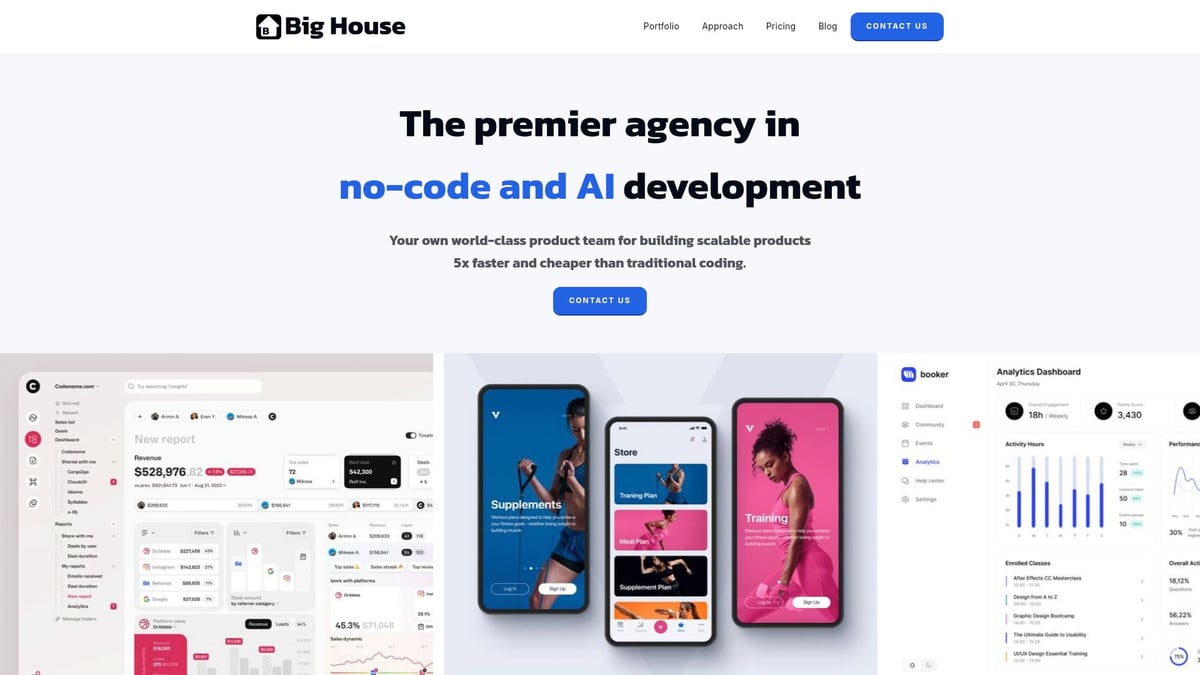
Pricing: Flexible plans cater to every stage: Basic for MVPs, Growth for scaling, and Enterprise for bespoke solutions. Transparent pricing details make budgeting simple.
Core Features:
- No-code dashboard creation powered by Bubble.
- Seamless AI integration through Lovable.
- Figma-driven UI/UX design.
- End-to-end product development and QA.
Key Benefits:
- Launch dashboards 5x faster.
- Achieve up to 75% cost savings.
- Robust quality assurance and scalable architecture.
Unique Selling Points:
- Deep expertise in no-code and AI.
- Client-centric, collaborative process.
- Enterprise results, including €2 million in cost savings.
Target Audience: Startups, product leaders, non-technical founders, and large enterprises keen on agile transformation.
Ideal Use Cases: Rapid MVP dashboards, workflow automation, scalable internal tools for fast-growing teams.
Pros:
- Exceptional speed and cost efficiency.
- High design quality and scalability.
- Hands-on client collaboration.
Cons:
- May not be ideal for organizations preferring custom-coded solutions.
Big House Technologies is a top pick among tools for building internal dashboards, especially for businesses that value agility and innovation.
Microsoft Power BI
Microsoft Power BI remains a powerhouse among tools for building internal dashboards, favored by organizations deeply integrated with the Microsoft ecosystem. Its blend of robust analytics, enterprise-grade security, and AI-powered insights makes it a staple for data-driven teams in 2026.
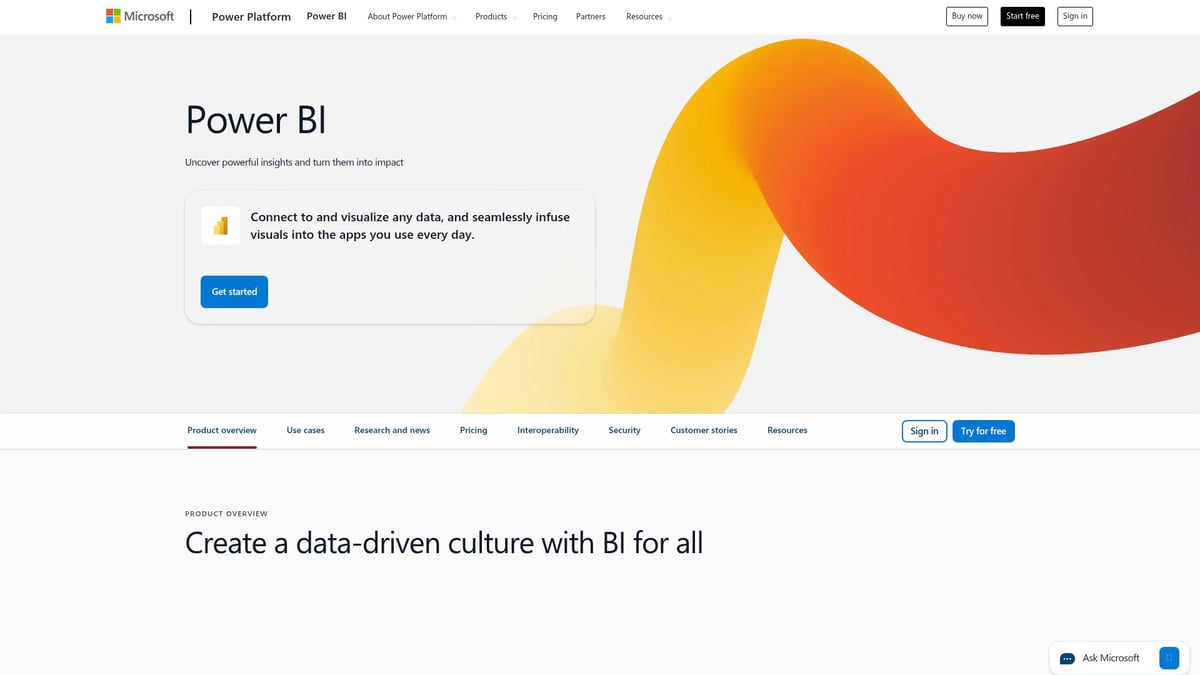
Pricing: Options range from a generous free tier to Pro ($10/user/month) and Premium ($20/user/month+), ensuring scalability for any organization.
Core Features:
- Real-time analytics and interactive dashboards.
- AI-powered data insights.
- Seamless integration with Microsoft 365 and Azure environments.
Key Benefits:
- Extensive library of data connectors.
- Enterprise-level security and compliance.
- Powerful sharing, collaboration, and natural language queries.
Unique Selling Points:
- Deep integration with Excel.
- Scalable from small businesses to global enterprises.
- Feature-rich for advanced analytics.
Target Audience: Enterprises, data analysts, and teams using Microsoft products.
Ideal Use Cases: Financial dashboards, sales analytics, operational monitoring.
Pros:
- Comprehensive feature set.
- Familiar interface for Microsoft users.
- Strong support and documentation.
Cons:
- Steep learning curve for advanced tools.
- Licensing can be complex in large deployments.
For organizations seeking mature, feature-rich tools for building internal dashboards, Power BI sets a high bar for performance and versatility.
Metabase
Metabase is a favorite among tech-savvy teams seeking flexible, open-source tools for building internal dashboards. Its approachable interface and rapid deployment empower organizations to turn raw data into powerful visualizations without extensive setup.
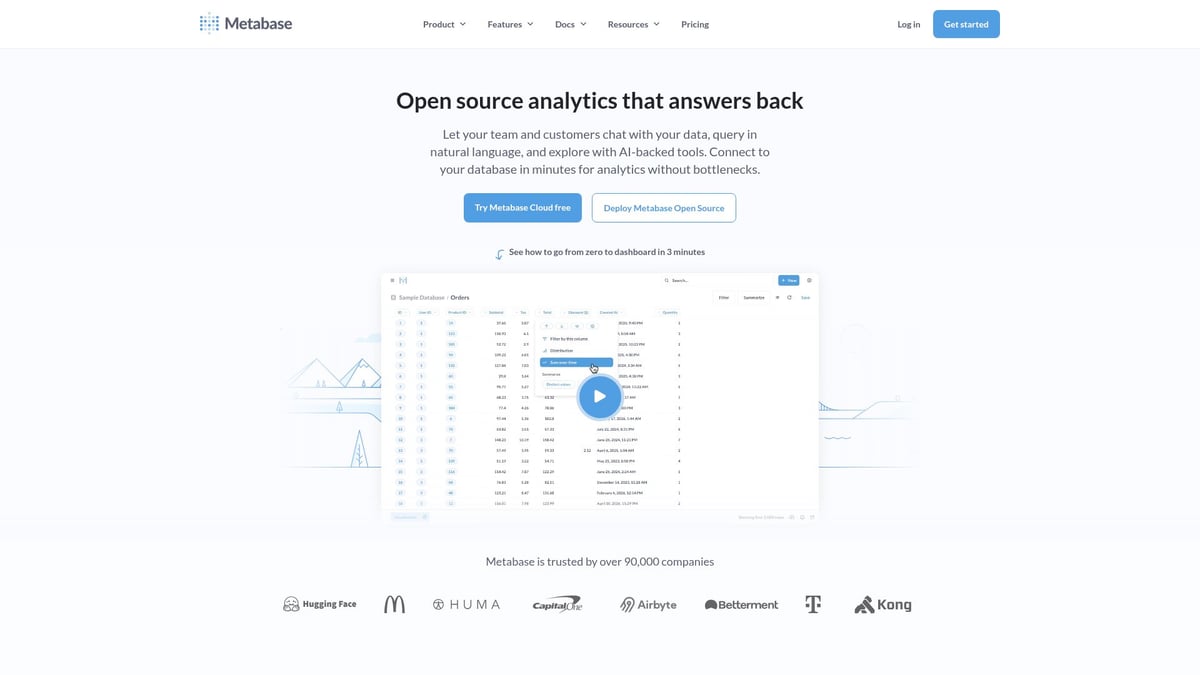
Pricing: Free open-source version, Pro at $500/month, and custom Enterprise options.
Core Features:
- No-code query builder for fast dashboard creation.
- Interactive dashboards with embedding and scheduled reporting.
- SQL and GUI options for diverse skill levels.
Key Benefits:
- Rapid deployment and ease of use.
- Flexible hosting, including self-hosting for data control.
- White-labeling and branding capabilities.
Unique Selling Points:
- Community-driven development.
- Open-source flexibility for custom integrations.
- Robust support for embedded analytics in SaaS products.
Target Audience: Startups, SMBs, and technical teams wanting more control.
Ideal Use Cases: Internal reporting, product analytics, embedded dashboards.
Pros:
- Free core product with strong community support.
- Easy setup and intuitive interface.
- Flexible for both technical and non-technical users.
Cons:
- Advanced analytics features are limited.
- Enterprise support requires a paid tier.
Metabase stands out among tools for building internal dashboards for organizations valuing open-source solutions and customization.
Tableau
Tableau continues to set the standard for data visualization among tools for building internal dashboards, offering unmatched interactive graphics and deep analytical capabilities. Its user-friendly drag-and-drop interface appeals to both data professionals and business users.
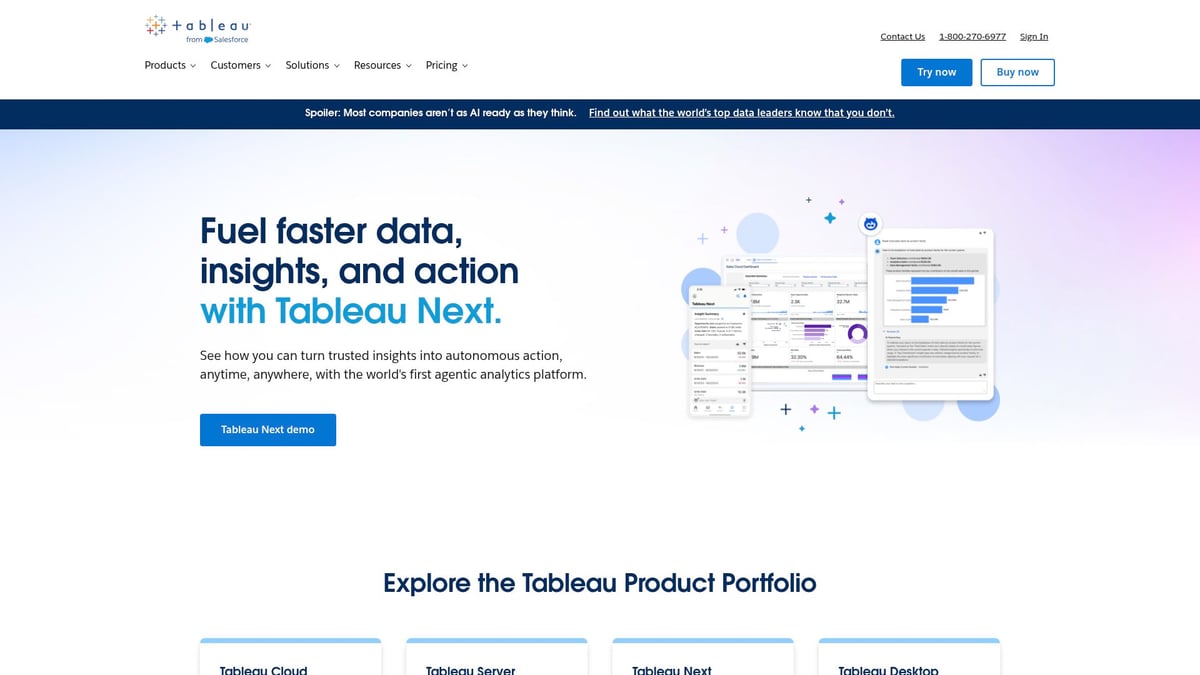
Pricing: Creator ($70/user/month), Explorer ($42/user/month), Viewer ($15/user/month).
Core Features:
- Advanced data visualization with AI-driven analytics.
- Drag-and-drop dashboard creation.
- Mobile-ready dashboards and powerful data blending.
Key Benefits:
- Highly interactive and dynamic dashboards.
- Scalable for enterprise deployment.
- Strong ecosystem of third-party integrations.
Unique Selling Points:
- Market leader in visualization quality.
- Features like Ask Data and Explain Data for AI insights.
- Active global community for support and learning.
Target Audience: Enterprises, business intelligence teams, and data analysts.
Ideal Use Cases: Executive dashboards, KPI tracking, customer insights.
Pros:
- Best-in-class visualizations.
- Scalable for large organizations.
- Thriving user community.
Cons:
- Higher cost compared to competitors.
- Resource-intensive when managing large datasets.
For businesses seeking visually stunning tools for building internal dashboards, Tableau is often the gold standard.
Retool
Retool empowers teams to rapidly develop custom internal tools for building internal dashboards, blending drag-and-drop simplicity with developer flexibility. It’s a favorite for operations and product teams needing fast, functional solutions.
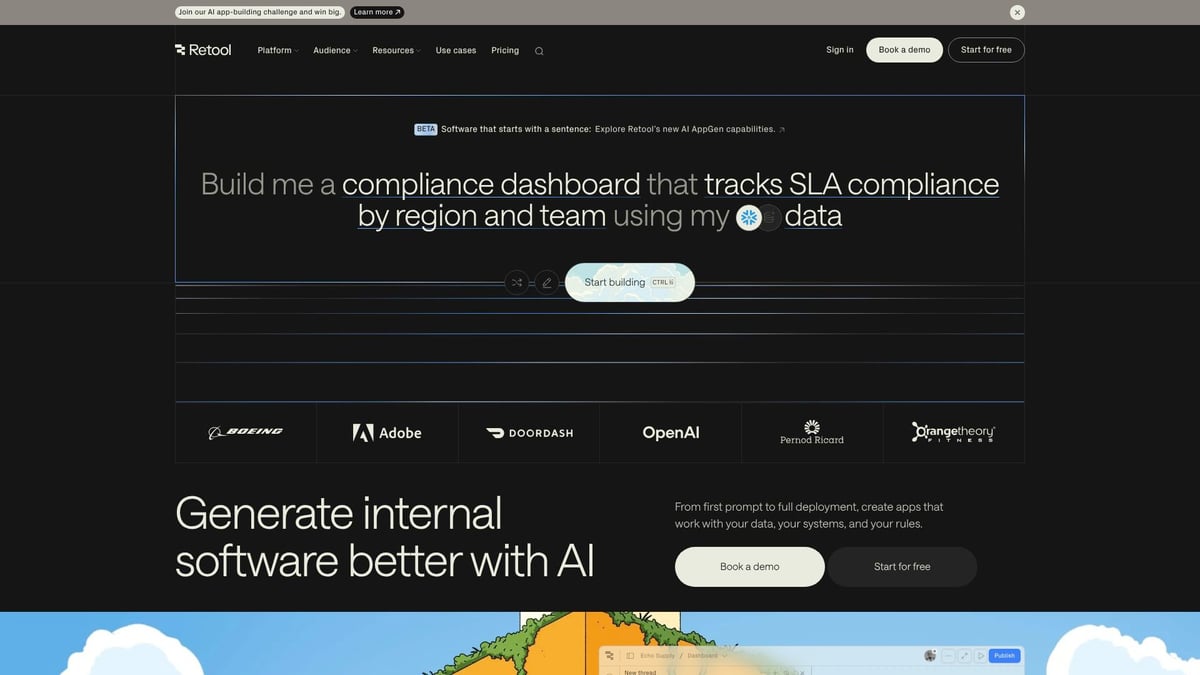
Pricing: Free for individuals, Team ($10/user/month), Business ($50/user/month), and Enterprise (custom).
Core Features:
- Drag-and-drop app builder with 50+ data connectors.
- JavaScript customization for advanced logic.
- Prebuilt components and templates.
Key Benefits:
- Accelerates internal tool development.
- Easy integration with databases and APIs.
- Granular permissions and workflow automation.
Unique Selling Points:
- Developer-friendly environment.
- Flexible deployment options.
- Strong automation and integration capabilities.
Target Audience: Product teams, operations, developers who need rapid solutions.
Ideal Use Cases: Admin panels, inventory management, support dashboards.
Pros:
- Rapid prototyping and deployment.
- Extensive integration library.
- Flexible logic with optional coding.
Cons:
- Coding knowledge enhances capabilities.
- Limited design customization compared to pure dashboard tools.
Retool excels as one of the most adaptable tools for building internal dashboards where speed and flexibility are top priorities.
Google Looker Studio
Google Looker Studio (formerly Data Studio) is a go-to solution for organizations wanting free, cloud-based tools for building internal dashboards, especially for marketing and analytics teams already invested in Google’s ecosystem.

Pricing: Free core version, with enterprise pricing for advanced Looker features.
Core Features:
- Real-time dashboards and data visualization.
- Deep integration with Google Sheets, BigQuery, and other Google services.
- Easy sharing and collaboration.
Key Benefits:
- No cost for most users.
- Supports custom connectors for diverse data sources.
- Intuitive interface for quick dashboard creation.
Unique Selling Points:
- Seamless with Google Workspace.
- Strong for marketing and campaign analytics.
- Cloud-based for remote collaboration.
Target Audience: Marketers, analysts, SMBs, Google Workspace users.
Ideal Use Cases: Website analytics, marketing dashboards, campaign tracking.
Pros:
- Free core product.
- Simple, intuitive UI.
- Strong sharing and collaboration features.
Cons:
- Limited advanced analytics.
- Performance can lag with very large datasets.
For cost-conscious teams seeking easy-to-use tools for building internal dashboards, Looker Studio is a natural fit.
Grafana
Grafana is a favorite among technical teams needing real-time monitoring tools for building internal dashboards, particularly in DevOps and IT environments. Its open-source roots and plugin ecosystem make it highly customizable.
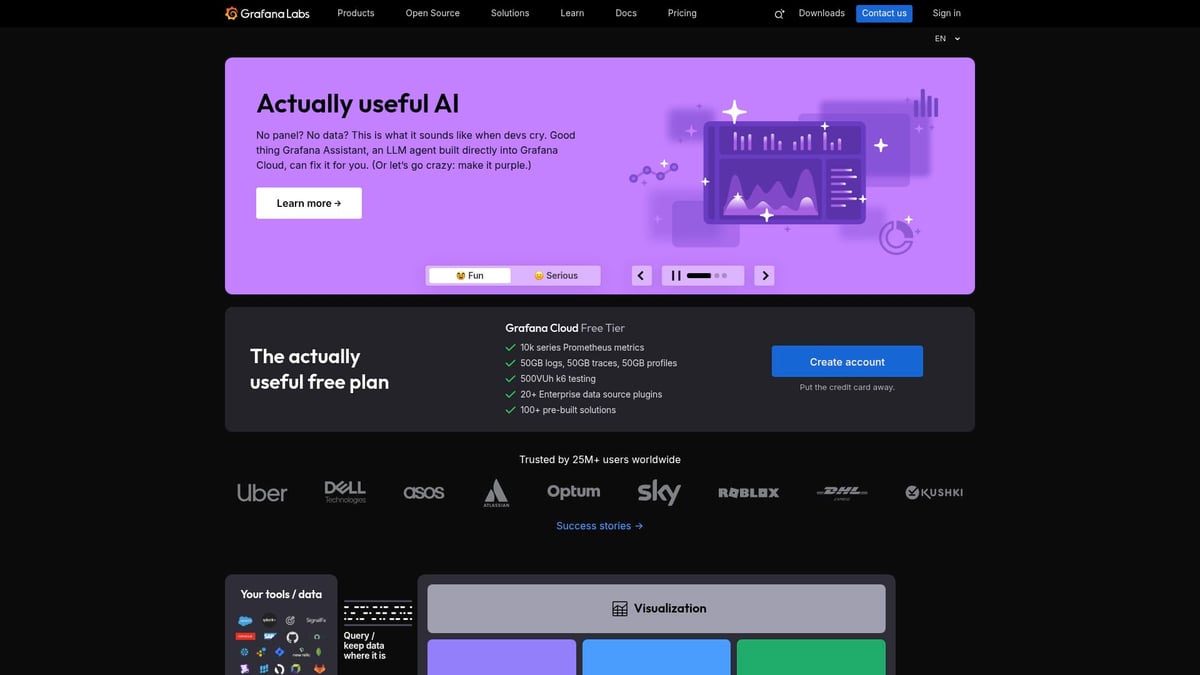
Pricing: Free (OSS), Pro ($8/user/month), Advanced and Enterprise (custom).
Core Features:
- Real-time data monitoring and customizable dashboards.
- Alerting and notification system.
- Extensive plugin ecosystem for data sources like Prometheus and InfluxDB.
Key Benefits:
- Excels at time-series and operational data visualization.
- Strong open-source community and flexibility.
- Scalable for both startups and large enterprises.
Unique Selling Points:
- Focus on DevOps, IT, and infrastructure monitoring.
- Supports broad range of data sources.
- Highly customizable and extensible.
Target Audience: IT teams, DevOps engineers, organizations needing observability.
Ideal Use Cases: Infrastructure monitoring, application performance, IoT data visualization.
Pros:
- Free core product.
- Highly customizable and scalable.
- Strong community support.
Cons:
- Steep learning curve for new users.
- Best suited for technical teams.
Grafana stands out as one of the essential tools for building internal dashboards where real-time metrics and technical customization are crucial.
Key Features to Look For in Dashboard Tools
Selecting the right tools for building internal dashboards is about more than just picking a platform with flashy visuals. You need a solution that integrates seamlessly, adapts to your workflow, and scales as your business grows. Let’s dive into the core features that separate great dashboard tools from the rest.
Data Integration Capabilities
One of the most critical requirements for tools for building internal dashboards is robust data integration. The ability to connect with databases, APIs, and cloud services ensures your dashboard reflects real-time business insights.
For example, Power BI offers over 100 connectors, making it a favorite for organizations with varied data sources. Retool excels at integrating with both SQL databases and REST APIs, allowing teams to sync internal and external data efficiently.
- Ensure compatibility with your existing data stack.
- Look for native connectors and API support.
- Prioritize platforms that automate data refreshes.
Without strong integration capabilities, your dashboards may become outdated or incomplete, limiting their value to your organization.
Customization and Flexibility
Customization is vital when considering tools for building internal dashboards. Every business has unique workflows and branding needs, so flexibility matters.
Drag-and-drop builders make dashboard creation accessible, while code extensibility allows technical teams to push boundaries. Metabase’s open-source model empowers teams to tailor dashboards, and Tableau’s advanced visualization options enable deep customization.
If you’re unsure where to start, Choosing the right no-code platform can guide your decision process, especially if you want a balance of speed and adaptability.
- Seek drag-and-drop or WYSIWYG editors.
- Check for white-labeling and branding features.
- Evaluate code customization for advanced use cases.
A flexible dashboard tool can adapt as your business evolves, saving you time and resources in the long run.
Security and Compliance
Security is non-negotiable for tools for building internal dashboards, especially when sensitive business data is involved. Look for solutions with role-based access controls, audit logs, and encryption to meet compliance needs.
Power BI shines with enterprise-grade security, supporting both GDPR and HIPAA compliance. Grafana provides granular permissions and alerting, making it a strong choice for IT and DevOps teams.
- Role-based permissions protect sensitive information.
- Audit logs track user activity and changes.
- Encryption ensures data privacy and regulatory compliance.
Prioritizing security features will help maintain trust and avoid costly breaches.
Collaboration and Sharing
In today’s collaborative work environments, tools for building internal dashboards must enable seamless sharing and teamwork. Real-time collaboration ensures everyone works from the same data source, reducing miscommunication.
Google Looker Studio makes sharing easy within the Google ecosystem, while Tableau supports dashboard publishing and embedding for broader access.
- Look for real-time co-authoring and commenting.
- Scheduled reporting and automated alerts boost engagement.
- Embedding options extend dashboards beyond your team.
Collaboration features turn your dashboards into living tools that drive business alignment.
Scalability and Performance
Scalability is essential as your organization and data volumes grow. Tools for building internal dashboards should handle large datasets without performance lags and offer both cloud and on-premises deployment options.
Grafana is designed for high-volume, time-series data, making it a favorite for IT monitoring. Tableau scales well for enterprise needs, supporting thousands of users and complex data models.
- Test dashboard load times with your actual data.
- Ensure responsive design across devices.
- Consider future needs for cloud or local hosting.
For more on how dashboards are evolving to meet these challenges, see The State Of Dashboards In 2025.
Choosing dashboard tools with these features ensures you’re ready for the demands of 2026 and beyond.
How to Choose the Right Dashboard Tool for Your Organization
Selecting the best tools for building internal dashboards can feel overwhelming, given the sheer number of options. The right choice depends on your organization’s needs, resources, and future goals. Let’s break down the main factors to consider, so you can confidently match your requirements to the perfect dashboard platform.
Assessing Business Needs and Technical Requirements
Start by clarifying why you need tools for building internal dashboards. Are you aiming for real-time analytics, workflow automation, or executive reporting? Identify key stakeholders and their technical backgrounds. If your team lacks coding experience, a no-code or low-code platform may be essential. Understanding the no-code vs low-code differences can help you align the tool’s complexity with user skills. Also, consider whether you require advanced customization or simple drag-and-drop functionality. Matching features to actual business needs will save time and frustration down the road.
Budget and Total Cost of Ownership
Budgeting for tools for building internal dashboards is more than just comparing sticker prices. Look beyond monthly fees to factor in costs for implementation, training, support, and scaling. Free and open-source options like Metabase or Google Looker Studio can be attractive, but enterprise features may require paid upgrades. Estimate the total cost of ownership, including potential hidden expenses such as premium connectors or additional storage. Evaluating your budget early ensures you don’t encounter surprises as your dashboard usage grows.
Integration with Existing Infrastructure
The best tools for building internal dashboards seamlessly connect with your current data sources and infrastructure. Consider compatibility with databases, APIs, and cloud services you already use. For example, organizations heavily invested in Microsoft may benefit from Power BI’s native integration, while Google-centric teams may prefer Looker Studio. Evaluate each tool’s data connectors and integration capabilities to avoid data silos and ensure a smooth workflow. Prioritizing compatibility streamlines implementation and maximizes your existing technology investments.
User Adoption and Training
Even the most powerful tools for building internal dashboards fall short if your team doesn’t use them effectively. Prioritize platforms with intuitive interfaces, clear documentation, and accessible support channels. Look for solutions offering onboarding resources, tutorials, or even in-person training. A collaborative, user-friendly experience reduces resistance and boosts adoption rates. Big House Technologies, for example, emphasizes hands-on onboarding to ensure all users are comfortable. Remember, successful dashboards depend on both the tool and the people behind it.
Future-Proofing and Vendor Support
As your organization evolves, your tools for building internal dashboards should keep pace. Investigate each vendor’s product roadmap, update frequency, and community engagement. Robust support and active development help you adapt to changing needs, regulatory shifts, and new data sources. Staying ahead of the curve may also mean embracing iterative dashboard refinement and decision intelligence, as discussed in Beyond Visualization: Building Decision Intelligence Through Iterative Dashboard Refinement. Choosing a future-ready tool safeguards your investment and ensures long-term value.
After exploring the essential tools for building internal dashboards in 2026, you can see how no code and AI platforms are changing the way teams work smarter and faster. If you’re inspired to upgrade your workflows and want to see what’s really possible for your business, why not check out some real-world examples? It’s always helpful to see how others have turned their ideas into scalable, user friendly tools—especially when you’re planning your next steps. Take a look at what’s worked for other founders and get inspired by visiting See What We’ve Built for Founders Like You.

About Big House
Big House is committed to 1) developing robust internal tools for enterprises, and 2) crafting minimum viable products (MVPs) that help startups and entrepreneurs bring their visions to life.
If you'd like to explore how we can build technology for you, get in touch. We'd be excited to discuss what you have in mind.
Other Articles
Discover the ultimate guide to developing enterprise applications in 2025. Learn step-by-step strategies, tech trends, security, and future-proofing for success.
Discover the ultimate guide to testing and development in 2025. Learn top trends, tools, and strategies to streamline workflows and boost software quality.
Discover the top no-code platforms transforming enterprise workflows in 2026. Compare features, integration capabilities, and scalability options.