
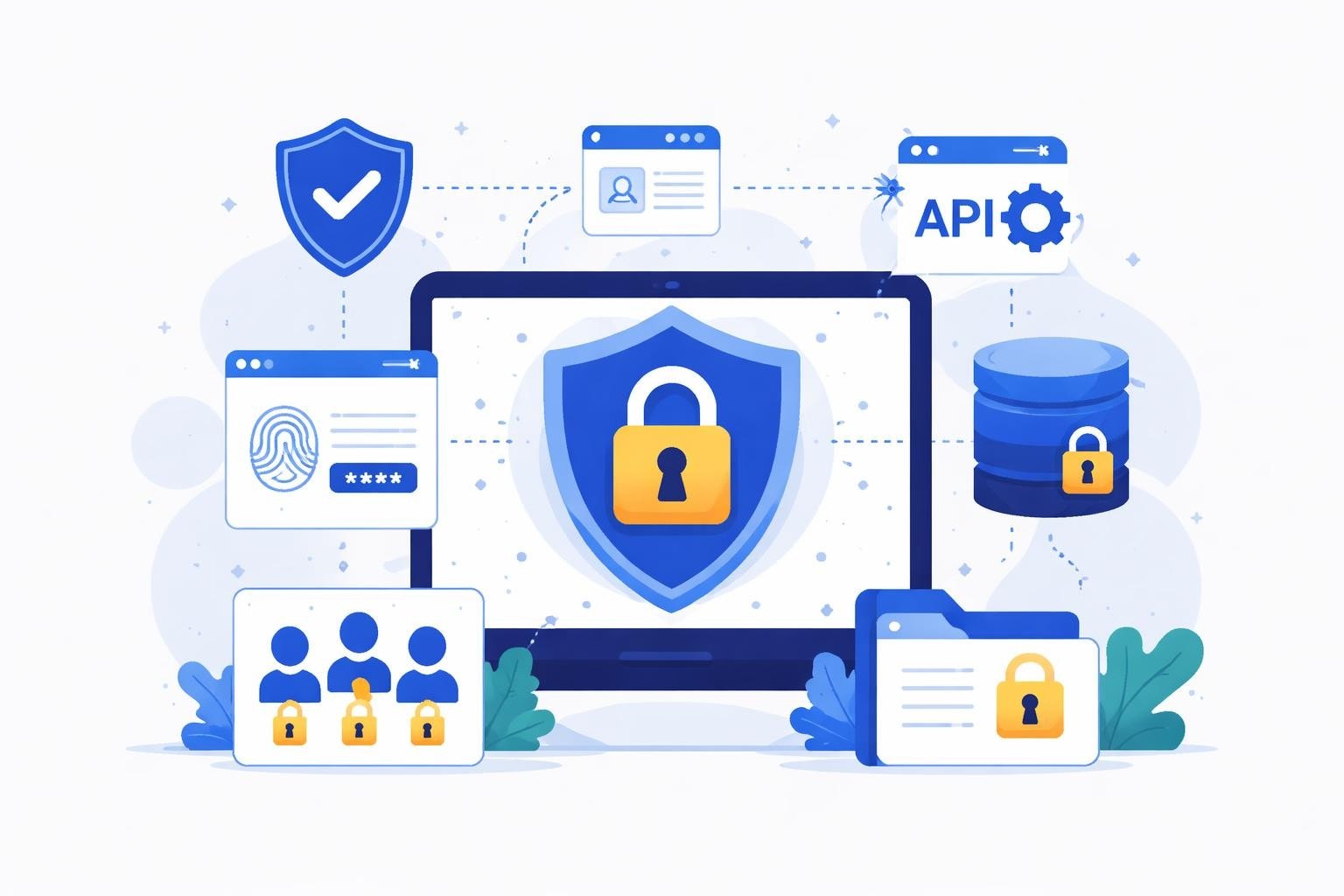
No-code development has transformed how enterprises and startups build software, but security remains a critical concern. A thorough bubble app security review is essential for any organization using Bubble to create scalable applications. As businesses increasingly rely on no-code platforms to accelerate development timelines and reduce costs, understanding the security landscape becomes paramount. This comprehensive guide examines the security considerations, vulnerabilities, and best practices necessary to protect your Bubble applications in 2026.
Understanding Bubble's Security Foundation
Bubble provides robust security features out of the box, but developers must understand how to leverage them effectively. The platform includes built-in security mechanisms such as HTTPS encryption, DDoS protection, and API authentication that form the foundation of application security.
Platform-Level Security Features
When conducting a bubble app security review, it's important to recognize what Bubble handles automatically versus what requires developer configuration. The platform manages server infrastructure, applies security patches, and maintains compliance certifications that would otherwise require significant technical resources.
Key platform features include:
- Automatic HTTPS encryption for all applications
- Regular security updates and patches
- SOC 2 Type II compliance
- DDoS mitigation at the infrastructure level
- Secure credential storage for third-party integrations
However, these platform-level protections represent only the baseline. The real security challenges emerge from how developers configure privacy rules, manage authentication, and structure data access within their applications.
Common Vulnerabilities in Bubble Applications
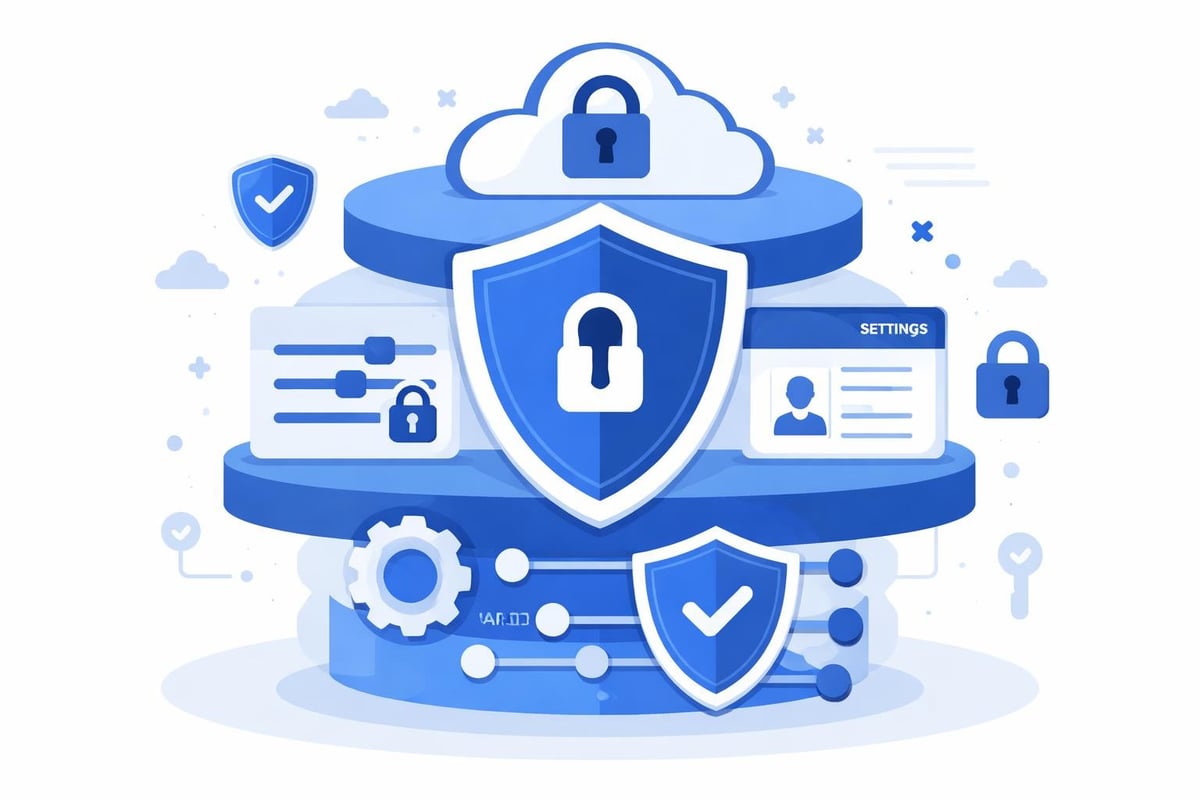
A comprehensive bubble app security review must address the most frequent security gaps that emerge during development. Common security pitfalls in no-code platforms often stem from misconfigured privacy rules or inadequate access controls rather than platform weaknesses.
Privacy Rule Misconfigurations
Privacy rules control who can view, modify, or delete data within your Bubble application. Incorrect configurations represent the most significant vulnerability in most Bubble apps. Many developers inadvertently expose sensitive data by failing to implement granular privacy rules or by using overly permissive default settings.
| Vulnerability Type | Risk Level | Common Cause | Fix Priority |
|---|---|---|---|
| Unrestricted data exposure | Critical | Missing privacy rules | Immediate |
| Weak authentication | High | Default security settings | High |
| API key exposure | High | Client-side storage | High |
| Inadequate role-based access | Medium | Simplified permission structure | Medium |
| Insecure workflows | Medium | Public API endpoints | Medium |
Authentication and Authorization Weaknesses
Authentication determines who can access your application, while authorization controls what they can do once inside. A thorough bubble app security review examines both layers. Weak password policies, lack of multi-factor authentication, and inadequate session management create entry points for unauthorized access.
Critical authentication considerations:
- Implement strong password requirements with minimum length and complexity rules
- Enable email verification for all new accounts
- Configure appropriate session timeout durations
- Add multi-factor authentication for sensitive operations
- Review and restrict API workflow access
Organizations building enterprise-level no-code solutions must go beyond basic authentication to implement role-based access control that mirrors their organizational structure.
Conducting a Comprehensive Security Audit
Bubble provides a security dashboard that analyzes applications for potential vulnerabilities and offers actionable recommendations. This tool should be the starting point for any bubble app security review, but it shouldn't be the only assessment method.
Systematic Review Process
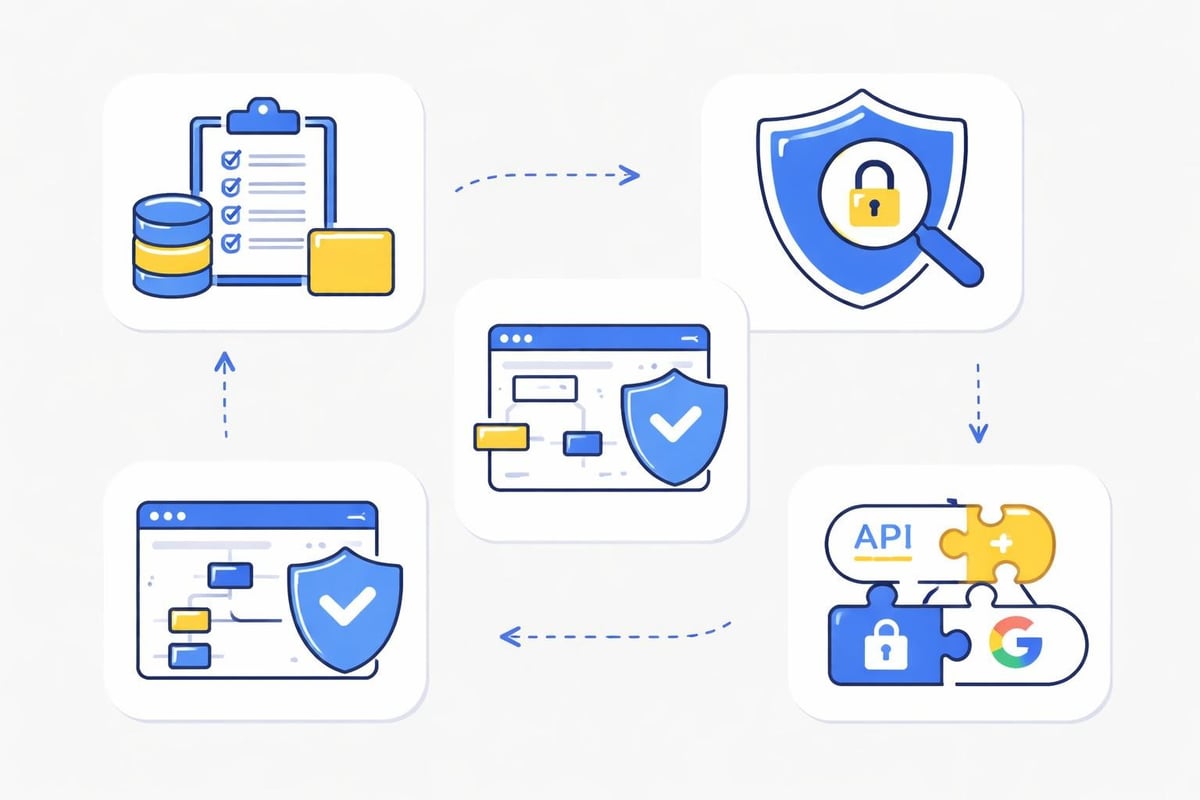
Begin by documenting all data types in your application and their sensitivity levels. Financial information, personal identifiable information, and proprietary business data require the strictest protection. Create an inventory that maps each data type to its privacy rules and access controls.
Next, examine every workflow in your application, particularly those triggered by API requests or exposed as backend workflows. Verify that each workflow includes appropriate permission checks before executing sensitive operations.
- Review all privacy rules for completeness and accuracy
- Test data access from different user roles
- Verify that sensitive fields have field-level privacy rules
- Check for exposed API endpoints without authentication
- Audit third-party plugin permissions and data access
Penetration Testing Considerations
While Bubble handles infrastructure security, penetration testing for Bubble applications focuses on application-layer vulnerabilities. This includes testing privacy rules, attempting unauthorized data access, and validating that workflows properly enforce permissions.
Best Practices for Securing Bubble Applications
Implementing best practices for no-code app security requires both technical configuration and ongoing vigilance. A bubble app security review should assess whether your application follows industry standards and Bubble-specific recommendations.
Data Privacy and Encryption
All data transmitted to and from Bubble applications uses HTTPS encryption by default. However, sensitive data should receive additional protection through field-level encryption and restricted access. Consider which data fields should be searchable and which should remain encrypted at rest.
Field-level security strategies:
- Mark sensitive fields as private in the database
- Implement granular privacy rules for each data type
- Use Bubble's built-in hashing for passwords and sensitive tokens
- Restrict admin panel access to specific IP addresses
- Enable database encryption for compliance requirements
When building applications that handle regulated data, such as healthcare or financial information, work with experienced no-code development teams who understand compliance requirements.
API Security and Integration Management
Third-party integrations introduce additional security considerations. Each API connection, plugin, and external service creates a potential vulnerability. A thorough bubble app security review examines how these integrations authenticate, what data they access, and where credentials are stored.
| Security Measure | Implementation Method | Impact Level |
|---|---|---|
| API key rotation | Environment variable updates | High |
| Request validation | Parameter type checking | Medium |
| Rate limiting | API connector settings | Medium |
| Webhook authentication | Secret token verification | High |
| CORS configuration | Allowed domain restrictions | High |
Never store API keys or sensitive credentials in client-side elements where users can inspect them. Use Bubble's backend workflows and server-side API calls to keep credentials secure. Organizations can learn from enterprise workflow automation best practices when designing secure integration patterns.
Role-Based Access Control Implementation
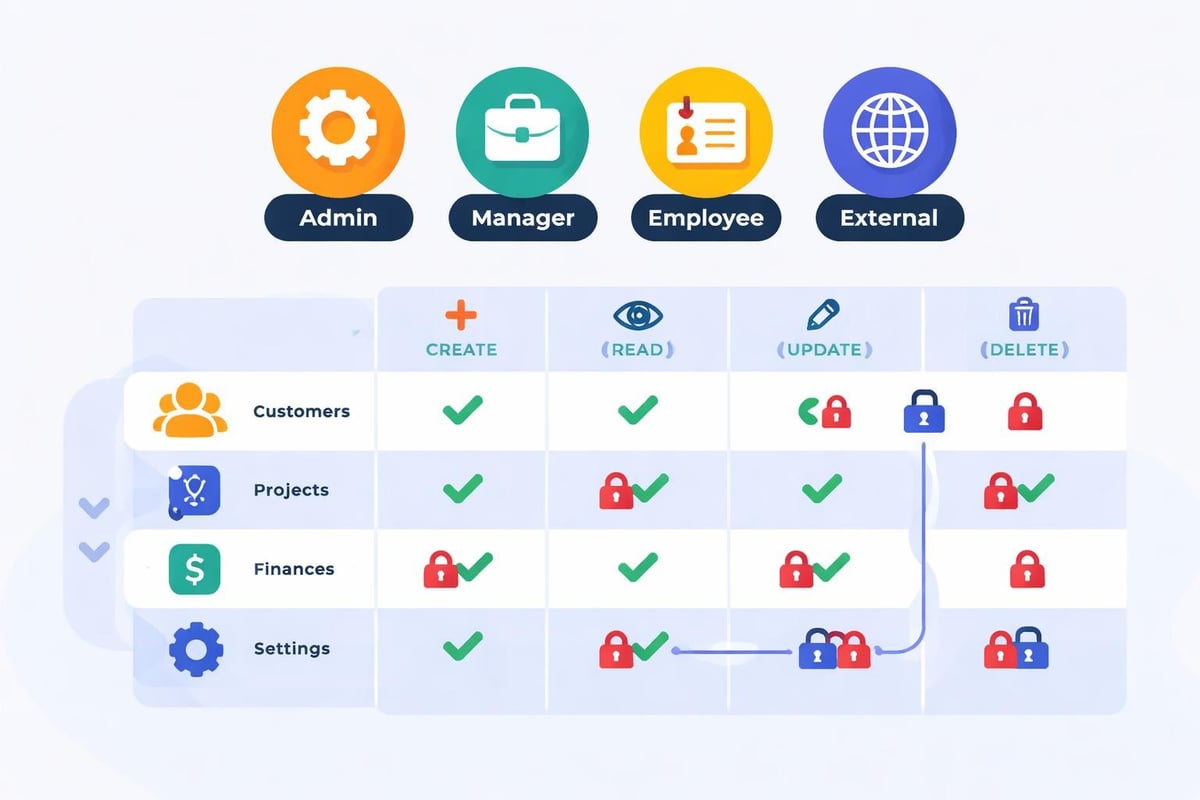
Enterprise applications require sophisticated permission systems that reflect organizational hierarchies. A bubble app security review for enterprise software must validate that role-based access control (RBAC) is properly implemented and enforced throughout the application.
Designing Permission Structures
Start by mapping your organization's roles and responsibilities. Each role should have clearly defined permissions that limit access to only the data and functions necessary for that role. Create a permission matrix that documents what each role can view, create, modify, and delete.
- Define all user roles in your application
- Document required permissions for each role
- Create Option Sets for standardized role definitions
- Implement privacy rules that reference user roles
- Test access patterns from each role perspective
Conditional Privacy Rules
Bubble's privacy rules support complex conditional logic that enables sophisticated access control. You can create rules that vary based on the current user's relationship to the data, their role, custom permissions, or external factors.
Advanced privacy rule scenarios:
- Users can only view records they created or were assigned
- Managers see all records for their department
- Executives access aggregated data across departments
- External users have read-only access to specific shared records
- Time-based access that expires after specific dates
When working with low-code digital transformation initiatives, proper RBAC ensures that legacy permission structures translate effectively to the new no-code environment.
Security Maintenance and Monitoring
Security isn't a one-time implementation but an ongoing process. A bubble app security review should occur regularly, not just during initial development. Mitigating low-code security challenges requires establishing monitoring procedures and response protocols.
Continuous Security Assessment
Schedule regular security audits quarterly or whenever significant features are added. Review server logs for suspicious activity, monitor failed login attempts, and track data access patterns. Bubble's logs provide visibility into application behavior that can reveal security incidents.
Monitoring checklist:
- Review privacy rule effectiveness monthly
- Audit user roles and permissions quarterly
- Update third-party integrations and plugins
- Test backup and recovery procedures
- Verify SSL certificate status and renewal
- Check for deprecated API versions
Incident Response Planning
Even with comprehensive security measures, incidents may occur. Develop a response plan that includes identifying the breach, containing the damage, notifying affected parties, and implementing corrective measures. Document who has authority to make security decisions and how to escalate issues.
Security Considerations for Different Application Types
The specific security requirements for your bubble app security review vary based on application type and use case. Internal tools require different protections than customer-facing marketplaces or SaaS products.
Internal Enterprise Tools
Applications used exclusively by employees can implement IP restrictions, VPN requirements, and single sign-on integration. These tools often handle sensitive business data but have a controlled user base, allowing for stricter access controls.
Organizations building internal collaboration tools should leverage Bubble's API authentication features to integrate with existing corporate identity management systems.
Customer-Facing Applications
Public-facing applications require different security approaches. You can't restrict access by IP address, and you must assume some users will attempt to exploit vulnerabilities. Implement aggressive rate limiting, comprehensive input validation, and assume all client-side data validation can be bypassed.
Multi-Tenant SaaS Platforms
SaaS applications where multiple organizations share infrastructure require the most rigorous security. Each tenant's data must be completely isolated, both in the database and through privacy rules. A bubble app security review for multi-tenant applications should verify that no data leakage occurs between tenants under any circumstances.
| Application Type | Priority Security Measures | Key Challenges |
|---|---|---|
| Internal Tools | IP restrictions, SSO, role-based access | Managing employee lifecycle |
| Customer Apps | Rate limiting, input validation, DDoS protection | Scalability and public exposure |
| Multi-Tenant SaaS | Data isolation, tenant-specific privacy rules | Preventing cross-tenant access |
| Mobile Apps | Secure token storage, certificate pinning | Client-side security limitations |
Advanced Security Techniques
Beyond basic privacy rules and authentication, advanced security techniques strengthen your Bubble application against sophisticated threats. Implementing essential methods for securing no-code apps positions your application to handle enterprise-scale security requirements.
Custom Security Workflows
Create reusable workflows that enforce security checks across your application. Rather than implementing the same permission logic in multiple places, centralize security decisions in backend workflows that other processes call.
This approach ensures consistency and makes security updates easier. When you need to modify a permission rule, you update one workflow rather than tracking down every location where that check occurs.
Audit Logging and Compliance
Maintain detailed audit logs that record who accessed what data and when. These logs prove invaluable for compliance reporting, security investigations, and understanding user behavior patterns. Store audit logs separately from your main database to prevent tampering.
Critical events to log:
- User authentication attempts and failures
- Changes to sensitive data records
- Administrative actions and configuration changes
- API requests and responses
- Privacy rule violations or access denials
Security Headers and Additional Protections
While Bubble manages many infrastructure-level security features, developers can add additional protections through custom code in the page header. Implement Content Security Policy headers, X-Frame-Options, and other security headers that provide defense-in-depth.
Choosing Security-Conscious Development Partners
When outsourcing Bubble development, partner selection significantly impacts application security. A bubble app security review should extend to evaluating your development team's security knowledge and practices.
Look for development agencies that demonstrate security expertise, follow secure coding practices, and conduct their own security reviews. Agencies that specialize in no-code development for enterprises understand the security requirements for business-critical applications and build appropriate protections from the beginning.
Questions to ask potential development partners:
- How do you handle privacy rule implementation?
- What security testing do you perform before deployment?
- How do you manage API credentials and sensitive configuration?
- What experience do you have with compliance requirements?
- How do you stay current with Bubble security updates?
Development teams should provide documentation of their security practices and be willing to participate in security audits. The cheapest developer isn't always the best choice when security is a priority.
Securing Bubble applications requires understanding both the platform's built-in protections and the developer-configured elements that determine real-world security. Regular security reviews, comprehensive privacy rules, and ongoing monitoring create the foundation for safe no-code development. Whether you're building internal tools or customer-facing SaaS products, Big House Technologies brings enterprise-level security expertise to every Bubble project, ensuring your applications meet the highest security standards while delivering the speed and cost-efficiency that makes no-code development compelling.

About Big House
Big House is committed to 1) developing robust internal tools for enterprises, and 2) crafting minimum viable products (MVPs) that help startups and entrepreneurs bring their visions to life.
If you'd like to explore how we can build technology for you, get in touch. We'd be excited to discuss what you have in mind.
Other Articles
Discover the best AI product development tools for startups in 2026. Learn how to build faster, smarter, and more cost-effectively.
Discover the 8 best software to develop your next big project in 2025. Explore top tools for speed, collaboration, scalability, and innovation to future proof success.
Unlock business growth in 2025 with this technological software guide Explore trends selection strategies integration tips and future proof your success