
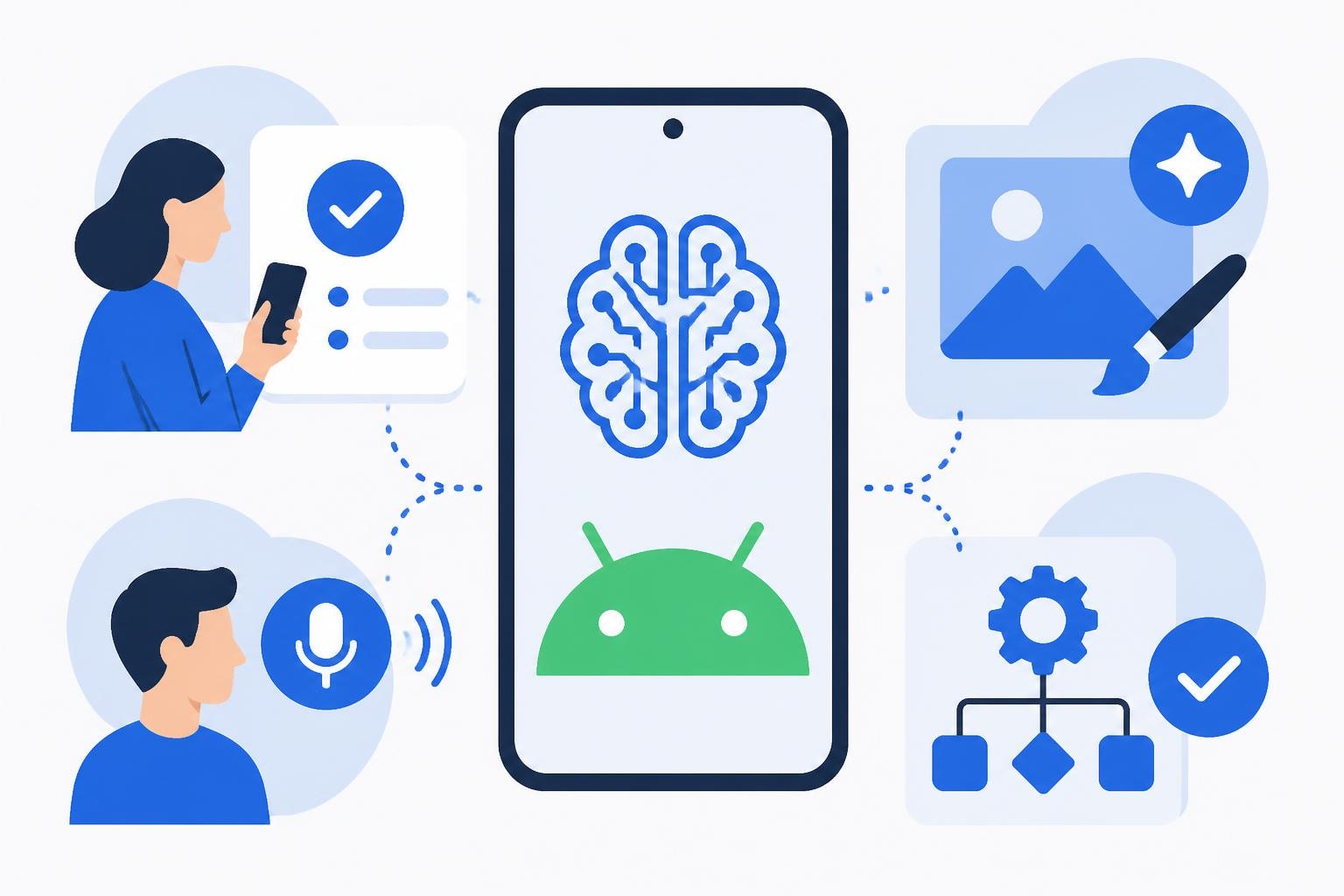
The Android ecosystem has become a powerhouse for artificial intelligence innovation, offering users unprecedented access to sophisticated AI tools without breaking the bank. As we move through 2026, the availability of free ai apps for android has exploded, democratizing access to technology that was once reserved for enterprise customers paying premium prices. Whether you're building prototypes, streamlining workflows, or exploring creative possibilities, understanding which AI applications deliver genuine value can transform how you work and create on your mobile device.
The Evolution of Mobile AI Applications
Artificial intelligence on Android devices has matured significantly over the past few years. What started as simple voice assistants has evolved into comprehensive ecosystems of intelligent applications that leverage machine learning, natural language processing, and computer vision directly on your smartphone.
The shift toward edge computing has enabled these free ai apps for android to process data locally, reducing latency and improving privacy. This technological advancement means you're no longer dependent on constant cloud connectivity to access powerful AI features. Many applications now combine on-device processing with cloud capabilities, offering the best of both worlds.
Key developments driving this transformation include:
- Advanced neural processing units (NPUs) in modern Android chipsets
- Optimized machine learning frameworks like TensorFlow Lite
- Open-source AI models becoming accessible to mobile developers
- Improved battery efficiency allowing sustained AI processing
For businesses and developers working with no-code development platforms, understanding these AI capabilities is crucial. The same democratization happening in mobile AI mirrors what's occurring in enterprise software development, where tools are becoming more accessible and powerful simultaneously.
AI Productivity and Assistant Applications
Google Gemini stands at the forefront of AI assistant technology for Android devices. As Android Central reports on Google Gemini, this comprehensive suite integrates seamlessly with Android's ecosystem, offering conversational AI that understands context across your device usage patterns.
Smart Personal Assistants
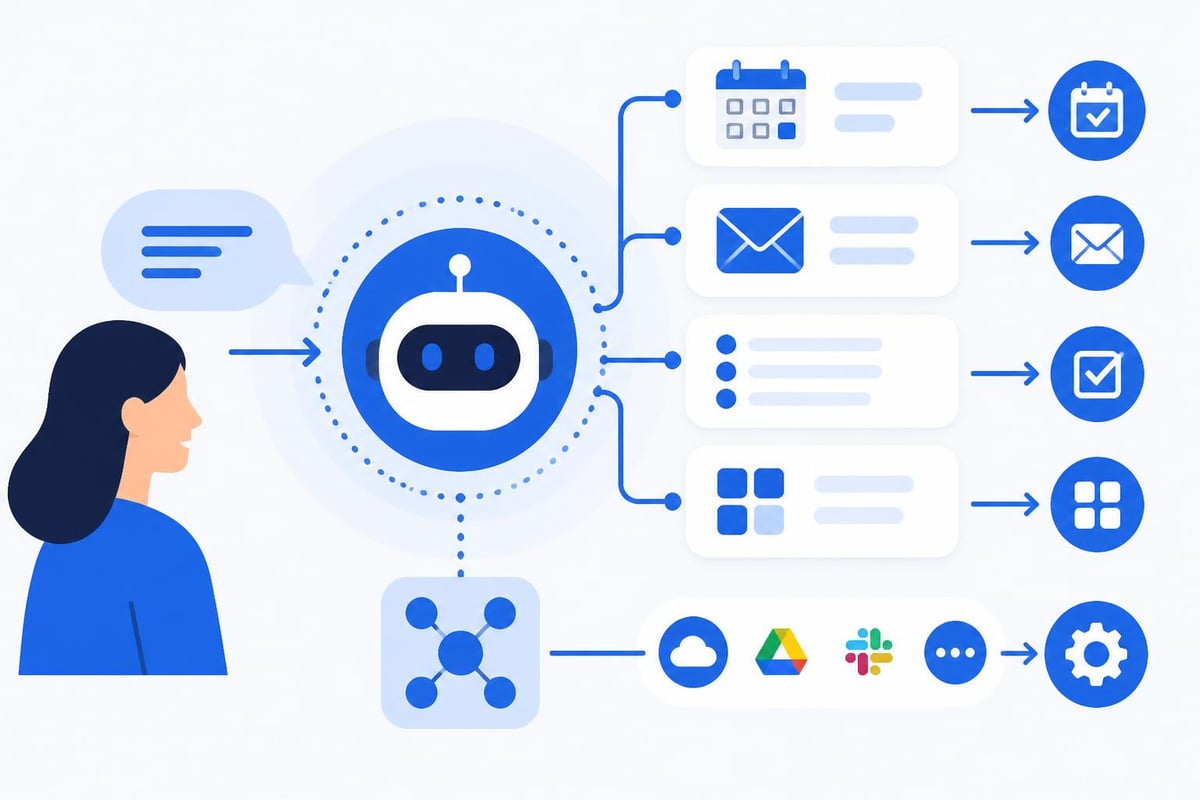
The landscape of AI companion apps for Android has expanded beyond simple reminders and searches. Modern assistants can:
- Analyze your communication patterns to suggest optimal meeting times
- Draft contextually appropriate emails based on previous correspondence
- Prioritize notifications according to learned importance signals
- Coordinate multi-app workflows without manual intervention
- Provide predictive suggestions for documents and messages
Microsoft Copilot represents another powerful option in the free ai apps for android category. This assistant leverages GPT-4 technology to help with writing, research, and creative brainstorming directly from your Android device. The integration with Microsoft's ecosystem makes it particularly valuable for professionals already invested in Office applications.
ChatGPT's official Android application brings OpenAI's conversational capabilities to mobile users. The free tier provides access to GPT-3.5, which remains remarkably capable for most use cases including coding assistance, content drafting, and problem-solving conversations.
| Assistant App | Primary Strength | Best For | Offline Capability |
|---|---|---|---|
| Google Gemini | Android Integration | Daily Task Management | Partial |
| Microsoft Copilot | Business Workflows | Professional Writing | Limited |
| ChatGPT | Versatile Conversations | Creative Problem-Solving | No |
| Alexa | Smart Home Control | IoT Device Management | Partial |
Creative and Content Generation Tools
The creative potential of free ai apps for android extends far beyond text generation. Visual content creation, audio editing, and multimedia production have all been transformed by accessible AI tools.
Canva's AI features now include Magic Design, which generates complete design layouts from text prompts or uploaded images. While Canva offers premium features, the free tier provides substantial AI-powered design assistance that rivals expensive desktop software from years past.
For those exploring AI-powered design tools, Wombo Dream and StarryAI offer text-to-image generation capabilities directly on Android. These applications demonstrate how sophisticated generative AI models can run efficiently on mobile hardware, producing artwork in various styles within seconds.
Audio and Video Enhancement
CapCut has emerged as a dominant force in mobile video editing, incorporating AI features that automate color correction, background removal, and even voice cloning. The application's free tier is remarkably generous, offering capabilities that would have required professional software subscriptions just a few years ago.
- Auto-captions that transcribe speech with high accuracy
- Background music generation tailored to video mood and pacing
- Smart transitions based on content analysis
- Object tracking for complex visual effects
For audio work, applications like Dolby On provide AI-enhanced recording that automatically adjusts levels, reduces background noise, and optimizes frequency response. This transforms smartphone recordings into podcast-quality audio without requiring technical expertise.
Business and Productivity Automation
Free ai apps for android have become essential tools for professionals managing workflows on the go. The integration of AI into business applications mirrors the broader trend toward AI-powered no-code development tools that empower users without technical backgrounds.
Document and Note Management
Notion AI brings sophisticated document intelligence to Android devices. The free tier includes AI features that can summarize lengthy documents, generate action items from meeting notes, and expand brief outlines into comprehensive drafts. For teams building MVPs or managing projects, this capability proves invaluable.
Google Keep has quietly incorporated AI features that analyze images of handwritten notes, convert them to searchable text, and even categorize content automatically. These seemingly simple features represent significant technical achievements that enhance everyday productivity.
Advanced scanning and OCR applications like Microsoft Lens combine computer vision with natural language processing to extract structured data from physical documents. Business cards become contact entries, receipts transform into expense reports, and whiteboards convert to editable diagrams without manual data entry.
| Business App | AI Capability | Use Case | Integration Strength |
|---|---|---|---|
| Notion AI | Content Generation | Project Documentation | Cross-platform Sync |
| Google Keep | Image Analysis | Quick Capture & Search | Google Workspace |
| Microsoft Lens | OCR & Scanning | Document Digitization | Office 365 |
| Otter.ai | Transcription | Meeting Notes | Calendar Apps |
Learning and Language Applications
The educational potential of free ai apps for android deserves particular attention. Language learning has been revolutionized by AI that provides personalized instruction and real-time feedback.
Duolingo employs sophisticated AI to adapt lesson difficulty based on individual performance patterns, ensuring optimal challenge levels that promote retention without causing frustration. The app's speech recognition evaluates pronunciation with remarkable accuracy, providing immediate correction and encouragement.
For professionals expanding their capabilities, applications like Photomath use computer vision to solve mathematical problems from images, providing step-by-step explanations that teach concepts rather than just offering answers. This educational approach transforms AI from a shortcut into a genuine learning tool.
Khan Academy's mobile application integrates AI tutoring that can answer questions about any topic in their extensive curriculum. The conversational interface makes complex subjects approachable, while adaptive algorithms ensure practice problems match current skill levels.
- Install multiple AI learning apps to compare teaching approaches
- Set specific learning objectives before engaging with AI tutors
- Use speech-enabled apps regularly to build communication confidence
- Review AI-generated explanations critically to deepen understanding
- Combine AI tools with traditional learning resources for comprehensive education
Healthcare and Wellness Monitoring
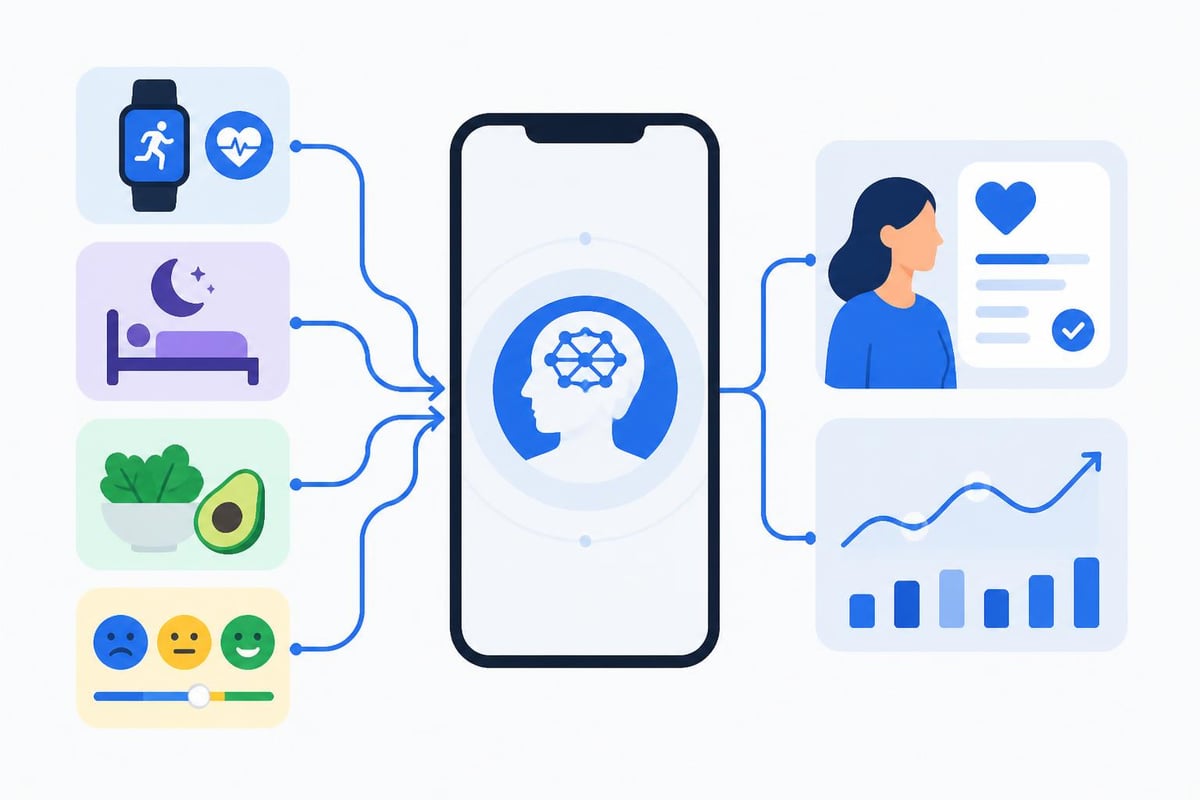
Health-focused free ai apps for android represent one of the most impactful categories for everyday users. These applications demonstrate how AI can provide personalized insights previously requiring professional consultation.
Google Fit has evolved beyond simple step counting to incorporate AI that analyzes activity patterns, suggests workout modifications, and predicts potential health risks based on trend analysis. The integration with Wear OS devices creates a comprehensive health monitoring ecosystem.
Mental wellness applications like Wysa use conversational AI to provide cognitive behavioral therapy techniques, mood tracking, and stress management exercises. While not replacing professional mental health care, these tools offer accessible support for daily emotional regulation.
Sleep tracking applications leverage AI to analyze movement patterns, sound detection, and environmental factors, providing insights into sleep quality and personalized recommendations for improvement. Apps like Sleep as Android use multiple data sources to paint comprehensive pictures of rest patterns.
Privacy and Security Considerations
When exploring free ai apps for android, understanding data practices becomes paramount. AI applications require substantial data to function effectively, creating important privacy considerations.
Key questions to ask before installing any AI application:
- Where is data processed - on-device or cloud servers?
- What information is collected beyond what's necessary for core functionality?
- How long is personal data retained?
- Are conversations or creations used to train AI models?
- What third-party services have access to your data?
Many premium AI services offer free tiers specifically to collect training data. Reading privacy policies carefully helps you make informed decisions about acceptable trade-offs. Applications that process data locally on your device generally offer better privacy protections, though they may have reduced capabilities compared to cloud-based alternatives.
For businesses considering AI integration into their workflows, evaluating low-cost MVP development tools involves similar privacy assessments. The principles of data minimization and user control apply whether you're choosing mobile apps or building custom solutions.
Emerging Categories and Future Trends
The landscape of free ai apps for android continues evolving rapidly. Several emerging categories deserve attention as they mature through 2026 and beyond.
AI-powered code assistants are beginning to appear on mobile platforms, though they remain less sophisticated than desktop equivalents. Applications like Acode with AI completion demonstrate how development tools are becoming portable, enabling quick edits and experimentation from anywhere.
Augmented reality applications increasingly incorporate AI to understand and interact with physical environments. Google Lens exemplifies this convergence, allowing users to point their cameras at objects for instant information, translation, or shopping comparisons.
Specialized Business Applications
Industry-specific AI tools are proliferating. Real estate professionals use AI apps that generate property descriptions and analyze market trends. Retailers employ inventory management applications with predictive ordering capabilities. Healthcare workers access diagnostic support tools that suggest potential conditions based on symptom patterns.
The comprehensive AI app ecosystem continues expanding as developers recognize mobile-first opportunities. These specialized applications often provide more value for specific use cases than general-purpose AI assistants.
Integration Strategies for Maximum Value
Extracting maximum value from free ai apps for android requires thoughtful integration into existing workflows rather than treating them as standalone tools.
Start by mapping your current processes:
- Identify repetitive tasks consuming significant time
- Determine which activities involve pattern recognition or data analysis
- Assess where creative assistance would accelerate output
- Evaluate communication bottlenecks that AI might address
Once you've identified opportunities, experiment with multiple applications in each category. The best solution often emerges from testing several options against real-world requirements rather than selecting based on reviews alone.
For development teams and businesses building digital products, the lessons from mobile AI adoption directly inform broader technology strategies. The same user experience principles that make AI apps successful on iPhone apply to Android, emphasizing intuitive interfaces and clear value propositions.
Customization and Advanced Features
Many free ai apps for android offer surprising depth once you explore beyond basic functionality. Power users can often access advanced features that rival paid alternatives.
Tasker integration allows technically inclined users to create complex automation chains that trigger AI capabilities based on context. Imagine arriving at your office and having your phone automatically transcribe any voice memos you recorded during your commute, then adding them to your project management system.
IFTTT (If This Then That) provides similar capabilities with a more accessible interface, connecting AI applications with hundreds of other services. A review posted to one platform might automatically trigger AI summarization and cross-posting to other channels.
Exploring the best free AI apps available reveals that customization options often differentiate truly powerful tools from superficial implementations. Applications allowing you to adjust AI behavior parameters, combine multiple AI models, or integrate with external APIs provide exponentially more value to sophisticated users.
| Customization Feature | Benefit | Technical Level Required |
|---|---|---|
| API Access | External Integration | Advanced |
| Workflow Automation | Process Streamlining | Intermediate |
| Model Parameter Tuning | Output Optimization | Advanced |
| Custom Prompts/Templates | Consistency | Beginner |
Performance Optimization Tips
Running multiple AI applications simultaneously can tax even modern Android devices. Strategic management ensures smooth performance while maintaining access to necessary tools.
Battery optimization becomes critical when using AI apps extensively. Most Android devices allow granular control over which applications can run in the background. Reserve unrestricted battery access for your most essential AI tools while limiting others to manual activation.
Storage management deserves attention since AI models can consume substantial space. Many applications allow you to download only specific features or models you actually use, significantly reducing their footprint.
Clearing cache regularly prevents AI applications from accumulating excessive temporary data. Some apps generate substantial cache during normal operation, particularly those processing images or videos locally.
Network management also impacts AI app performance. Understanding which features require connectivity versus operating offline helps you plan usage around available bandwidth. When working in areas with limited connectivity, prioritize apps with robust offline capabilities.
Accessibility and Inclusive Design
The most impressive aspect of modern free ai apps for android might be their accessibility features. AI-powered tools are making technology more inclusive than ever before.
Voice control has evolved beyond simple command execution to natural conversation. Users with mobility challenges can operate complex applications entirely through speech, while AI understands context and intent rather than requiring precise syntax.
Screen reader enhancement through AI provides richer descriptions of visual content. Applications analyze images and videos to generate detailed audio descriptions, making visual media accessible to users with vision impairments.
Real-time translation features break down language barriers, enabling communication across linguistic boundaries. Apps like Google Translate use AI to provide conversational translation that maintains natural flow rather than awkward word-by-word conversion.
For businesses developing products, incorporating similar accessibility considerations from the beginning ensures broader reach and demonstrates social responsibility. The AI-powered development tools available today make implementing these features more achievable than ever.
Combining Multiple AI Tools
The true power of free ai apps for android emerges when you combine multiple applications into cohesive workflows. Rather than seeking a single perfect solution, assembling a toolkit of specialized apps often delivers superior results.
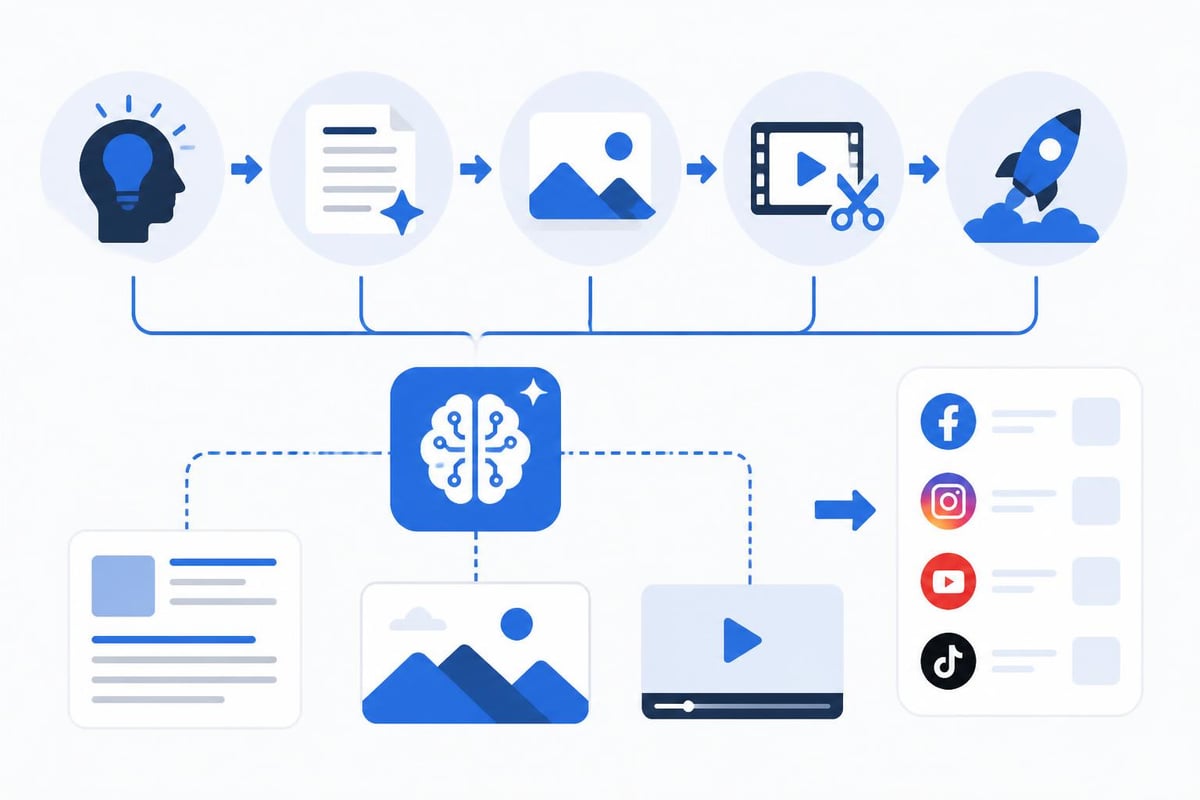
Consider a content creation workflow: use ChatGPT for initial ideation and outlining, switch to a specialized writing app with AI grammar assistance for drafting, employ an image generation tool for visuals, and finish with an AI-powered video editor for final production. Each tool excels in its domain, and together they enable professional output from mobile devices.
Cross-app integration techniques include:
- Using shared cloud storage to move content between applications
- Employing clipboard managers that maintain history across apps
- Leveraging Android's share functionality to pipe output directly between tools
- Creating automation rules that chain multiple AI processes sequentially
This modular approach mirrors best practices in software development, where specialized components combine to create comprehensive solutions. The same principles that guide building internal dashboards apply to assembling effective mobile AI workflows.
Resource Management and Sustainability
As free ai apps for android become more sophisticated, they also become more resource-intensive. Sustainable usage practices ensure long-term viability and device longevity.
Data usage monitoring prevents unexpected overage charges and identifies which applications consume excessive bandwidth. Many AI apps offer settings to restrict high-bandwidth features to Wi-Fi connections, preserving mobile data for essential tasks.
Understanding which apps process data locally versus in the cloud helps you make informed decisions about when to use specific features. Cloud-based processing typically consumes more battery and data but accesses more powerful models, while on-device processing offers privacy and offline capability with reduced sophistication.
The environmental impact of AI usage deserves consideration. Cloud-based AI processing requires substantial energy at data centers. Whenever local processing suffices for your needs, choosing that option reduces your digital carbon footprint.
The proliferation of free ai apps for android in 2026 represents a remarkable democratization of technology that was exclusive and expensive just years ago. These tools empower individuals and businesses to accomplish tasks that previously required specialized expertise or significant financial investment. Whether you're exploring AI for personal productivity, creative projects, or business applications, the Android ecosystem offers robust options that deliver genuine value without upfront costs. If you're ready to transform AI concepts into custom solutions tailored to your specific business needs, Big House Technologies combines no-code platforms with AI capabilities to build scalable applications efficiently, helping you move from idea to fully functional product with speed and precision.

About Big House
Big House is committed to 1) developing robust internal tools for enterprises, and 2) crafting minimum viable products (MVPs) that help startups and entrepreneurs bring their visions to life.
If you'd like to explore how we can build technology for you, get in touch. We'd be excited to discuss what you have in mind.
Other Articles
Discover the 2025 guide to enterprise app development services, covering trends, technologies, and partner selection to drive digital transformation and growth.
Discover how Odoo AI revolutionizes business operations with intelligent automation, predictive analytics, and custom AI agents in 2026.
Discover what is enterprise level application in 2025 with our expert guide Explore key features architecture benefits challenges and future trends for success