
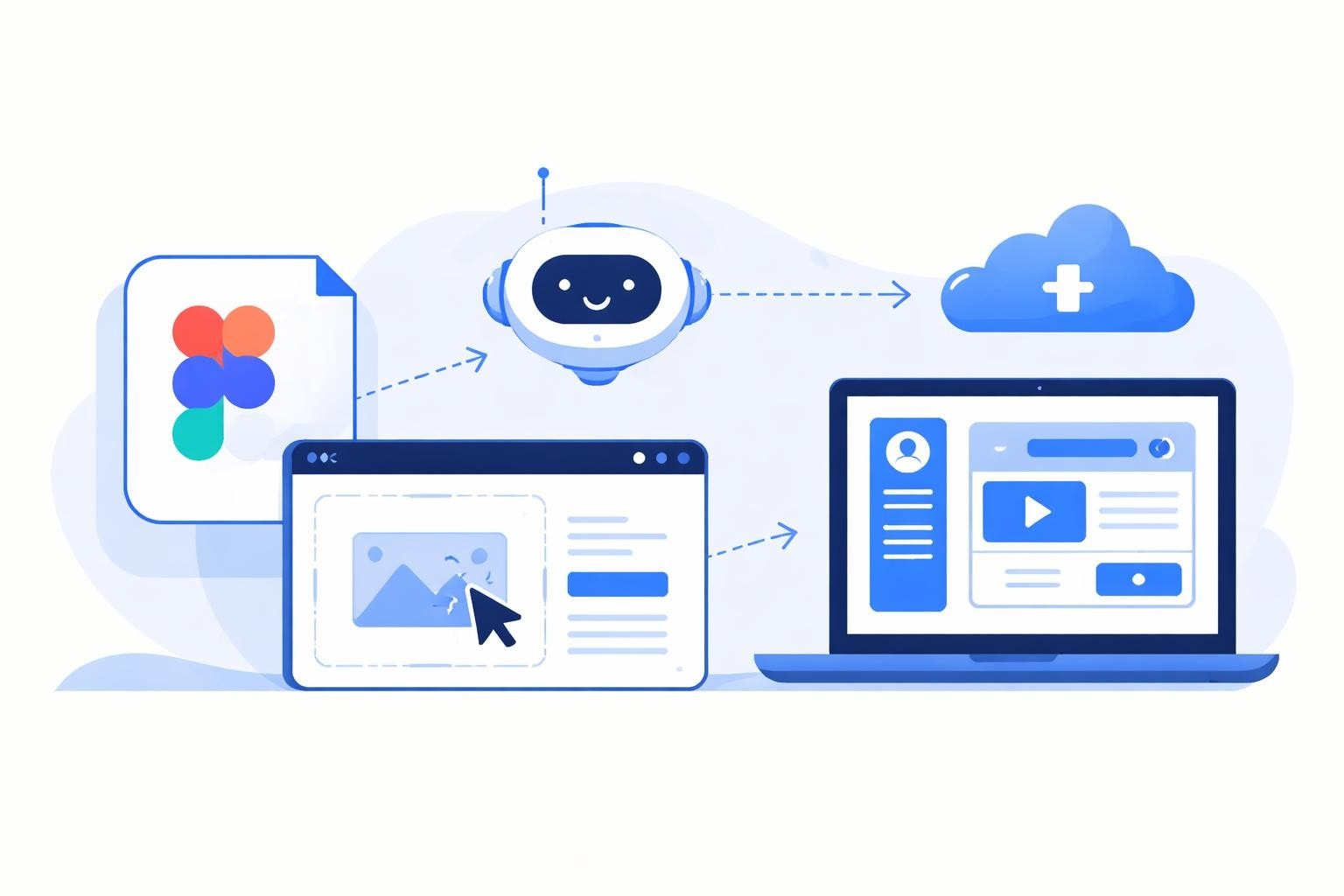
Transforming beautiful Figma designs into fully functional software is one of the most critical steps in modern product development. Whether you're building an enterprise dashboard or launching a startup MVP, understanding how to turn Figma designs into software efficiently can dramatically reduce development time and costs. In 2026, the landscape has evolved significantly, with no-code platforms, AI-powered tools, and streamlined workflows making this transformation faster and more accessible than ever before. This guide explores proven methods, best practices, and modern tools that help bridge the gap between design and development.
Understanding the Design-to-Development Workflow
The journey from Figma to functional software involves multiple stages that require careful planning and execution. Before diving into specific tools and techniques, it's essential to understand the fundamental workflow that makes this transformation successful.
Preparing Your Figma Files for Development
Proper file structure is the foundation of efficient development. When designers structure their Figma files with development in mind, the transition becomes significantly smoother. The Figma developer documentation provides best practices for organizing components, layers, and frames to facilitate code generation.
Key preparation steps include:
- Using Auto Layout consistently across all frames to ensure responsive behavior
- Naming layers descriptively with developer-friendly conventions
- Creating reusable components for buttons, inputs, and common UI elements
- Organizing frames logically by page, feature, or user flow
- Defining design tokens for colors, typography, and spacing
When you structure files properly, the process of learning how to turn Figma designs into software becomes exponentially easier. Developers can immediately understand the intended behavior, hierarchy, and relationships between elements.
Setting Up Design Handoff Systems
Design handoff represents the critical transition point between design and development. Modern tools have revolutionized this process, moving beyond static screenshots and PDF specifications.
Figma's design handoff features include Dev Mode, which provides developers with precise specifications, code snippets, and asset exports. This built-in functionality eliminates many communication gaps that traditionally plagued design-to-development workflows.
| Handoff Method | Efficiency | Accuracy | Learning Curve |
|---|---|---|---|
| Dev Mode | High | Excellent | Low |
| Manual Specs | Low | Variable | Medium |
| Plugin-Based | Medium | Good | Medium |
| AI-Powered Export | Very High | Excellent | Low |
No-Code Platforms for Rapid Development
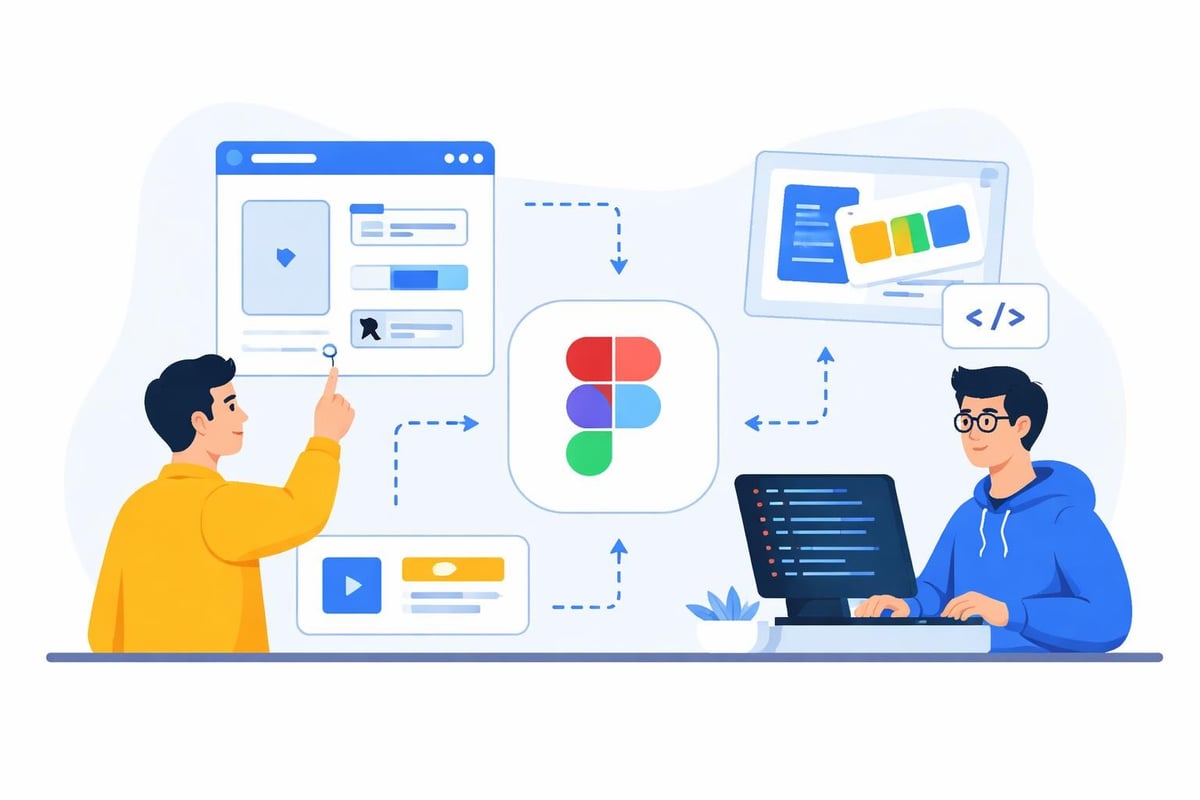
No-code platforms have transformed how teams approach turning Figma designs into software, particularly for startups and enterprises seeking speed and cost-efficiency. These platforms enable visual development that closely mirrors the design process itself.
Building with Bubble
Bubble has emerged as a leading platform for translating designs into fully functional web applications without traditional coding. When working with Figma designs, Bubble's visual editor allows developers to recreate layouts, interactions, and workflows with precision.
The process involves:
- Analyzing the Figma design to identify page structures and components
- Creating reusable elements in Bubble that match Figma components
- Implementing responsive layouts using Bubble's responsive engine
- Adding database connections and backend logic
- Testing across devices to ensure design fidelity
Many top no-code development teams specialize in this Figma-to-Bubble workflow, delivering production-ready applications in weeks rather than months.
Cost considerations matter significantly. When comparing no-code versus custom code costs, no-code platforms typically reduce development expenses by 60-80% while maintaining design quality and functionality.
Leveraging AI-Powered Development with Lovable
Lovable represents the cutting edge of how to turn Figma designs into software using AI assistance. This platform combines natural language processing with visual development, allowing teams to describe functionality and generate working code instantly.
The AI advantage becomes clear in complex scenarios. While traditional development requires manual translation of every design element, AI-powered tools can interpret design intent and generate corresponding functionality automatically.
Recent developments in AI-powered no-code tools have made it possible to integrate Figma designs directly into development workflows. The Builder.io integration with Lovable demonstrates how full-stack applications can be generated from design files with minimal manual intervention.
AI Tools and Automation Strategies
The intersection of AI and design-to-code conversion has created unprecedented opportunities for automation. Understanding these tools helps teams maximize efficiency while maintaining quality.
Figma's Native AI Capabilities
Figma has introduced several AI-powered features that streamline the conversion process. Figma Make uses artificial intelligence to transform design descriptions into working, editable code, representing a significant shift in design tool capabilities.
Key capabilities include:
- Automatic code generation from design components
- Intelligent recognition of design patterns
- Context-aware suggestions for implementation
- Real-time code preview and editing
These features reduce the manual effort required when figuring out how to turn Figma designs into software, particularly for standard UI patterns and components.
Third-Party Conversion Platforms
Several specialized platforms focus exclusively on Figma-to-code conversion. Locofy.ai provides a comprehensive solution that exports Figma designs as React, Vue, or HTML/CSS code with remarkable accuracy.
| Platform | Output Formats | AI Features | Integration Options |
|---|---|---|---|
| Locofy.ai | React, Vue, HTML/CSS | Yes | GitHub, Netlify, Vercel |
| Anima | React, Vue, HTML | Limited | Figma, Sketch |
| Figma Make | Multiple | Advanced | Native Figma |
| Builder.io | React, Angular, Vue | Yes | Multiple CMSs |
The platform you choose depends on your specific technology stack and workflow requirements. Teams building with modern JavaScript frameworks benefit from tools that generate framework-specific code with proper component structure.
Manual Development Best Practices
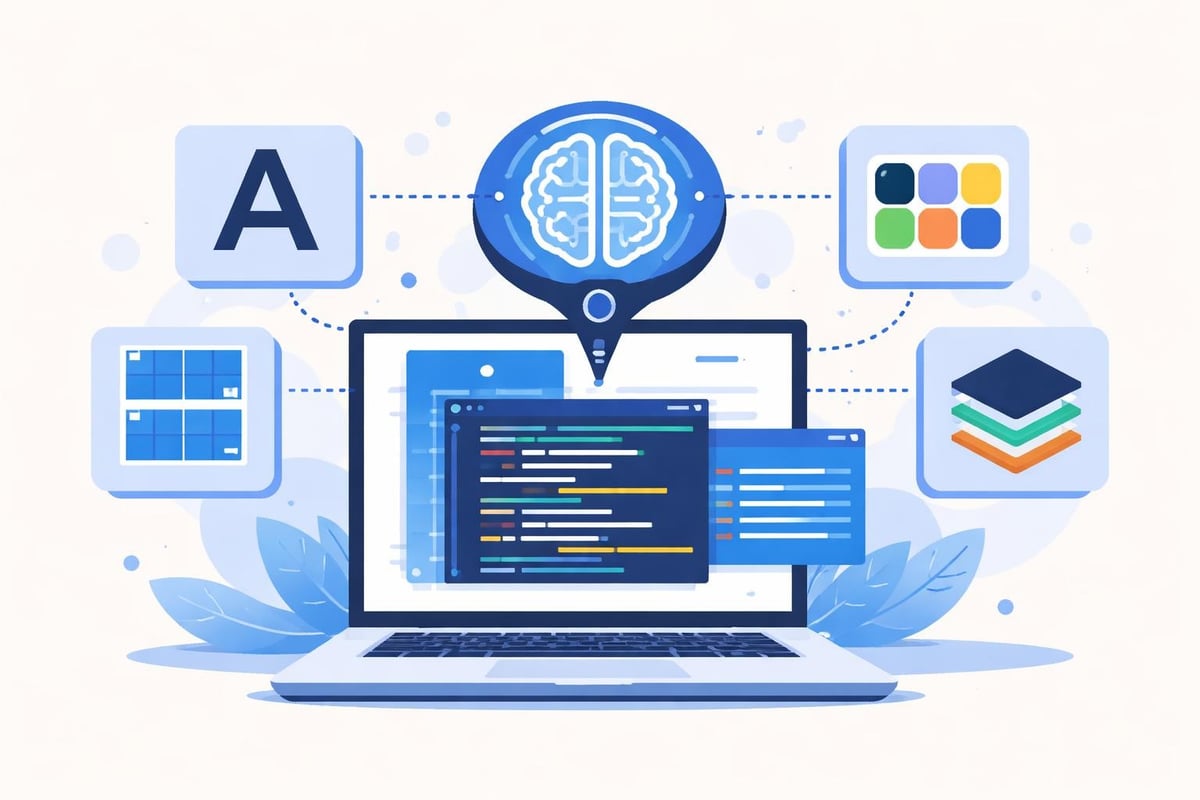
While automation accelerates development, understanding manual conversion techniques remains valuable for complex projects and custom requirements. Experienced developers often combine automated tools with manual refinement for optimal results.
Establishing Component Libraries
Component libraries serve as the bridge between design and code. Creating a shared component library that exists in both Figma and your development platform ensures consistency and reusability.
The process includes:
- Identifying all unique components in your Figma design
- Creating corresponding code components with identical properties
- Documenting component APIs and usage patterns
- Maintaining synchronization between design and code versions
- Implementing design tokens for styling consistency
When enterprises approach UI/UX and development, they typically establish these libraries early in the project lifecycle. This upfront investment pays dividends throughout development and future iterations.
Implementing Responsive Behaviors
Figma designs often show a single viewport, but production software must function across devices. Translating responsive behavior requires understanding both the designer's intent and technical implementation options.
Modern CSS techniques like Flexbox, Grid, and Container Queries enable faithful recreation of Figma's Auto Layout behavior. Developers should:
- Map Auto Layout properties to appropriate CSS layout systems
- Define breakpoints that align with design specifications
- Test across viewport sizes to ensure proper scaling
- Implement touch-friendly interactions for mobile devices
Advanced Integration Techniques
As projects scale, teams need sophisticated approaches to maintain design-development synchronization and handle complex functionality.
Version Control and Design Systems
Maintaining consistency between evolving Figma designs and production code requires robust version control strategies. Design systems provide the governance structure needed for large-scale projects.
Synchronization strategies include:
- Establishing single sources of truth for design tokens
- Implementing automated checks for design-code divergence
- Creating documentation that links design decisions to code implementations
- Building review processes that involve both designers and developers
Enterprise product development teams often implement custom tooling to monitor and maintain this synchronization automatically.
API Integration and Backend Logic
Figma designs represent the user interface, but most software requires backend functionality. Successfully learning how to turn Figma designs into software means understanding how to add business logic, database connections, and API integrations.
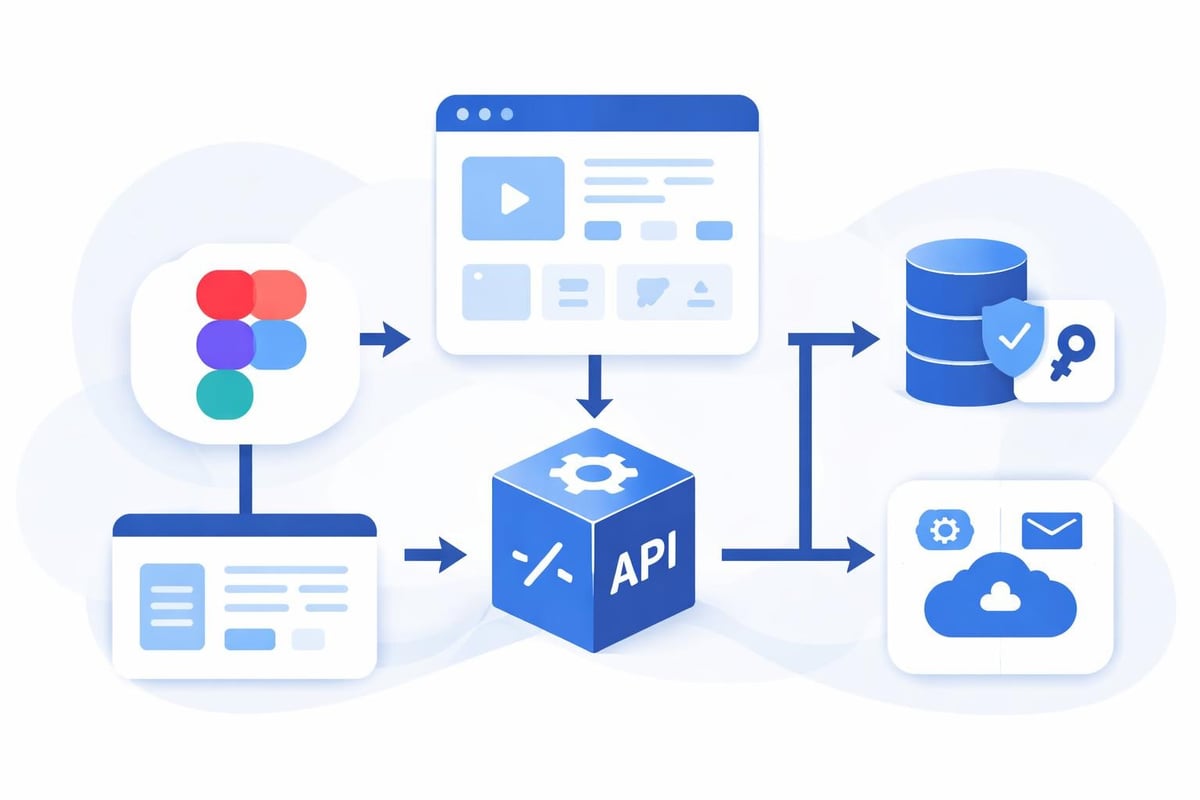
The integration process involves:
| Layer | Figma Representation | Software Implementation |
|---|---|---|
| UI Components | Frames and components | React/Vue components |
| User Interactions | Prototypes and flows | Event handlers and state management |
| Data Display | Text and image placeholders | API calls and data binding |
| Forms | Input fields and buttons | Validation and submission logic |
| Navigation | Prototype links | Routing and navigation systems |
Quality Assurance and Testing
Converting designs to software is only half the battle. Ensuring the final product matches design specifications while functioning flawlessly requires comprehensive testing.
Visual Regression Testing
Visual regression testing compares rendered software against original Figma designs to identify discrepancies. Modern tools can automatically detect pixel-level differences and flag potential issues.
Effective visual testing includes:
- Automated screenshot comparison across multiple browsers and devices
- Component-level testing to verify individual elements
- Interaction testing to ensure animations and transitions match prototypes
- Accessibility testing to verify color contrast and keyboard navigation
Performance Optimization
Designs often include high-resolution images, complex animations, and detailed graphics that can impact performance. Optimization techniques ensure the software runs smoothly while maintaining design fidelity.
Critical optimization areas include:
- Image compression and format selection (WebP, AVIF)
- Lazy loading for off-screen content
- Code splitting for faster initial load times
- Animation performance tuning
- Asset caching strategies
Teams focused on software design understand that performance is a design consideration, not just a development constraint.
Collaboration and Communication Frameworks
The most successful projects establish clear communication protocols between designers, developers, and stakeholders throughout the conversion process.
Designer-Developer Collaboration
Regular collaboration prevents misunderstandings and ensures efficient problem-solving. Effective teams schedule:
- Initial design review sessions where developers provide implementation feedback
- Mid-development check-ins to address unexpected challenges
- Pre-launch design QA to verify final output against specifications
- Post-launch retrospectives to improve future workflows
Hiring specialized no-code product teams often provides built-in collaboration frameworks that streamline these interactions.
Documentation and Knowledge Transfer
Comprehensive documentation ensures that understanding how to turn Figma designs into software becomes institutional knowledge rather than individual expertise.
Essential documentation includes:
- Design decision records explaining why specific approaches were chosen
- Component usage guides showing how to implement and customize elements
- API documentation for custom integrations and backend services
- Deployment guides detailing environment setup and configuration
Choosing the Right Approach for Your Project
Different projects require different strategies for converting Figma designs to software. Understanding your specific requirements helps you select the optimal approach.
Project Assessment Criteria
Consider these factors when planning your design-to-code strategy:
- Timeline requirements: How quickly do you need a working product?
- Budget constraints: What resources are available for development?
- Complexity level: Does the design include custom interactions or standard patterns?
- Scalability needs: Will the software need to handle enterprise-scale usage?
- Team expertise: What skills does your development team possess?
For startups exploring low-cost MVP development, no-code platforms combined with AI tools often provide the fastest path from Figma to functional software.
Hybrid Approaches
Many successful projects combine multiple methods to optimize results. A typical hybrid approach might use:
- AI-powered tools for initial code generation and standard components
- No-code platforms for rapid prototyping and backend logic
- Manual development for complex custom features and optimizations
- Automated testing to maintain quality throughout the process
This flexibility allows teams to leverage automation where it provides value while maintaining control over critical functionality.
Future Trends in Design-to-Code
The landscape of how to turn Figma designs into software continues evolving rapidly. Understanding emerging trends helps teams prepare for future opportunities.
Emerging Technologies
Several technologies are reshaping design-to-code workflows in 2026:
- Advanced AI models that understand design context and business logic
- Real-time collaboration tools that sync design and code instantly
- Automated accessibility enhancement ensuring WCAG compliance
- Cross-platform generation creating native apps from single designs
Figma's Claude Code integration demonstrates the potential of bidirectional conversion, allowing code to be transformed back into editable designs.
Industry Adoption Patterns
Enterprise adoption of automated design-to-code tools has accelerated significantly. Organizations recognize that these workflows reduce costs, improve consistency, and accelerate time-to-market.
Adoption is particularly strong in:
- Internal tool development for enterprise operations
- SaaS product development for startups
- Marketing landing pages and promotional sites
- Mobile application prototyping and MVPs
The Appy Pie platform illustrates how comprehensive solutions now support entire workflows from Figma to deployed applications across web and mobile platforms.
Successfully transforming Figma designs into functional software requires the right combination of tools, processes, and expertise. Whether you choose no-code platforms, AI-powered conversion tools, or hybrid approaches, understanding the complete workflow ensures efficient, high-quality results. Big House Technologies specializes in turning design visions into production-ready software using Bubble and Lovable platforms, providing end-to-end solutions from design review through deployment. Our experienced teams handle the complete conversion process, delivering scalable applications that match your Figma designs while meeting enterprise quality standards and budget requirements.

About Big House
Big House is committed to 1) developing robust internal tools for enterprises, and 2) crafting minimum viable products (MVPs) that help startups and entrepreneurs bring their visions to life.
If you'd like to explore how we can build technology for you, get in touch. We'd be excited to discuss what you have in mind.
Other Articles
Discover 7 innovative ways to use Bubble No Code in 2025 for AI integration, workflow automation, analytics, and more Unlock new digital potential today
Hire mobile developer with confidence in 2025. Discover trends, skills, costs, and proven strategies to find and secure top talent for your next app project.
Discover the best countries to hire Bubble developers in 2026 Compare top destinations for skill, cost, and reliability to power your next no code project