
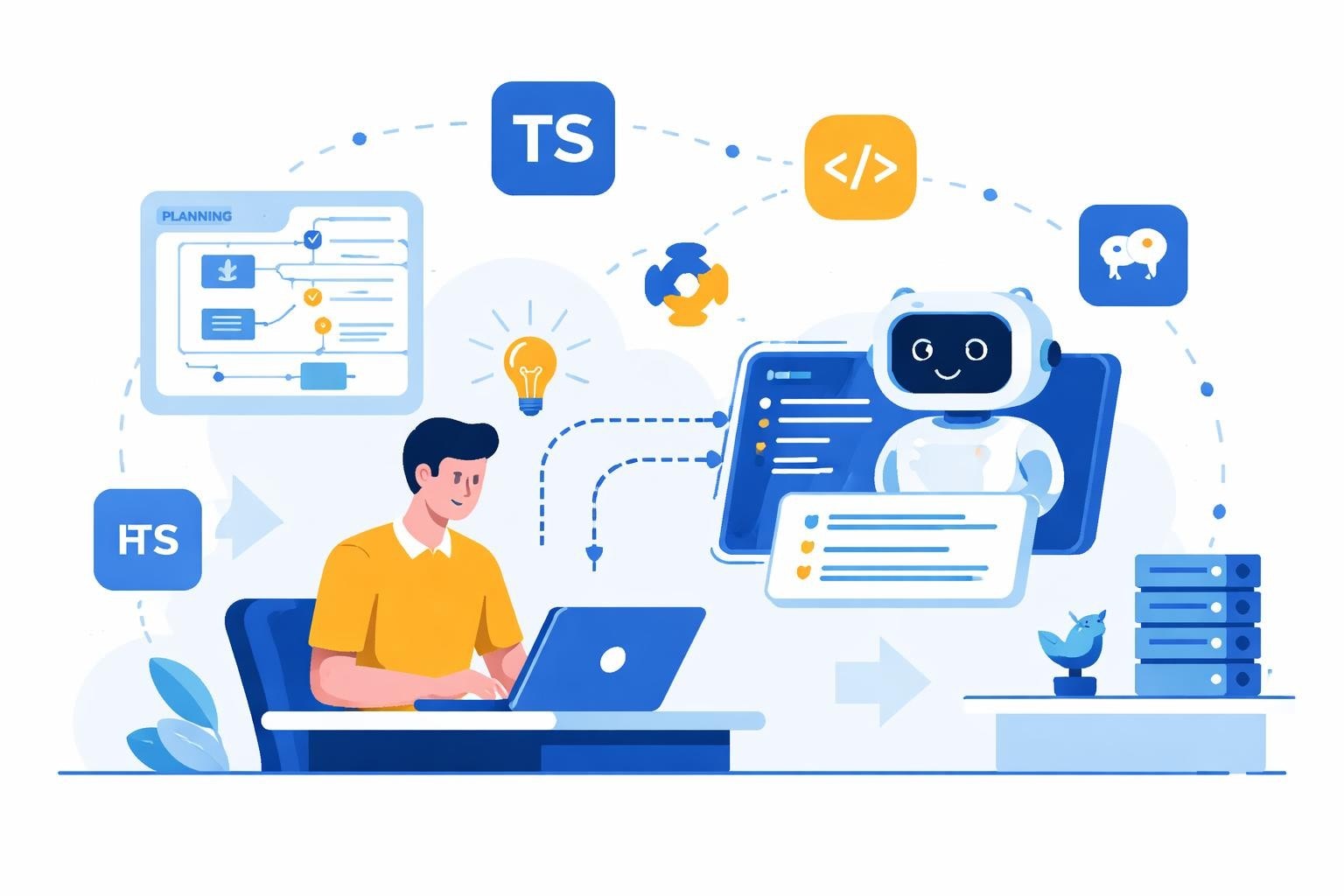
The landscape of software development has transformed dramatically with the introduction of artificial intelligence into coding workflows. Developers in 2026 are no longer writing every line of code manually; instead, they're collaborating with intelligent systems that understand context, suggest solutions, and even generate entire functions based on natural language descriptions. These ai tools for coding have become essential companions for developers at enterprises, startups, and agencies alike, fundamentally changing how we approach software creation and maintenance.
Understanding the AI Coding Revolution
The shift toward AI-assisted development represents more than just autocomplete on steroids. Modern ai tools for coding leverage large language models trained on billions of lines of code to understand programming patterns, detect bugs, and suggest optimizations that would take human developers hours to identify.
GitHub Copilot leads the market as one of the most widely adopted coding assistants. Powered by OpenAI's technology, it integrates directly into popular IDEs like Visual Studio Code, JetBrains, and Neovim. Developers simply start typing a comment or function name, and Copilot suggests complete implementations based on context from the current file and project.
Key Benefits Driving Adoption
The value proposition extends across multiple dimensions:
- Speed improvements of 30-55% for routine coding tasks
- Reduced cognitive load when working with unfamiliar languages or frameworks
- Consistent code quality through automated best practice suggestions
- Knowledge transfer from experienced patterns embedded in training data
- Documentation generation that stays synchronized with code changes
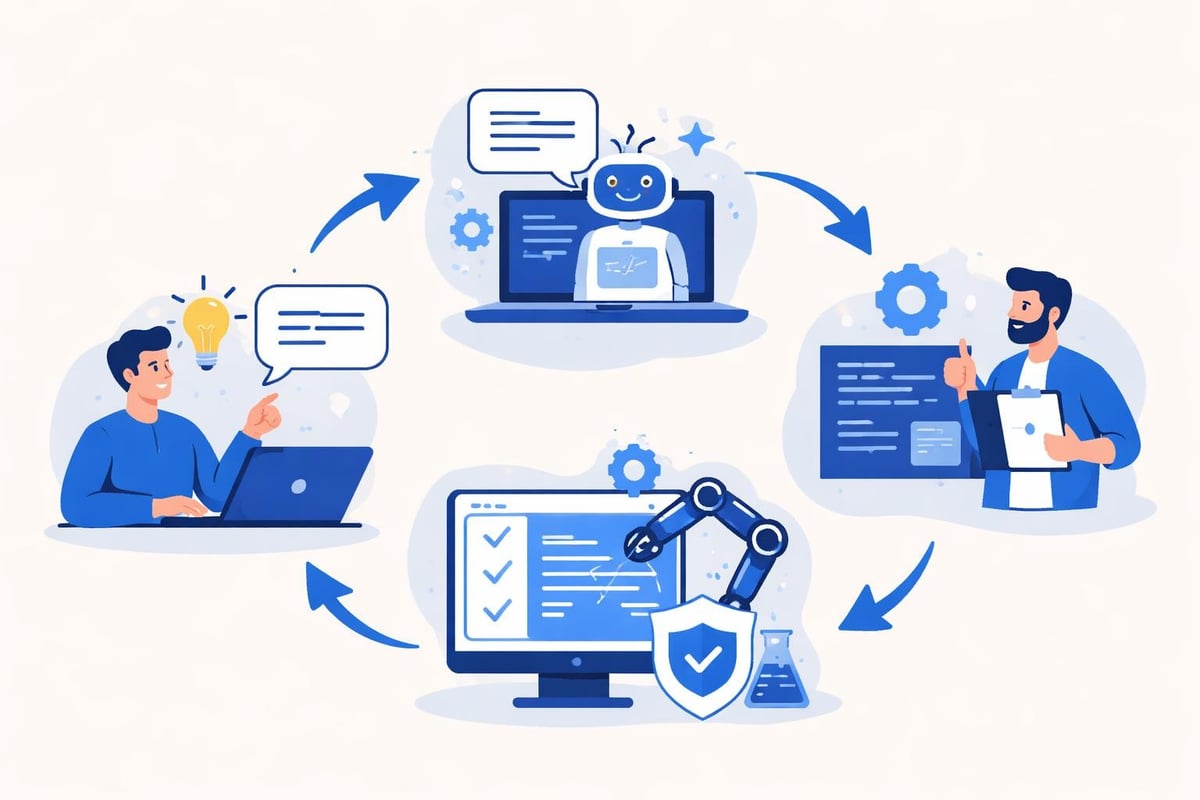
According to recent industry analysis, Software 3.0 is accelerating coding by allowing developers to describe intent while AI generates implementation. However, the bottleneck has shifted from writing code to reviewing, testing, and integrating those AI-generated contributions into production systems.
Top AI Tools Transforming Development Workflows
The market for ai tools for coding has expanded significantly, with each platform offering distinct advantages for different use cases and team structures.
| Tool | Best For | Starting Price | Key Differentiator |
|---|---|---|---|
| GitHub Copilot | General development | $10/month | Deepest IDE integration |
| Cursor | Full IDE experience | $20/month | Built-in AI chat interface |
| Tabnine | Enterprise security | $12/month | On-premise deployment |
| Amazon CodeWhisperer | AWS developers | Free tier available | AWS service integration |
| Replit AI | Rapid prototyping | $20/month | Browser-based environment |
GitHub Copilot: The Market Leader
GitHub Copilot has become synonymous with AI-assisted coding since its 2021 launch. The tool understands context from open files, comments, and function names to generate relevant suggestions. Developers can accept suggestions with a single keystroke, modify them inline, or dismiss them entirely.
The business tier includes additional features like IP indemnification, license filtering to avoid copyleft code suggestions, and usage analytics for organizations tracking adoption metrics. For teams already invested in the GitHub ecosystem, Copilot offers seamless integration with repositories, pull requests, and code review workflows.
Cursor: AI-Native Development Environment
Cursor takes a different approach by building an entire IDE around AI assistance rather than bolting it onto existing editors. The interface resembles Visual Studio Code but includes native chat panels, multi-file editing with AI context, and the ability to reference documentation directly in conversations.
What sets Cursor apart is its ability to understand entire codebases. Developers can ask questions like "Where is the user authentication logic?" and receive not just answers but also code suggestions that reference the actual implementation patterns used elsewhere in the project. This makes it particularly valuable for no-code startups transitioning to custom development or agencies managing multiple client codebases.
Tabnine: Privacy-First Enterprise Solution
For organizations with strict data governance requirements, Tabnine offers on-premise deployment options that keep proprietary code within company infrastructure. The tool never sends code to external servers, addressing one of the primary concerns enterprises have about AI coding assistants.
Tabnine supports over 80 programming languages and integrates with 15+ IDEs. Teams can train custom models on their internal codebases, creating suggestions that align with company-specific patterns and conventions. This customization capability makes it ideal for large enterprises with established coding standards.
Specialized Tools for Specific Development Scenarios
Beyond general-purpose coding assistants, specialized ai tools for coding have emerged to address particular challenges in the development lifecycle.
Code Review and Quality Analysis
Codacy and DeepCode use AI to automatically review pull requests, identifying security vulnerabilities, performance issues, and style violations before human reviewers see the code. These tools integrate with Git workflows to provide inline comments on problematic code sections.
The AI analyzes patterns across millions of open-source repositories to understand what "good" code looks like in different contexts. It can distinguish between legitimate edge cases and actual bugs, reducing false positives that plague traditional static analysis tools.
Documentation and Comment Generation
Mintlify and Stenography automatically generate documentation from code structure and inline comments. Developers write functions and classes, and the AI produces comprehensive API documentation, usage examples, and even tutorial content.
This addresses one of software development's persistent challenges: keeping documentation synchronized with code changes. When functions are updated, these tools automatically refresh the associated documentation, ensuring accuracy without manual effort.
Testing and Debugging Assistance
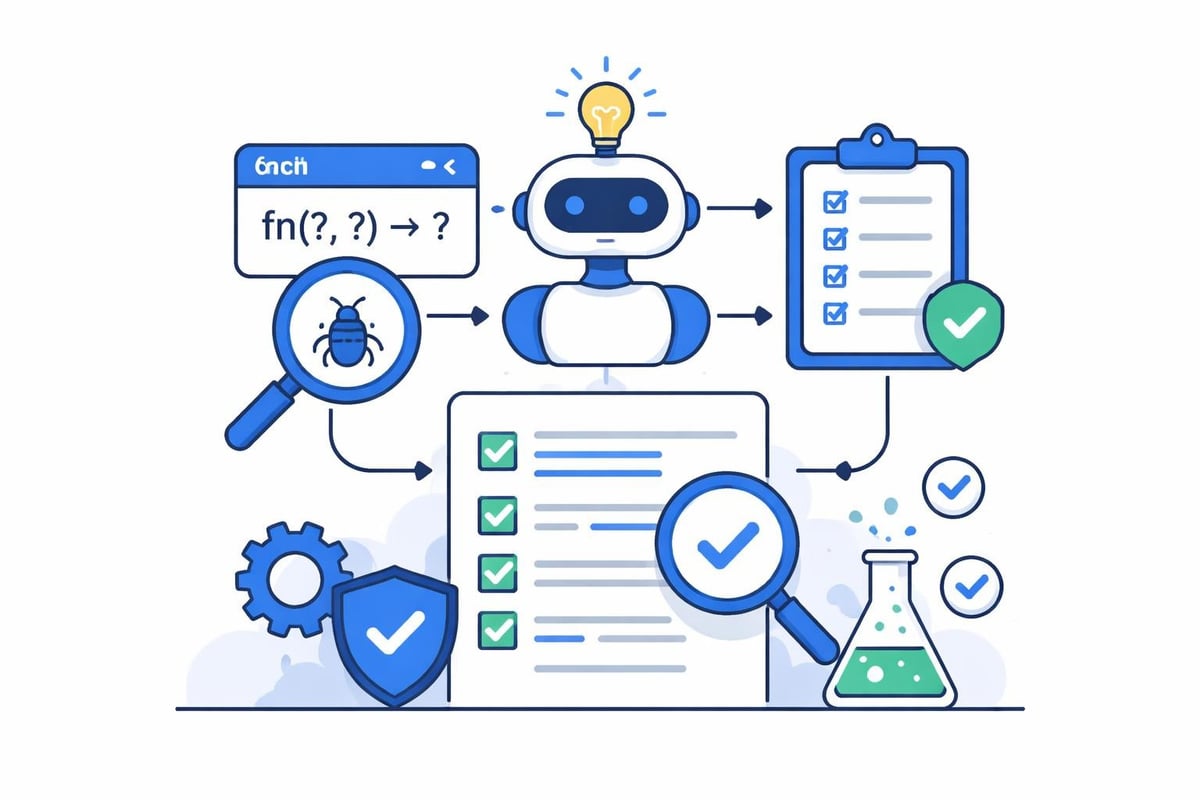
AI tools like Diffblue and Mabl generate unit tests automatically by analyzing function signatures and identifying edge cases that should be validated. The systems understand common failure modes and create test scenarios that human developers might overlook.
For debugging, tools leverage AI to analyze stack traces, error messages, and code context to suggest probable causes and solutions. This dramatically reduces the time developers spend hunting through logs and documentation.
Integration with No-Code and Low-Code Platforms
The convergence of AI coding tools with no-code platforms represents a particularly interesting development for 2026. Platforms that traditionally relied on visual programming interfaces are now incorporating AI assistance to bridge the gap between no-code simplicity and custom code flexibility.
Bubble's AI-Enhanced Development
Bubble, a leading no-code platform, has introduced AI features that suggest workflow optimizations and generate custom plugin code when visual elements can't achieve the desired functionality. Developers describe what they want in natural language, and the system either configures existing Bubble components or generates the necessary JavaScript for custom elements.
For agencies and developers looking to hire Bubble developers, this AI integration means faster project delivery and the ability to handle more complex requirements without leaving the Bubble environment. The AI understands Bubble's specific data structure conventions and API patterns, generating code that integrates cleanly with visual workflows.
Lovable and AI-First Development
Lovable takes an AI-native approach where developers describe entire features conversationally, and the platform generates both the interface and the underlying logic. This represents the next evolution beyond traditional no-code, where the abstraction layer is natural language rather than visual components.
The system maintains context across conversations, allowing developers to iteratively refine features through dialogue. For AI product development tools, this conversational approach dramatically reduces the learning curve and speeds up prototyping cycles.
Addressing Common Concerns About AI Coding Tools
While ai tools for coding offer compelling benefits, organizations evaluating adoption face legitimate questions about quality, security, and long-term implications.
Code Quality and Reliability
Does AI-generated code meet production standards? The short answer is: it depends on review processes. AI tools excel at generating syntactically correct code that solves immediate problems, but they may not always consider broader architectural implications or edge cases specific to your domain.
Smart teams treat AI suggestions as starting points rather than final solutions. They maintain rigorous code review practices and use AI to accelerate the initial draft, not to bypass quality checks. According to research on comparing top AI coding tools, organizations that combine AI assistance with strong review culture see the best outcomes.
Security and Intellectual Property
The question of whether AI and open-source development can coexist raises important ethical and legal considerations. Some AI models are trained on public repositories, potentially suggesting code that resembles copyrighted material.
Key security practices include:
- Enable license filtering to avoid copyleft suggestions
- Implement automated scanning for known vulnerabilities
- Use tools with IP indemnification for enterprise deployments
- Maintain audit trails of AI-suggested code changes
- Train teams to recognize when suggestions might violate licensing
Developer Skill Development
Critics worry that reliance on AI tools might atrophy developers' fundamental coding skills. However, experienced practitioners argue that AI actually accelerates learning by providing immediate examples of best practices and exposing developers to patterns they might not encounter otherwise.
The key is maintaining balance. Junior developers should understand core concepts before leaning heavily on AI assistance, while experienced developers can leverage AI to explore unfamiliar languages or frameworks more quickly.
Implementing AI Coding Tools in Your Organization
Successful adoption requires more than just purchasing licenses and distributing them to developers. Organizations need structured approaches to integration.
Evaluation and Selection Process
Start by identifying your specific pain points:
- Are developers spending excessive time on boilerplate code?
- Do code reviews frequently catch similar issues?
- Is onboarding to new projects or languages taking too long?
- Are documentation and testing consistently lagging behind development?
Different tools excel in different areas. Comparing AI coding tools across these dimensions helps narrow options to those that address your actual challenges rather than just offering impressive demos.
Rollout Strategy
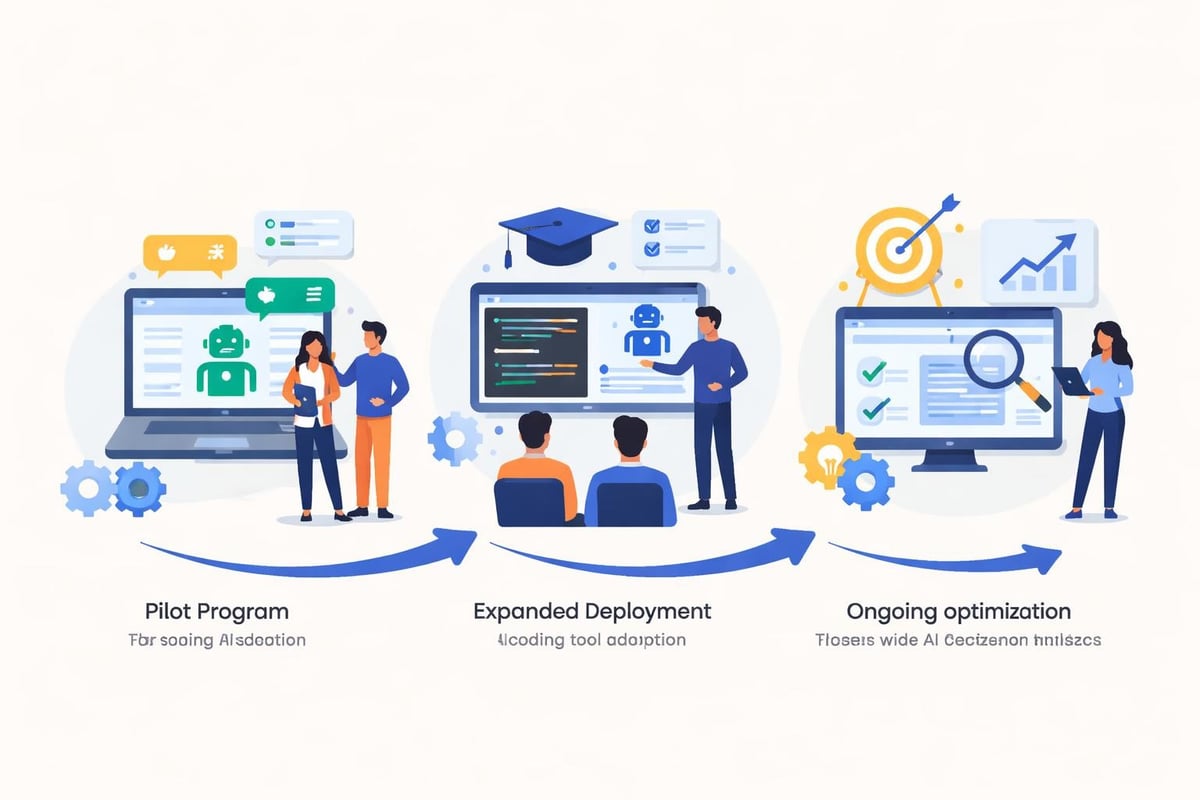
Phase 1: Pilot Program (4-6 weeks)
- Select 3-5 experienced developers as early adopters
- Focus on non-critical projects to build familiarity
- Gather feedback on productivity impact and pain points
- Document best practices and common pitfalls
Phase 2: Expanded Deployment (2-3 months)
- Extend access to entire development teams
- Provide training sessions on effective prompt engineering
- Establish guidelines for when to use AI assistance
- Monitor metrics like PR velocity and bug rates
Phase 3: Optimization (Ongoing)
- Refine usage policies based on observed patterns
- Integrate AI tools into official development workflows
- Share success stories and learning resources
- Evaluate ROI and adjust tool selection as needed
The Future Landscape of AI-Assisted Development
Looking ahead through 2026 and beyond, ai tools for coding continue evolving in sophisticated directions that blur the line between coding assistance and autonomous development.
Multi-Agent Development Systems
OpenAI's recent updates demonstrate this trajectory, with Codex now operating computers alongside developers. These systems can navigate desktop applications, remember preferences, and execute complex multi-step workflows without constant human intervention.
Imagine describing a feature requirement and having the AI not only generate code but also create database migrations, update API documentation, generate tests, and even deploy to staging environments. This level of automation shifts developers from implementers to architects and reviewers.
Natural Language as Primary Interface
The trend toward natural language programming accelerates as models improve at understanding context and intent. Platforms like Replit provide fast ways to start coding by allowing developers to describe what they want rather than how to build it.
For AI software development workflows, this means lower barriers to entry for domain experts who understand business logic but lack deep technical skills. Product managers, designers, and business analysts can increasingly participate directly in building solutions.
Customization and Domain Specialization
Generic AI coding assistants will give way to specialized tools trained on industry-specific codebases and patterns. Healthcare applications have different requirements than financial systems or e-commerce platforms. Domain-specialized AI tools understand these nuances and generate code that adheres to industry standards and regulations.
Organizations can train private models on their internal codebases, creating assistants that suggest solutions consistent with company architecture decisions and coding conventions. This customization ensures AI assistance enhances rather than conflicts with established practices.
Measuring ROI and Impact
Implementing ai tools for coding represents an investment that requires justification through measurable outcomes.
Quantitative Metrics
| Metric | Typical Improvement | Measurement Method |
|---|---|---|
| Code completion speed | 25-40% faster | IDE telemetry |
| PR cycle time | 15-30% reduction | Git analytics |
| Bug detection rate | 35-50% increase | Issue tracking |
| Test coverage | 20-35% improvement | Coverage reports |
| Documentation currency | 60-80% improvement | Doc audit frequency |
Qualitative Benefits
Beyond numbers, organizations report improvements in developer satisfaction and retention. Writing boilerplate code and debugging obscure syntax errors ranks low in job satisfaction surveys. AI tools handle these tedious aspects, allowing developers to focus on creative problem-solving and architecture decisions.
For agencies like those specializing in UI/UX and development, AI coding assistance means faster iterations with clients and the ability to explore multiple implementation approaches without proportional time investment.
Choosing the Right AI Coding Assistant for Your Team
With dozens of options available, selection requires matching tool capabilities to team needs and workflows.
For Startups and Small Teams
Budget constraints and speed requirements favor tools with generous free tiers and minimal setup overhead. GitHub Copilot and Amazon CodeWhisperer offer strong value propositions. The integration with existing GitHub workflows means teams already using Git can adopt these tools without changing infrastructure.
Startups benefit particularly from the rapid prototyping capabilities these tools enable. Converting ideas to working code faster means more iterations within limited runway, crucial for product-market fit discovery.
For Enterprise Organizations
Security, compliance, and customization take priority. Tabnine and Codacy offer enterprise features like on-premise deployment, custom model training, and detailed usage analytics. These capabilities ensure AI assistance aligns with corporate governance requirements.
Large organizations should also consider tools with strong vendor support and SLAs. When hundreds of developers depend on AI assistance daily, downtime or performance issues directly impact productivity across the company.
For Development Agencies
Agencies managing multiple client projects need flexibility and context switching capabilities. Tools like Cursor that understand entire codebases help developers quickly orient themselves when moving between projects. The ability to ask questions about unfamiliar code and receive contextual answers reduces ramp-up time.
For those exploring AI tools for Bubble developers, specialized integrations with no-code platforms provide the best of both worlds: visual development speed with custom code flexibility when needed.
Best Practices for Maximizing AI Coding Tool Value
Simply having access to ai tools for coding doesn't guarantee results. Teams that see the biggest productivity gains follow specific practices.
Prompt Engineering Skills
AI coding assistants respond to context and instructions. Developers who learn to provide clear context through comments, descriptive variable names, and well-structured function signatures get better suggestions.
Effective patterns include:
- Writing detailed comments before functions explaining intent
- Breaking complex logic into smaller, well-named functions
- Providing examples in comments for unusual requirements
- Using consistent naming conventions across codebases
Code Review Discipline
Never merge AI-generated code without review. Even the most sophisticated models make mistakes, introduce inefficiencies, or miss context-specific requirements. Treat AI suggestions as junior developer contributions that require senior oversight.
Establish clear review criteria specifically for AI-generated code, including checks for security vulnerabilities, performance implications, and alignment with architectural patterns.
Continuous Learning and Adaptation
AI coding tools improve rapidly. Features that seemed impossible six months ago become standard. Teams should regularly revisit tool capabilities and adjust workflows to leverage new functionality.
Encourage developers to share discoveries about effective prompts, useful features, and workflow optimizations. This collective learning amplifies benefits across the entire team.
The integration of ai tools for coding has fundamentally transformed how developers work in 2026, offering unprecedented productivity gains while introducing new considerations around quality, security, and skill development. Organizations that thoughtfully implement these tools while maintaining rigorous review processes position themselves to deliver software faster without sacrificing reliability. Whether you're building custom applications from scratch or leveraging no-code platforms with AI enhancements, Big House Technologies combines cutting-edge AI capabilities with proven development methodologies to help startups and enterprises transform ideas into production-ready solutions efficiently and cost-effectively.

About Big House
Big House is committed to 1) developing robust internal tools for enterprises, and 2) crafting minimum viable products (MVPs) that help startups and entrepreneurs bring their visions to life.
If you'd like to explore how we can build technology for you, get in touch. We'd be excited to discuss what you have in mind.
Other Articles
Discover the 7 best AI design graphic tools for 2025 that streamline workflows, boost creativity, and deliver professional results for any project or business.
Discover the best chat gpt app picks for 2025 Compare top features pricing and real world use cases to find the perfect AI chatbot for your needs
Curious about the earning potential for Bubble Developers in 2024? Our in-depth survey reveals average salaries, top skills in demand, passive income strategies, and much more. Discover what it takes to succeed in the no-code development field and boost your career!