
The landscape of AI-powered development tools has expanded dramatically, offering developers and no-code professionals unprecedented options beyond the mainstream solutions. As enterprises and startups seek more flexible, cost-effective, and specialized coding assistance, exploring the best ai coding assistant alternatives has become essential for teams looking to optimize their development workflows. Whether you're building applications with traditional code or leveraging platforms like Bubble and Lovable, understanding the full spectrum of AI coding tools available in 2026 can significantly impact your project velocity and code quality.
Understanding the AI Coding Assistant Landscape
The market for AI-powered development tools has matured significantly over the past few years. What began as simple autocomplete features has evolved into sophisticated assistants capable of understanding entire codebases, generating complex functions, and even debugging existing code. For no-code professionals working with platforms like Bubble, these tools can complement workflows by handling custom code integrations, API development, and advanced functionality that extends beyond visual builders.
The evolution of these tools reflects several key trends:
- Integration with modern development environments across multiple IDEs
- Support for an expanding range of programming languages and frameworks
- Enhanced context awareness that understands project architecture
- Collaborative features that align with team-based development
- Specialized capabilities for specific development paradigms
Understanding the best AI coding assistants available today requires examining not just their feature sets, but how they align with your specific development approach and team structure.
Key Features That Define Modern AI Coding Assistants
Modern AI coding assistants offer capabilities that extend far beyond basic code completion. They serve as intelligent pair programmers that can analyze your codebase, suggest optimizations, identify potential bugs, and even explain complex code segments in natural language. For agencies like Big House Technologies, these tools complement no-code platforms by handling the custom functionality that visual builders cannot address.
The most valuable features include intelligent code completion that predicts entire functions rather than just individual lines, multi-file editing capabilities that maintain consistency across your project, and conversational interfaces that allow you to describe desired functionality in plain English. Advanced assistants can also refactor code, generate tests, and provide real-time documentation.
Top-Tier Commercial Alternatives
Cursor: The Developer-Centric Powerhouse
Cursor has emerged as one of the most compelling alternatives for developers seeking deep AI integration. Built as a fork of Visual Studio Code, it provides familiar environments while adding powerful AI capabilities that feel native rather than bolted on. The platform excels at understanding entire codebases, making it particularly valuable for complex projects where context matters.
Key Cursor advantages include:
- Seamless multi-file editing with intelligent context preservation
- Chat interface that understands your entire project structure
- Composer mode for generating entire features from descriptions
- Native VS Code extension compatibility
- Highly responsive AI that learns from your codebase
According to recent comparisons, Cursor's deep integration approach makes it especially suitable for developers who need comprehensive codebase understanding rather than just line-by-line suggestions. Pricing starts at $20 per month for individual developers, with team plans offering centralized billing and administration.
Windsurf: The Collaborative Innovation
Windsurf represents a newer approach to AI coding assistance, emphasizing collaboration between human developers and AI agents. The platform introduces "Flows" that allow developers to create reusable AI-powered workflows for common tasks, reducing repetitive work and standardizing team processes.
The tool particularly shines in team environments where multiple developers need consistent AI assistance. Its ability to learn from team coding patterns and preferences makes it increasingly valuable over time. Windsurf offers tiered pricing based on team size, making it accessible for startups while scaling for enterprise needs.
| Feature | Cursor | Windsurf | GitHub Copilot |
|---|---|---|---|
| Monthly Cost | $20 | $15-30 | $10-19 |
| Codebase Understanding | Excellent | Very Good | Good |
| Multi-file Editing | Native | Native | Limited |
| Team Collaboration | Good | Excellent | Good |
| IDE Support | VS Code Fork | Multiple | Multiple |
Amazon Q Developer: The Enterprise Solution
Amazon Q Developer brings enterprise-grade security and AWS integration to AI coding assistance. For organizations already invested in AWS infrastructure, Q Developer offers seamless integration with cloud services, infrastructure-as-code support, and security scanning capabilities that align with enterprise compliance requirements.
The platform supports over 15 programming languages and integrates directly with popular IDEs including VS Code, JetBrains, and Visual Studio. Its ability to understand AWS architecture makes it particularly valuable for teams building cloud-native applications. Amazon Q Developer offers a free tier for individual developers, with professional tiers starting at $19 per month.
Open-Source and Flexible Alternatives
Continue: The Customizable Champion
Continue stands out among the best ai coding assistant alternatives for teams that prioritize flexibility and customization. As an open-source alternative, it allows developers to choose their own LLM providers, configure custom prompts, and modify the assistant's behavior to match specific team workflows.
Continue's standout features:
- Support for multiple LLM providers including GPT-4, Claude, and Llama
- Completely free for basic use with your own API keys
- Integration with both VS Code and JetBrains IDEs
- Action-based workflows that automate common development tasks
- Self-hosted options for teams with strict security requirements
For organizations working with no-code AI app development platforms, Continue's flexibility allows teams to integrate AI assistance without committing to a single vendor's ecosystem. The open-source nature means no vendor lock-in and complete control over data privacy.
Cline and Tabby: Specialized Open-Source Options
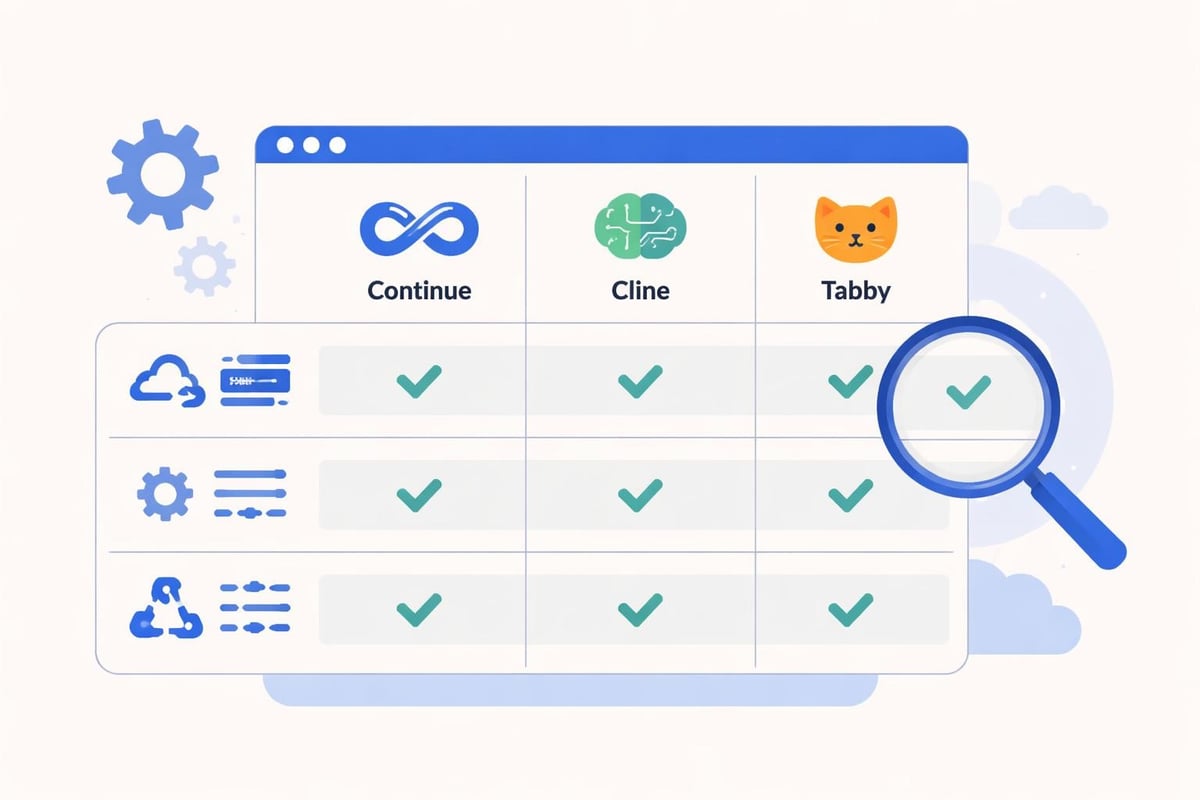
Cline (formerly Claude Dev) focuses specifically on autonomous coding tasks, allowing developers to assign entire features or bug fixes to the AI agent. This approach works particularly well for well-defined tasks where the requirements are clear but the implementation is time-consuming. Tabby takes a different approach, offering a self-hosted code completion server that teams can run on their own infrastructure.
According to comprehensive open-source comparisons, these tools excel when teams need specific capabilities rather than all-in-one solutions. Tabby's self-hosted model appeals to enterprises with strict data governance requirements, while Cline's autonomous agent approach suits teams looking to offload entire development subtasks.
Specialized Tools for Specific Use Cases
Cody by Sourcegraph: The Repository Intelligence Expert
Cody differentiates itself through deep repository understanding and code search capabilities. Rather than focusing solely on code generation, Cody excels at helping developers navigate large codebases, understand existing code, and find relevant examples within their organization's repositories. This makes it particularly valuable for enterprise teams working with legacy code or large monorepos.
The platform integrates with version control systems to understand code history, pull requests, and team coding patterns. Its ability to answer questions about codebase architecture and locate specific implementations across millions of lines of code saves developers significant research time. Pricing starts at $9 per month for individual developers, with enterprise tiers offering advanced security and compliance features.
Tabnine: The Privacy-First Alternative
Tabnine has built its reputation on privacy and security, offering both cloud-based and fully local AI models. For organizations with strict data sovereignty requirements or those working in regulated industries, Tabnine's ability to run entirely on-premises without sending code to external servers provides crucial peace of mind.
Tabnine's privacy advantages include:
- Local model options that never transmit code externally
- Team-trained models that learn from your private codebase
- SOC 2 and ISO 27001 compliance certifications
- Support for air-gapped environments
- Granular permissions and audit logging
These features make Tabnine particularly attractive for financial services, healthcare, and government contractors who cannot risk code exposure. As detailed in AI coding assistant comparisons, Tabnine offers three tiers: a free basic version, a $12/month Pro tier, and custom Enterprise pricing.
Integrating AI Assistants with No-Code Workflows
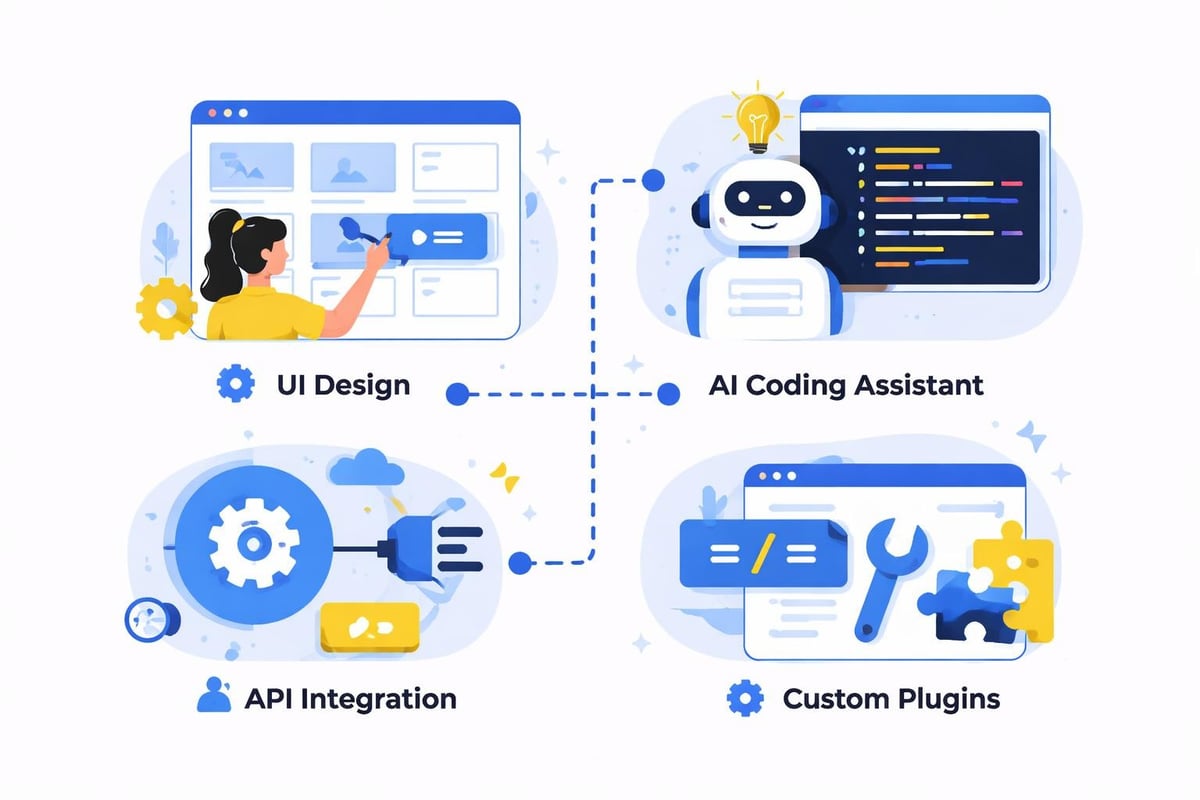
For teams leveraging no-code platforms alongside traditional development, the best ai coding assistant alternatives serve as bridges between visual development and custom code. When building applications on platforms like Bubble, developers often need to create custom plugins, API integrations, or server-side workflows that extend beyond the visual builder's capabilities.
AI coding assistants accelerate these custom development tasks by generating boilerplate code, suggesting optimal API patterns, and helping debug complex workflows. They complement AI-assisted app builder platforms by handling the technical details that visual builders cannot address.
Practical Integration Strategies
Successful integration requires strategic thinking about where AI assistance adds the most value:
- Custom Plugin Development: Use AI assistants to generate Bubble plugin code structures and API wrappers
- Workflow Optimization: Leverage AI to refactor complex server-side workflows and database queries
- API Integration: Speed up third-party API integration by generating authentication and data transformation code
- Testing and Debugging: Employ AI to identify performance bottlenecks and suggest optimization strategies
- Documentation: Automatically generate API documentation and code comments for team collaboration
Teams working on low-cost MVP development particularly benefit from this hybrid approach, using no-code for rapid UI development while AI coding assistants handle custom functionality efficiently.
Evaluating Cost-Effectiveness and ROI
Selecting among the best ai coding assistant alternatives requires careful cost-benefit analysis beyond simple subscription pricing. The true value comes from improved developer productivity, reduced debugging time, and faster feature delivery. For enterprise teams, a $20/month tool that saves five hours weekly represents significant ROI compared to developer hourly rates.
| Tool Type | Monthly Cost Range | Best For | Primary ROI Driver |
|---|---|---|---|
| Commercial Premium | $15-30 | Professional teams | Time savings, fewer bugs |
| Enterprise Solutions | $30-50+ | Large organizations | Security, compliance, scale |
| Open-Source | $0-15 | Flexible teams | Customization, no lock-in |
| Specialized Tools | $10-25 | Specific use cases | Targeted productivity gains |
Understanding the Large Language Models powering these assistants helps evaluate their capabilities. Tools built on Claude Opus 4.5 or GPT-4 generally offer superior code understanding compared to older models, though they may come at higher costs.
Model Performance and Capability Differences
The underlying AI models significantly impact assistant performance. Recent developments like Anthropic's Claude Opus 4.5 demonstrate measurable improvements in coding tasks, achieving high scores on SWE-Bench Verified tests that measure real-world programming challenges.
Different models excel at different tasks. GPT-4 tends to perform well with natural language understanding and general programming, while Claude excels at following complex instructions and maintaining context across long conversations. Specialized models like CodeLlama offer strong performance specifically for code generation tasks at lower costs.
When evaluating models, consider:
- Code generation accuracy for your primary languages
- Context window size for understanding large codebases
- Response latency and streaming capabilities
- Cost per token for high-volume usage
- Support for domain-specific languages or frameworks
Teams working with application development platforms should prioritize assistants that understand both their no-code platform's custom syntax and traditional programming languages for hybrid development approaches.
Security and Compliance Considerations
Enterprise adoption of AI coding assistants hinges on addressing security and compliance requirements. Code represents valuable intellectual property, and transmitting it to third-party AI services raises legitimate concerns about data exposure, IP protection, and regulatory compliance.
Leading alternatives address these concerns through multiple approaches. Some offer on-premises deployment options where all processing occurs within your infrastructure. Others provide contractual guarantees that training data excludes customer code, ensuring your proprietary logic remains confidential. Enterprise tiers typically include features like audit logging, role-based access control, and integration with existing SSO systems.
For regulated industries, selecting tools with SOC 2 Type II certification, GDPR compliance, and clear data residency options becomes non-negotiable. The cost premium for these features typically justifies itself through reduced compliance risk and accelerated security review processes.
Team Adoption and Training Strategies
Successfully implementing any of the best ai coding assistant alternatives requires thoughtful change management. Developers accustomed to traditional workflows may initially resist AI assistance or struggle to integrate it effectively into their process. Establishing clear guidelines about when and how to use AI assistance helps teams maximize value while avoiding over-reliance.
Effective adoption strategies include:
- Starting with pilot programs using small, well-defined projects
- Creating team-specific prompt libraries for common tasks
- Establishing code review processes that verify AI-generated code
- Measuring productivity metrics before and after implementation
- Sharing successful use cases and best practices across teams
- Providing training on effective prompt engineering
Organizations building enterprise workflow automation tools find that AI coding assistants complement their automation initiatives by accelerating custom integration development and reducing manual coding effort.
Future-Proofing Your AI Assistant Strategy
The AI coding assistant market continues evolving rapidly, with new capabilities emerging quarterly. Building a sustainable strategy means selecting tools that balance current needs with future flexibility. Open-source alternatives like Continue offer long-term flexibility by avoiding vendor lock-in, while established commercial platforms provide stability and consistent feature development.
Consider how assistants integrate with your broader development ecosystem. Tools that support multiple IDEs, version control systems, and CI/CD pipelines offer better long-term adaptability than those tied to specific environments. The ability to switch between different AI models within the same assistant provides hedge against model obsolescence or provider changes.
Teams should also evaluate each tool's trajectory and investment backing. Well-funded platforms with active development communities typically deliver more consistent improvements and better long-term support than experimental projects with uncertain futures.
Making Your Selection Decision
Choosing among the best ai coding assistant alternatives ultimately depends on your specific context, team structure, and development approach. Commercial solutions like Cursor and Windsurf offer polished experiences with comprehensive support, making them ideal for teams prioritizing productivity and minimal setup friction. Open-source alternatives like Continue provide maximum flexibility for teams with specific requirements or strong customization needs.
For no-code development teams working with platforms like Bubble and Lovable, the ideal approach often combines visual development for core functionality with AI-assisted coding for custom extensions and integrations. This hybrid strategy maximizes both speed and capability while controlling costs.
Final selection criteria should weigh:
- Total cost including licensing, infrastructure, and training
- Security and compliance alignment with organizational requirements
- Integration with existing development tools and workflows
- Team size and collaboration features
- Primary programming languages and framework support
- Vendor stability and long-term viability
The investment in selecting and implementing the right AI coding assistant pays dividends through accelerated development cycles, improved code quality, and enhanced developer satisfaction. As these tools continue maturing, early adopters gain competitive advantages through faster feature delivery and more efficient resource utilization.
Selecting the right AI coding assistant transforms how development teams work, delivering measurable improvements in productivity and code quality while reducing time-to-market for new features. Whether you choose commercial platforms or open-source alternatives depends on your specific security requirements, budget constraints, and development workflow preferences. For organizations seeking to accelerate their software development through no-code platforms enhanced with AI capabilities, Big House Technologies combines expertise in both visual development and AI-powered automation to deliver scalable solutions that balance speed, cost-efficiency, and technical sophistication.

About Big House
Big House is committed to 1) developing robust internal tools for enterprises, and 2) crafting minimum viable products (MVPs) that help startups and entrepreneurs bring their visions to life.
If you'd like to explore how we can build technology for you, get in touch. We'd be excited to discuss what you have in mind.
Other Articles
Unlock 2026 success with our website app development services guide Explore trends steps technology costs and tips to choose the right partner for growth
Discover the 7 best nocode startups to watch in 2025. Explore features, pricing, and trends to find the right no-code solution for your business success.
Unlock rapid bubble startup mvp development in 2026 with our expert guide Learn step by step strategies costs real examples and tips to launch faster