
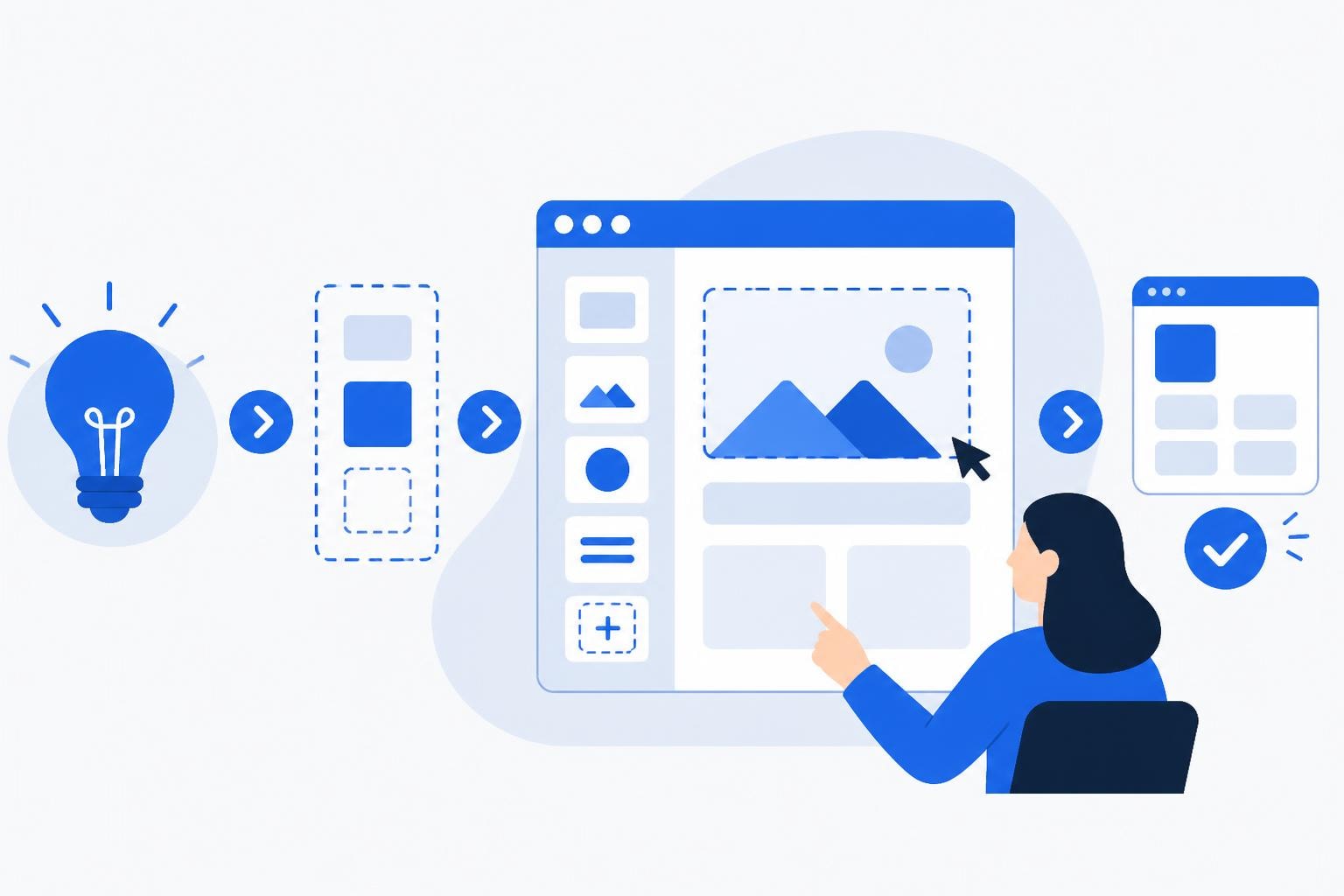
The ability to build app no code has revolutionized how businesses approach software development in 2026. Organizations of all sizes now create sophisticated applications without traditional programming expertise, dramatically reducing both time-to-market and development costs. This comprehensive guide explores the landscape of no-code development, offering practical insights for enterprises and startups ready to embrace this transformative approach to building digital solutions.
Understanding No-Code Development Fundamentals
No-code platforms empower users to create fully functional applications through visual interfaces and pre-built components. No-code development eliminates the need for manual coding, replacing text-based programming with intuitive drag-and-drop builders. This democratization of software creation means business analysts, product managers, and entrepreneurs can now transform their ideas into working applications.
The technology behind these platforms has matured significantly. Modern no-code solutions offer robust backends, sophisticated data management, and seamless integrations with existing business systems.
Key characteristics of no-code platforms include:
- Visual development environments with drag-and-drop functionality
- Pre-built templates and components for common features
- Automated database management and API connections
- Built-in security and compliance features
- Real-time collaboration tools for team development
Unlike traditional development that requires months of coding, testing, and debugging, no-code platforms compress timelines dramatically. Many businesses now launch minimum viable products in weeks rather than quarters.
The Business Value Proposition
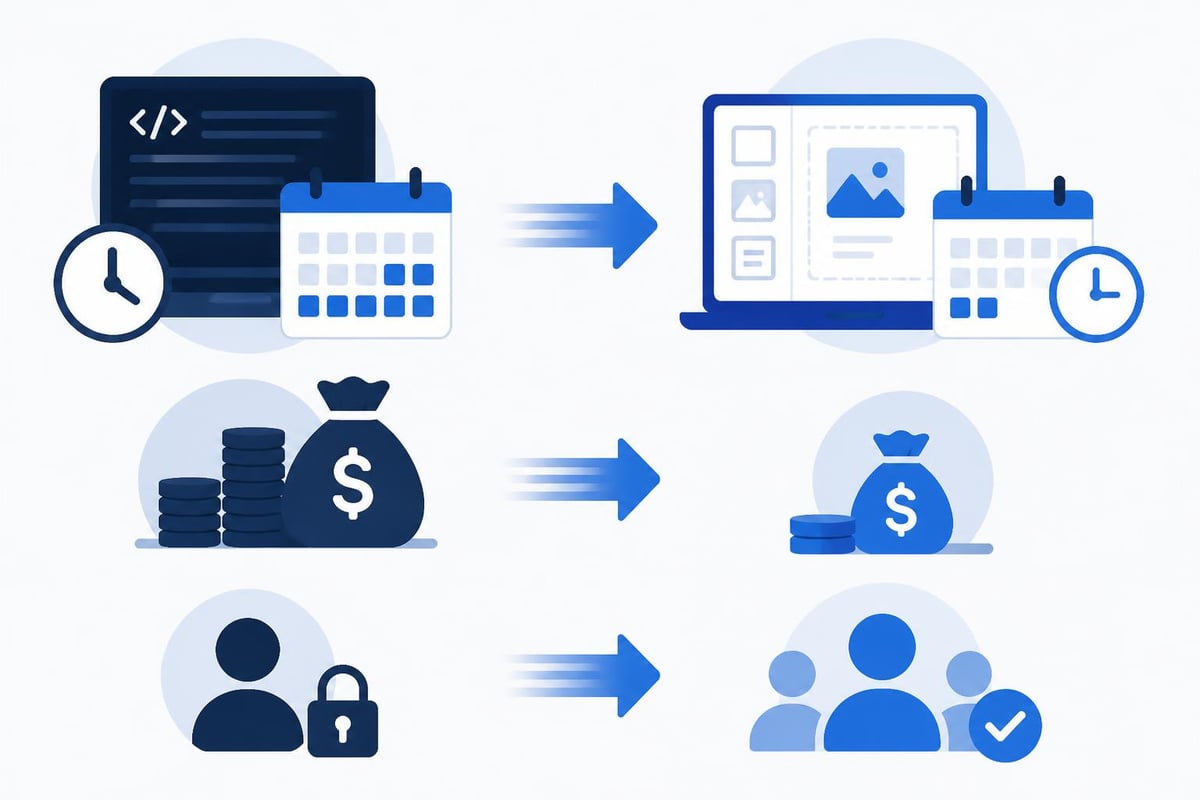
When organizations build app no code, they unlock tangible business advantages that extend beyond cost savings. Speed becomes a competitive differentiator as companies rapidly test market hypotheses and iterate based on user feedback.
| Traditional Development | No-Code Development |
|---|---|
| 3-6 months to launch | 2-6 weeks to launch |
| $50,000-$500,000 budget | $5,000-$50,000 budget |
| Requires technical team | Business users can build |
| Rigid change process | Rapid iterations possible |
The financial implications are substantial. IBM's overview of no-code development highlights how organizations reduce dependency on scarce technical talent while accelerating digital transformation initiatives. This efficiency matters particularly for startups operating with limited resources and enterprises managing extensive application portfolios.
Selecting the Right Platform to Build Your Application
The no-code ecosystem offers diverse platforms, each optimized for specific use cases. Understanding these differences ensures you choose tools aligned with your project requirements and business objectives.
Enterprise-Grade Solutions
Bubble stands out as a powerful platform for building complex, scalable web applications. With comprehensive database capabilities and extensive API integration options, Bubble supports sophisticated business logic and workflows. Many agencies, including specialists in Bubble development, leverage this platform for enterprise clients requiring robust, production-ready solutions.
Bubble excels in:
- Multi-user SaaS applications
- Internal business tools and dashboards
- Customer portals and marketplaces
- Custom CRM and project management systems
For organizations exploring AI-powered solutions, platforms like Lovable integrate artificial intelligence directly into the development process. These next-generation tools accelerate development further by generating functional components from natural language descriptions.
Specialized Platform Categories
When you build app no code, matching your platform to your specific needs maximizes success. Various no-code platforms serve different purposes across the application spectrum.
Mobile-first platforms prioritize native iOS and Android experiences, offering device-specific features like push notifications and camera access. Database-centric tools excel at building internal operations software where data management drives functionality. Website builders focus on public-facing content and e-commerce, while workflow automation platforms connect existing systems without creating standalone applications.
The platform landscape continues evolving. Research on no-code platforms and digital product development reveals that entrepreneurs increasingly choose these solutions for their flexibility and rapid deployment capabilities, fundamentally changing how startups approach product development.
The Development Process Without Code
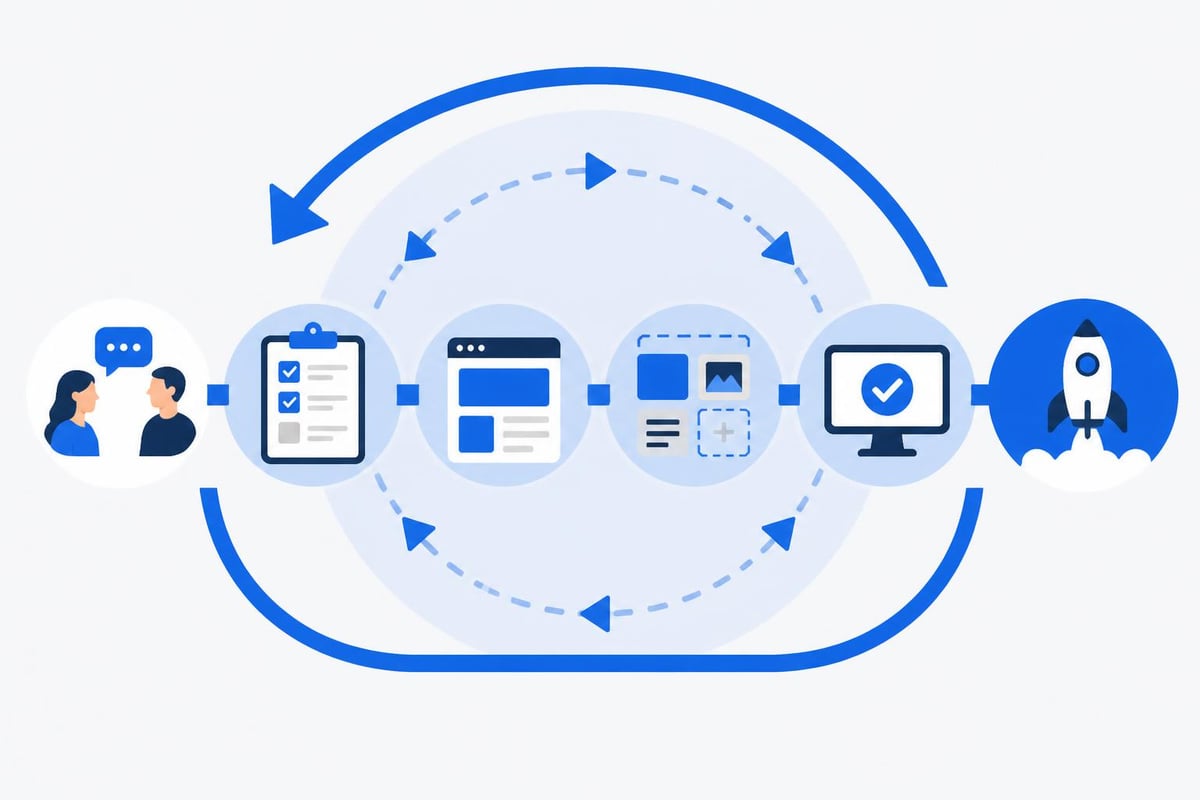
Building applications through no-code platforms follows a structured methodology that differs significantly from traditional software engineering. Success requires planning, design thinking, and strategic component assembly rather than programming expertise.
Planning and Requirements Gathering
Every successful no-code project begins with clear requirements definition. Document your application's core features, user flows, and data structures before touching any development tools. This preparation prevents costly mid-project pivots and ensures your chosen platform can accommodate your needs.
Critical planning elements include:
- User personas and journey mapping
- Feature prioritization using MoSCoW or similar frameworks
- Data model design showing entity relationships
- Integration requirements with existing systems
- Security and compliance requirements
When enterprises build internal tools using no-code, they often discover that thorough planning reduces overall development time by 40-50%. The visual nature of no-code makes iterative refinement easier, but a solid foundation remains essential.
Design and Prototyping
Modern no-code platforms blur the line between design and development. Many tools allow you to create functional prototypes that become your final product through progressive enhancement. This approach validates concepts quickly with real user feedback rather than static mockups.
Start with low-fidelity wireframes to establish information architecture and navigation patterns. As clarity emerges, transition directly into your no-code platform to build interactive prototypes. The process of moving from MVP design to development becomes seamless when using integrated no-code solutions.
| Development Stage | Traditional Approach | No-Code Approach |
|---|---|---|
| Wireframing | Separate design tool | Platform or design tool |
| Prototype | Static mockups | Functional prototype |
| Development | Complete rebuild | Enhance prototype |
| Testing | After development | Throughout process |
Building and Configuring Components
The core work of building no-code applications involves assembling and configuring visual components. Modern platforms provide extensive libraries of pre-built elements-buttons, forms, data tables, charts, and complex widgets that would require thousands of lines of code to develop traditionally.
Configuration happens through property panels and settings dialogs rather than code files. You define how components behave, what data they display, and how they respond to user interactions through intuitive interfaces. This visual logic builder approach makes complex conditional logic accessible to non-programmers.
Essential configuration tasks include:
- Connecting UI components to database fields
- Defining user permissions and access controls
- Creating workflows triggered by user actions
- Setting up API calls to external services
- Implementing responsive design for multiple devices
Database design deserves particular attention when you build app no code. Structure your data models thoughtfully from the start, as restructuring later becomes more challenging. Define clear relationships between data types, establish appropriate field types, and consider how data flows through your application.
Integrating External Services and APIs
No application exists in isolation. Modern software ecosystems demand integration with payment processors, communication services, analytics tools, and industry-specific platforms. No-code platforms excel at these connections through pre-built integrations and flexible API tools.
Native Integration Libraries
Leading no-code platforms maintain extensive plugin marketplaces offering one-click integrations with popular services. Stripe for payments, SendGrid for email, Twilio for SMS, and hundreds of other services connect without custom development. These native integrations handle authentication, data formatting, and error management automatically.
When building customer-facing applications, payment processing integration typically becomes a priority. Most no-code platforms support multiple payment gateways through simple configuration, enabling subscription billing, one-time payments, and marketplace transactions.
Authentication and user management similarly benefit from pre-built integrations. OAuth connections with Google, Microsoft, and social platforms let users sign in with existing accounts, reducing friction and improving conversion rates.
Custom API Connections
For specialized business systems or proprietary services, custom API integrations extend no-code capabilities. Most platforms provide API connectors that make HTTP requests to external endpoints, parse responses, and integrate data into your application workflows.
Steps for custom API integration:
- Obtain API credentials and documentation
- Configure the API connector with base URL and authentication
- Define specific endpoint calls with parameters
- Map response data to your application's data structure
- Build error handling for failed requests
- Test thoroughly with various scenarios
The low-code approach sometimes becomes necessary for complex integration scenarios. Understanding when no-code limitations require low-code solutions helps set realistic expectations and plan accordingly.
Optimizing Performance and Scalability
Applications built without code must perform reliably under production loads. Performance optimization in no-code environments focuses on efficient data structures, smart caching strategies, and thoughtful feature implementation rather than code-level optimization.
Database Query Optimization
How you structure and query data dramatically impacts application performance. Design database searches to use indexed fields, limit result sets appropriately, and avoid nested queries that execute repeatedly. Most no-code platforms provide query monitoring tools showing which database operations consume the most resources.
Performance best practices include:
- Implementing pagination for large data sets
- Using server-side processing for complex calculations
- Caching frequently accessed data
- Limiting real-time updates to necessary components
- Archiving historical data to separate tables
When building internal dashboards, performance becomes particularly critical as users expect instant data visualization. Aggregating data at scheduled intervals rather than calculating on-demand often provides better user experience.
Scaling Considerations
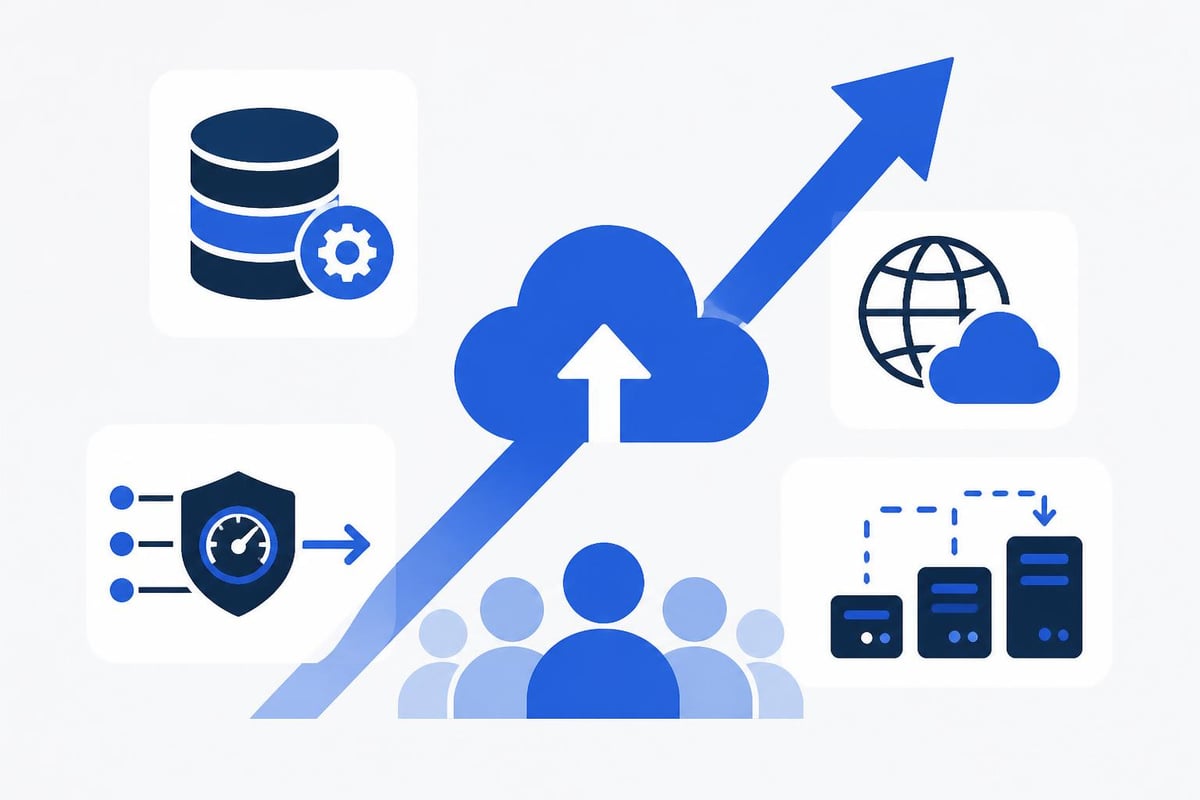
As your user base grows, your no-code application must scale gracefully. Modern platforms handle infrastructure scaling automatically, but application architecture choices significantly impact scalability potential. Design your data models to accommodate growth, avoid hardcoded limits, and implement efficient search mechanisms.
File storage deserves special attention for content-heavy applications. Leverage cloud storage services like AWS S3 or Cloudinary rather than storing large files directly in your application database. This separation improves performance and reduces costs.
Security and Compliance in No-Code Applications
Security cannot be an afterthought when you build app no code. Professional applications require robust security measures protecting user data, preventing unauthorized access, and complying with relevant regulations like GDPR, HIPAA, or SOC 2.
Authentication and Authorization
Implement strong authentication from day one. Multi-factor authentication, secure password requirements, and session management protect user accounts. Authorization controls ensure users access only data and features appropriate to their roles.
Security implementation checklist:
- Enforce strong password policies
- Enable two-factor authentication options
- Implement role-based access control
- Encrypt sensitive data at rest and in transit
- Regular security audits and vulnerability assessments
- Secure API keys and credentials in environment variables
Most enterprise-grade no-code platforms provide built-in security features, but proper configuration remains your responsibility. Review platform security documentation thoroughly and implement recommended practices consistently.
Data Privacy and Compliance
Regulatory compliance requirements vary by industry and geography. Healthcare applications must address HIPAA requirements, financial services face strict data handling regulations, and any application serving European users must comply with GDPR.
No-code platforms simplify compliance through features like audit logging, data retention policies, and user consent management. However, understanding your specific obligations and configuring these features appropriately remains essential. For regulated industries, partnering with experienced no-code development agencies ensures critical compliance requirements receive proper attention.
Testing and Quality Assurance
Thorough testing ensures your no-code application functions correctly across devices, browsers, and use cases. While no-code platforms eliminate syntax errors and many common bugs, logic errors, usability issues, and edge cases still require systematic testing.
Testing Methodologies
Approach testing systematically across multiple dimensions. Functional testing verifies features work as intended, usability testing confirms intuitive user experience, and performance testing ensures acceptable load times and responsiveness.
Testing strategy components:
- Unit testing: Verify individual workflows and components
- Integration testing: Confirm connected systems communicate properly
- User acceptance testing: Validate business requirements with stakeholders
- Cross-browser testing: Ensure compatibility across Chrome, Safari, Firefox, Edge
- Mobile responsiveness: Test on various device sizes and orientations
Create test scripts documenting expected behavior for critical user journeys. This systematic approach catches issues before users encounter them and provides regression testing capability as you add features.
Beta Testing and Iteration
Launch beta programs with select users before full release. Real-world usage uncovers issues that structured testing misses. Monitor user behavior through analytics, gather qualitative feedback through surveys, and prioritize improvements based on actual pain points.
The iterative nature of no-code development makes continuous improvement practical. Unlike traditional development requiring formal release cycles, no-code platforms enable rapid iteration. Push fixes and enhancements quickly, monitoring impact through analytics and user feedback.
Cost Analysis and ROI
Understanding the financial implications helps justify no-code investment and set appropriate expectations. When organizations build app no code, they typically realize 60-80% cost savings compared to traditional development while achieving faster time-to-market.
Direct Development Costs
Platform subscription costs form the foundation of no-code expenses. Most platforms offer tiered pricing based on features, capacity, and support levels. Entry-level plans start around $25-100 monthly, while enterprise plans range from $500-5,000+ monthly depending on scale and requirements.
Additional costs include third-party integrations, premium plugins, and external services like hosting (for some platforms), payment processing fees, and email delivery services. Budget 20-30% beyond base platform costs for these auxiliary expenses.
| Cost Category | Traditional Dev | No-Code Dev |
|---|---|---|
| Initial development | $50,000-$500,000 | $5,000-$50,000 |
| Monthly operations | $2,000-$10,000 | $500-$2,000 |
| Feature additions | $10,000-$50,000 | $1,000-$5,000 |
| Maintenance | 15-20% annual | 5-10% annual |
Time-to-Value Considerations
Speed advantages translate directly to business value. Launching three months earlier captures revenue sooner, validates market fit faster, and enables iterative improvement based on real user feedback. This velocity particularly benefits startups where low-cost MVP development determines survival.
For enterprises, the ability to build internal tools rapidly transforms operational efficiency. Departments can address specific workflow needs without competing for limited IT resources, dramatically improving productivity across the organization.
Common Challenges and Solutions
Despite significant advantages, building applications without code presents unique challenges. Understanding these obstacles and their solutions prepares you for successful project delivery.
Platform Limitations
Every no-code platform has boundaries. Complex algorithms, real-time collaboration features, or highly specialized functionality may push against these limits. The solution involves careful platform selection during planning and willingness to use hybrid approaches when necessary.
When hitting platform limits:
- Evaluate whether the feature is essential or can be simplified
- Consider using APIs to external specialized services
- Explore platform-specific workarounds or plugins
- Accept that some features may require custom code supplements
AI-powered no-code development tools increasingly address traditional limitations by generating custom components and logic automatically, expanding what's possible without manual coding.
Learning Curve Management
While no-code platforms are more accessible than traditional development, they still require learning platform-specific concepts and best practices. Invest time in official training resources, community forums, and documentation before diving into complex projects.
Start with simple projects to build familiarity. Create a basic CRUD application, implement user authentication, connect a simple API. These foundational experiences build confidence and reveal platform patterns applicable to more complex work.
Vendor Lock-in Concerns
Building on proprietary platforms creates dependency on that vendor's continued operation and pricing stability. Mitigate this risk by choosing established platforms with strong financial backing, active development, and large user communities. Export capabilities vary by platform, so understand data portability options before committing.
For critical business applications, consider diversification strategies. Build some tools on different platforms, maintain documented data structures enabling migration if needed, and regularly export data backups. These precautions provide flexibility without eliminating no-code advantages.
Advanced Techniques and Best Practices
As you gain experience, advanced techniques elevate your no-code applications from functional to exceptional. These practices separate professional implementations from amateur projects.
Component Reusability
Build reusable components for common patterns throughout your application. Custom reusable elements-styled buttons, form inputs, data cards-maintain consistency and accelerate development. Changes to reusable components automatically propagate throughout your application.
Reusability strategies:
- Create component libraries for brand elements
- Develop workflow templates for common processes
- Build data structure templates for similar entities
- Document custom components for team reference
This modular approach mirrors professional software engineering practices, bringing similar efficiency benefits to no-code development.
Performance Monitoring
Implement comprehensive analytics and monitoring from launch. Track user behavior, identify bottlenecks, and measure key performance indicators. Most no-code platforms integrate easily with Google Analytics, Mixpanel, or similar services.
Beyond usage analytics, monitor technical performance metrics: page load times, database query duration, API response times, and error rates. This data guides optimization efforts and identifies issues before they impact significant user populations.
Continuous Improvement Frameworks
Establish systematic improvement processes. Schedule regular reviews of user feedback, analytics data, and feature requests. Prioritize enhancements using frameworks like RICE (Reach, Impact, Confidence, Effort) to maximize value delivered relative to resources invested.
When you build app no code, the ease of iteration enables rapid A/B testing and experimentation. Test different user flows, interface designs, and feature implementations with real users to discover optimal approaches backed by data rather than assumptions.
The Future of No-Code Development
The no-code landscape evolves rapidly with emerging technologies expanding possibilities. Understanding these trends helps future-proof your applications and development skills.
AI Integration
Artificial intelligence increasingly powers no-code platforms themselves. Recent research on no-code interfaces for AI demonstrates how natural language processing enables building complex applications through conversational interfaces. This trend accelerates development further while making sophisticated capabilities accessible to business users.
Platforms now offer AI-powered features like:
- Automated component generation from descriptions
- Intelligent workflow suggestions based on common patterns
- Predictive data models that adapt to your business logic
- Natural language query interfaces for databases
Industry-Specific Solutions
No-code platforms increasingly target specific industries with pre-built templates, compliance frameworks, and specialized integrations. Healthcare, finance, education, and logistics sectors now have platforms addressing unique regulatory and functional requirements.
This specialization makes building compliant, feature-rich applications faster. Industry-specific platforms incorporate best practices, required security measures, and common workflows automatically, reducing configuration burden.
The ability to build app no code represents a fundamental shift in how organizations create software solutions. By combining visual development platforms with thoughtful planning and systematic execution, businesses achieve outcomes previously requiring extensive technical teams and budgets. Big House Technologies specializes in transforming these no-code possibilities into production-ready applications, leveraging platforms like Bubble and Lovable to deliver scalable solutions efficiently. Whether you're launching your first MVP or expanding your enterprise application portfolio, expert guidance ensures you maximize no-code advantages while avoiding common pitfalls.

About Big House
Big House is committed to 1) developing robust internal tools for enterprises, and 2) crafting minimum viable products (MVPs) that help startups and entrepreneurs bring their visions to life.
If you'd like to explore how we can build technology for you, get in touch. We'd be excited to discuss what you have in mind.
Other Articles
Discover the fastest way to build an MVP in 2026 using no-code platforms, AI tools, and proven frameworks to validate your idea quickly.
Learn how to turn Figma designs into software with no-code tools, AI platforms, and modern development workflows. Expert guide for 2026.
Unlock Figma to app development services in 2026 with expert tips on seamless design to deployment, no code AI integration, cost savings, and future trends.