
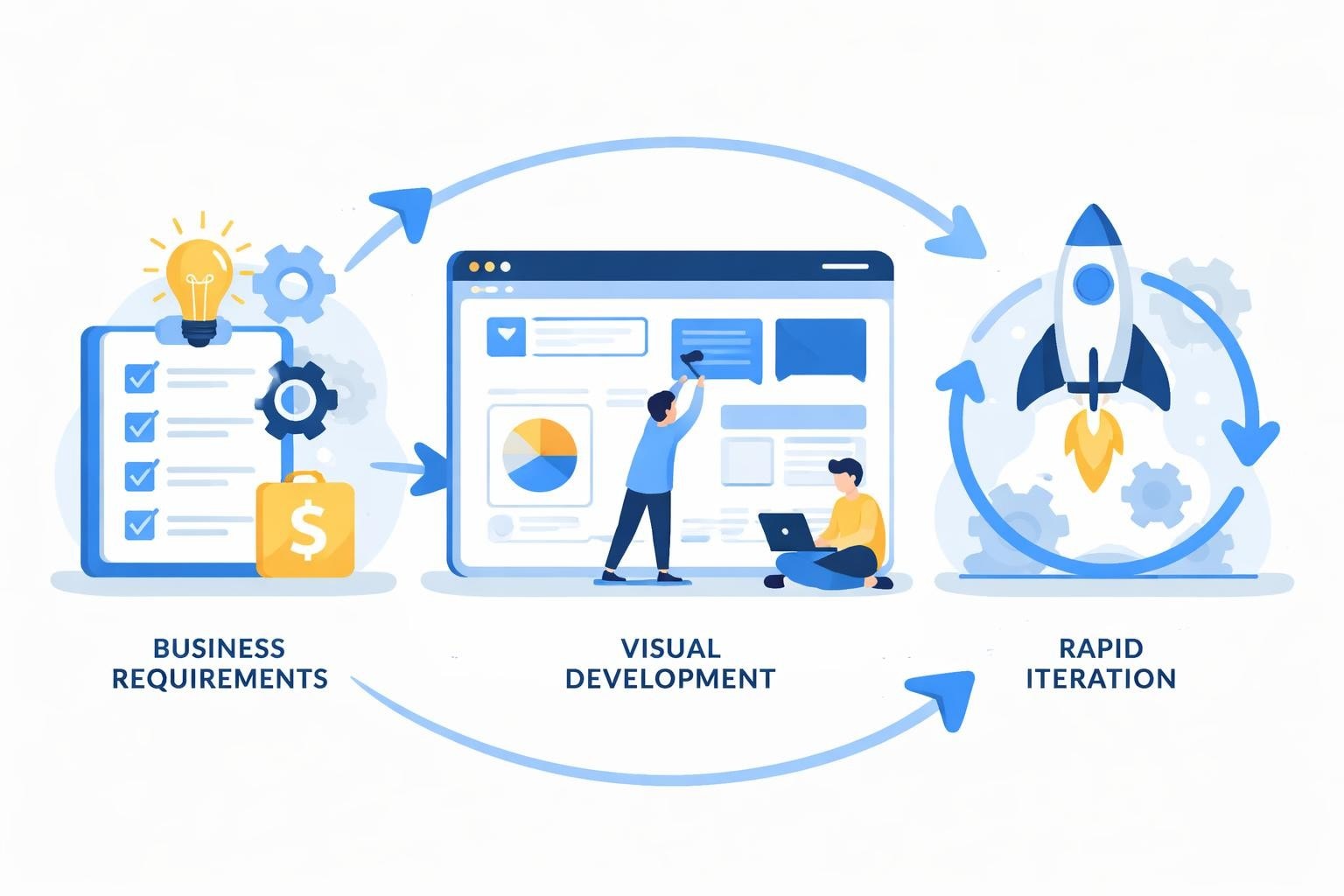
Enterprise teams are drowning in spreadsheets, disconnected systems, and manual processes that drain productivity. Building custom internal tools traditionally required months of development time, extensive budgets, and specialized technical talent that most organizations struggle to retain. Low code platforms for internal tools are fundamentally changing this equation, enabling businesses to develop sophisticated applications in weeks rather than months while reducing costs by up to 70%. These platforms combine visual development interfaces with pre-built components, allowing both developers and business users to create tailored solutions that address specific operational challenges without writing extensive code.
The Rising Demand for Custom Internal Tools
Modern businesses face unique operational challenges that off-the-shelf software simply cannot address. Every organization has proprietary workflows, specific data requirements, and integration needs that demand customized solutions.
Traditional software development for internal tools creates a significant bottleneck. IT departments already juggle competing priorities, leaving business teams waiting months for simple applications. This delay costs organizations millions in lost productivity and missed opportunities.
The key drivers pushing organizations toward low code platforms for internal tools include:
- Accelerating digital transformation initiatives across departments
- Reducing dependency on overburdened IT resources
- Empowering business users to solve their own operational problems
- Cutting development costs while maintaining quality standards
- Responding faster to changing business requirements
The shift toward low-code digital transformation tools represents a fundamental change in how enterprises approach software development. Companies are recognizing that speed and adaptability matter more than perfect, traditionally coded solutions.
Core Capabilities That Define Effective Platforms
Not all low code platforms deliver equal value for internal tool development. The most effective solutions share specific characteristics that enable both rapid development and long-term maintainability.
Visual Development Environments
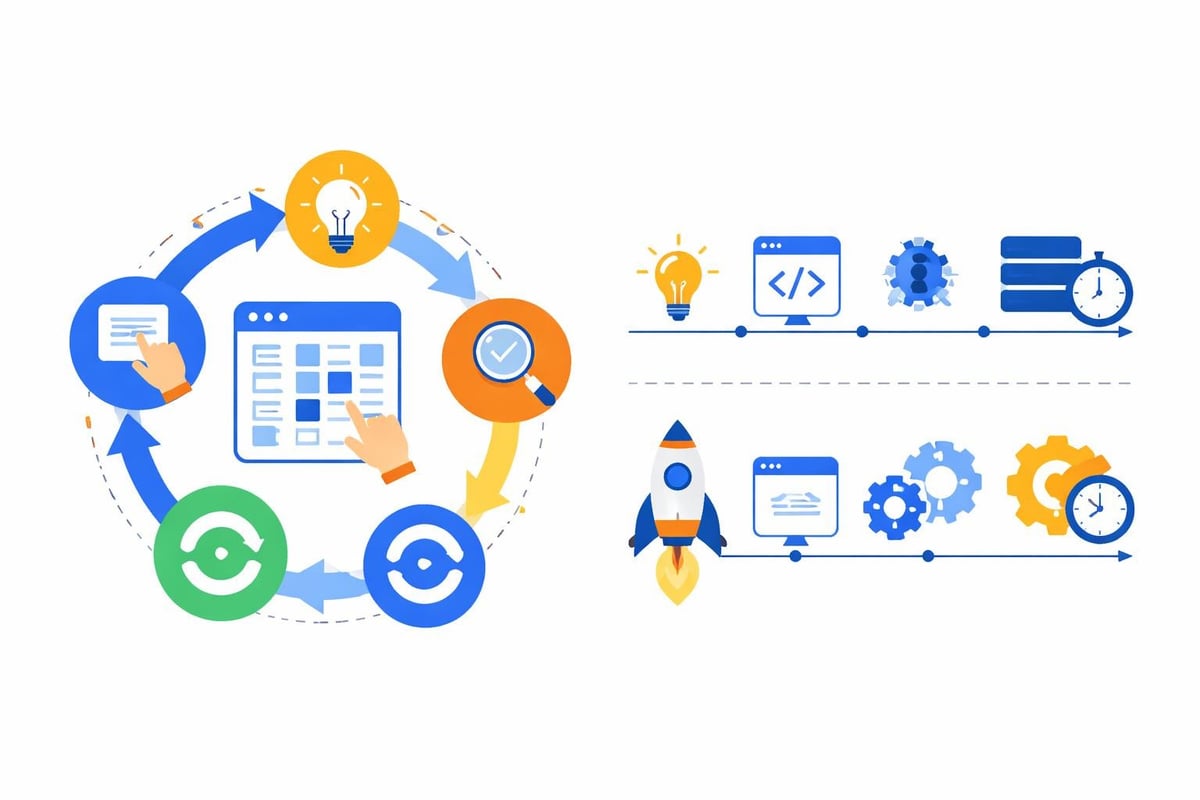
Modern low code platforms provide drag-and-drop interfaces that make application building intuitive. These visual editors allow users to construct user interfaces, define workflows, and configure logic without diving into code syntax.
The best platforms balance simplicity with power. They offer pre-built components for common functions while allowing developers to extend functionality with custom code when needed. This flexibility ensures organizations are not limited by platform constraints as requirements evolve.
Database and Integration Capabilities
Internal tools must connect with existing systems to provide real value. According to InfoQ's analysis of low-code tools for internal applications, seamless integration capabilities are essential for optimizing engineering time.
| Integration Type | Purpose | Common Examples |
|---|---|---|
| Database connections | Store and retrieve application data | PostgreSQL, MySQL, MongoDB |
| API integrations | Connect with external services | Salesforce, Stripe, Slack |
| Authentication systems | Manage user access and permissions | OAuth, SAML, Active Directory |
| Cloud storage | Handle file uploads and media | AWS S3, Google Cloud Storage |
Most organizations already have data scattered across multiple systems. Low code platforms for internal tools must aggregate this information, providing unified interfaces that simplify access and analysis.
Security and Compliance Features
Internal tools often handle sensitive business data, customer information, or financial records. Enterprise-grade security features are not optional.
Essential security capabilities include:
- Role-based access control to restrict functionality by user type
- Data encryption both in transit and at rest
- Audit logging to track user actions and system changes
- Compliance certifications for regulated industries
- Single sign-on integration with existing identity providers
Organizations in healthcare, finance, or government face additional compliance requirements. Platforms must support HIPAA, SOC 2, GDPR, and other regulatory frameworks without requiring extensive custom development.
Platform Categories and Selection Criteria
The low code landscape includes diverse platform types, each optimized for different use cases and user profiles. Understanding these categories helps organizations select tools aligned with their specific needs.
Full-Stack Application Platforms
These comprehensive solutions enable development of complete applications with front-end interfaces, business logic, and database management. They excel at building customer portals, project management systems, or enterprise workflow automation tools.
Bubble exemplifies this category, providing visual development for both interface design and backend workflows. The platform supports complex data structures, API integrations, and user authentication without requiring traditional programming knowledge.
Database-Centric Platforms
Some low code platforms focus specifically on building interfaces for existing databases. These tools transform raw data into interactive dashboards, forms, and reporting systems.
This approach works particularly well when organizations already maintain comprehensive databases but need better ways to access and manipulate that information. TechTarget's overview of low-code development tools highlights several platforms specializing in this database-first approach.
Workflow Automation Platforms
Not every internal tool requires a full application. Many operational needs involve automating repetitive tasks, routing approvals, or triggering actions based on specific events.
Workflow-focused platforms excel at connecting different systems through automated processes. They might send notifications when inventory drops below thresholds, route expense reports through approval chains, or sync data between platforms on scheduled intervals.
Real-World Applications Across Business Functions
Low code platforms for internal tools deliver value across every department, addressing pain points that traditional software overlooks.
Human Resources Applications
HR teams manage constant paper shuffling: onboarding documents, performance reviews, time-off requests, and benefits enrollment. Custom internal tools streamline these processes while maintaining compliance requirements.
Common HR applications built on low code platforms:
- Employee onboarding portals that guide new hires through required paperwork
- Performance review systems tailored to company-specific evaluation criteria
- Time tracking and PTO management matching organizational policies
- Training program dashboards monitoring completion and compliance
- Recruiting pipelines tracking candidates through interview stages
These tools reduce administrative burden while improving employee experience. New hires complete onboarding faster, managers access performance data instantly, and HR teams spend less time on manual data entry.
Operations and Logistics Tools
Operations teams juggle physical assets, supply chains, and complex scheduling requirements. Off-the-shelf solutions rarely match specific operational workflows.
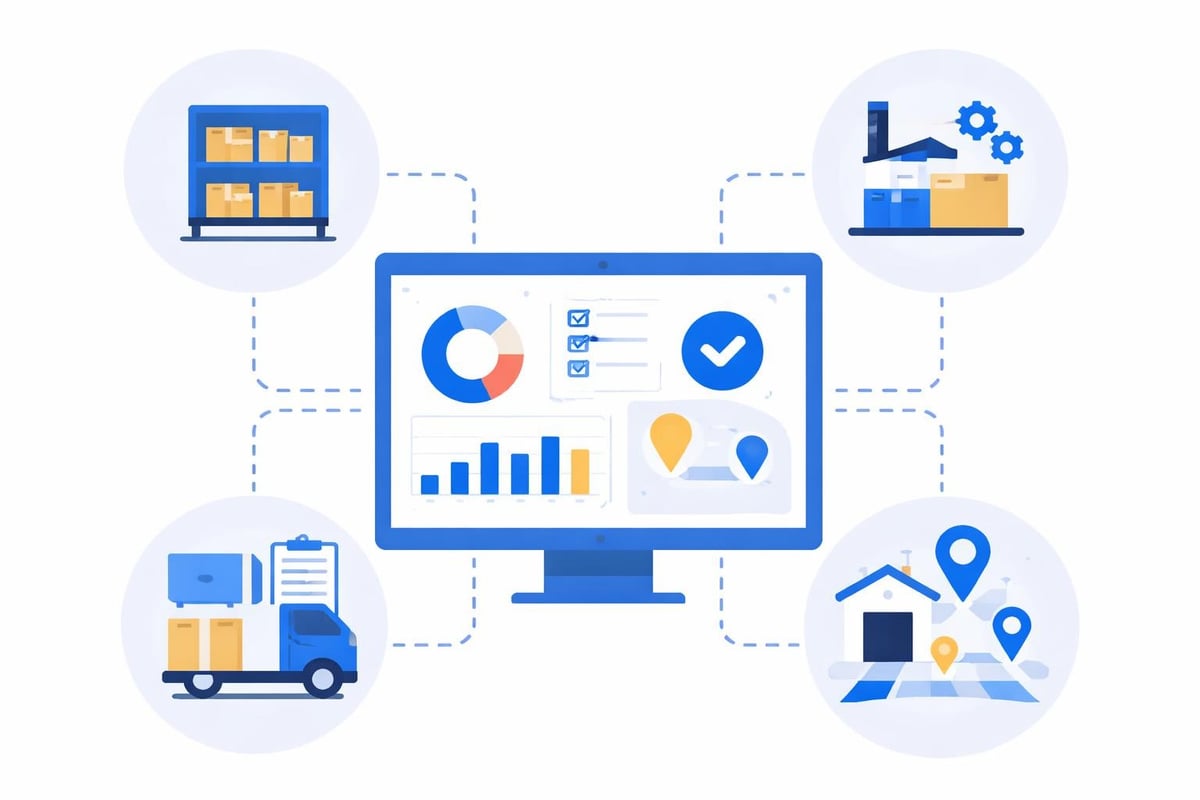
Low code platforms enable rapid development of inventory management systems, shipping trackers, vendor portals, and quality control applications. These tools provide real-time visibility into operations while adapting to unique business processes.
Sales and Customer Success Applications
Sales teams need CRM systems configured to their specific sales processes, quote generators matching pricing structures, and customer portals providing self-service access.
While Salesforce and HubSpot serve many organizations well, they often require expensive customization or force teams into rigid workflows. Building custom tools with low code platforms provides flexibility at a fraction of the cost, as discussed in comparisons of open-source versus low-code approaches.
| Business Function | Traditional Approach | Low Code Approach |
|---|---|---|
| Development time | 3-6 months | 2-6 weeks |
| Cost | $50,000-$200,000 | $5,000-$30,000 |
| Ongoing maintenance | Dedicated developer | Business user updates |
| Modification speed | Weeks per change | Hours or days |
The economics are compelling. Organizations can build multiple internal tools for the cost of one traditionally developed application.
Building Versus Buying: Making the Strategic Choice
Every internal tool project begins with a fundamental decision: build custom or purchase commercial software. Low code platforms for internal tools shift the calculation dramatically.
Commercial software offers immediate deployment and established support. However, it brings recurring subscription costs, feature limitations, and forces business processes to adapt to software constraints rather than the reverse.
Building custom tools provides perfect alignment with business needs. Traditional development delivers this alignment at high cost and slow speed. Low code platforms bridge the gap, offering customization speed and cost efficiency previously impossible.
When Low Code Makes Sense
Certain scenarios particularly favor low code development for internal tools:
- Unique workflows: Processes specific to your organization that commercial software cannot accommodate
- Frequent changes: Requirements that evolve rapidly based on market conditions or business strategy
- Integration complexity: Need to connect multiple existing systems into unified interfaces
- Budget constraints: Limited resources that make traditional development impractical
- Time pressure: Urgent operational needs requiring rapid deployment
Organizations pursuing enterprise team collaboration tools often find that low code platforms deliver functionality faster than procurement and implementation of commercial alternatives.
When Traditional Development Remains Optimal
Low code platforms are powerful but not universal solutions. Some situations still require traditional software development:
Complex algorithmic requirements, extreme performance demands, or highly specialized functionality may exceed low code platform capabilities. Applications requiring extensive custom code or unusual technical architectures might develop faster through traditional approaches.
The decision depends on specific project requirements, available resources, and long-term maintenance considerations. Many organizations adopt hybrid approaches, using low code for standard internal tools while reserving traditional development for specialized applications.
Implementation Best Practices
Successful low code adoption requires more than selecting the right platform. Organizations must approach implementation strategically to maximize value and minimize friction.
Start With High-Impact, Low-Complexity Projects
First projects should demonstrate clear value without overwhelming teams learning new development approaches. Choose use cases with defined requirements, enthusiastic stakeholders, and measurable success criteria.
Ideal starter projects typically:
- Solve genuine pain points that users actively complain about
- Replace manual processes with clear inefficiencies
- Require minimal integration with existing systems initially
- Have flexible requirements allowing iterative development
- Serve a small user base willing to provide feedback
Success with initial projects builds organizational confidence and demonstrates platform capabilities to skeptical stakeholders.
Establish Governance Without Bureaucracy
Low code platforms democratize development, enabling non-technical users to build applications. This accessibility creates both opportunities and risks.
Without governance, organizations face proliferation of redundant tools, security vulnerabilities, and maintenance nightmares as citizen developers create unsupported applications.
Effective governance balances control with enablement. Establish clear guidelines for data access, security requirements, and application approval processes. Create centers of excellence providing templates, best practices, and support to citizen developers.
Plan for Scale and Maintenance
Applications that start simple often grow complex as users request additional features. According to evaluations of low-code internal tool builders, planning for scalability from the beginning prevents painful rebuilds later.
Consider how applications will handle growing data volumes, increasing user counts, and evolving requirements. Document application logic and maintain clear ownership ensuring someone can maintain and enhance tools over time.
Cost Analysis and ROI Considerations
Understanding the true economics of low code platforms for internal tools requires looking beyond platform subscription costs to total development and maintenance expenses.
Direct Cost Components
Platform licensing represents the most visible expense. Pricing models vary significantly across providers, from per-user subscriptions to consumption-based billing or flat enterprise rates.
Total costs typically include:
- Platform subscription fees based on users or application count
- Development time from internal resources or external agencies
- Integration costs connecting with existing systems
- Training expenses getting teams productive on the platform
- Ongoing maintenance and enhancement efforts
Organizations working with no-code and AI development agencies often achieve faster time-to-value through expert implementation, offsetting higher upfront development costs with reduced total project duration.
Quantifying Benefits
ROI extends beyond cost savings to productivity improvements and new capabilities that were previously impractical.
Measure time savings from automating manual processes, error reduction from eliminating duplicate data entry, and revenue impact from improved customer or employee experiences. Calculate opportunity costs of not solving problems versus platform investment.
Most organizations find that even modest internal tools deliver ROI within months when they eliminate significant manual work or enable new business capabilities.
The Role of AI in Modern Low Code Platforms
Artificial intelligence is transforming low code development, making platforms even more accessible and powerful. AI-powered features accelerate development while reducing technical barriers.
Natural Language Interfaces
Emerging platforms allow users to describe applications in plain English, with AI generating initial interfaces and logic. These capabilities make internal tool development accessible to truly non-technical users.
The comparison of AI-powered development platforms reveals rapid innovation in natural language development interfaces, though human refinement remains essential for production applications.
Intelligent Automation and Suggestions
AI assists developers by suggesting optimal component configurations, identifying potential bugs, and recommending integration approaches. These features reduce development time while improving application quality.
Smart defaults and context-aware suggestions help new users avoid common mistakes, accelerating the learning curve for citizen developers building their first internal tools.
Enhanced Data Processing
Internal tools often involve data analysis, reporting, and predictive capabilities. AI integration enables sophisticated analytics without requiring data science expertise.
Low code platforms incorporating AI allow business users to add features like anomaly detection, forecasting, and intelligent categorization to their applications. This democratizes advanced functionality previously requiring specialized technical skills.

Organizations exploring AI product development tools for startups find that AI-enhanced low code platforms enable rapid prototyping and validation of new concepts.
Integration Strategies for Enterprise Environments
Internal tools exist within complex technology ecosystems. Successful implementation requires thoughtful integration with existing systems, data sources, and workflows.
API-First Architecture
Modern low code platforms embrace API connectivity, allowing applications to consume and expose data through standardized interfaces. This approach enables internal tools to become part of broader automation ecosystems.
Well-designed integrations respect existing data ownership and security models. Internal tools should access systems through established APIs rather than creating parallel data stores that drift out of sync.
Data Synchronization Approaches
Different use cases require different data strategies. Some applications need real-time access to live data, while others work perfectly with periodic synchronization or cached snapshots.
Common integration patterns include:
- Real-time API calls: Query external systems on-demand for current data
- Scheduled synchronization: Periodically copy data to internal databases
- Event-driven updates: React to webhooks or events from connected systems
- Hybrid approaches: Combine methods based on specific data requirements
Choose synchronization strategies based on data freshness requirements, system performance constraints, and integration capabilities of connected platforms.
Authentication and Single Sign-On
Users should not manage separate credentials for every internal tool. Integration with enterprise identity providers enables single sign-on, improving both security and user experience.
Low code platforms for internal tools must support standard authentication protocols like SAML, OAuth, and OpenID Connect. This compatibility ensures seamless integration with Active Directory, Okta, or other enterprise identity systems.
Platform Evaluation Framework
Selecting the right platform requires systematic evaluation against organizational requirements, technical capabilities, and long-term strategic goals.
Technical Requirements Assessment
Start by documenting specific technical needs. What systems must new applications integrate with? What data volumes will applications handle? What security and compliance requirements apply?
Create a requirements matrix scoring platforms against essential capabilities. Weight criteria based on organizational priorities, recognizing that no platform excels at everything.
User Experience Considerations
The best platform is one that teams will actually use. Evaluate interfaces from both developer and end-user perspectives.
Can business users reasonably build simple applications without extensive training? Do developed applications provide responsive, intuitive experiences that users will embrace? How easily can organizations customize branding and styling?
Resources like compilations of internal tool builders provide valuable starting points for platform research, though hands-on testing remains essential for informed decisions.
Vendor Viability and Support
Platform selection represents a multi-year commitment. Assess vendor financial stability, product roadmap, community size, and support quality.
Active developer communities provide valuable resources through forums, tutorials, and shared components. Strong vendor support ensures quick resolution of technical issues that could otherwise block projects.
Future Trends Shaping Internal Tool Development
The low code landscape continues evolving rapidly, with several trends reshaping how organizations approach internal tool development in 2026 and beyond.
Increased AI Integration
AI capabilities are becoming table stakes rather than differentiators. Expect platforms to offer increasingly sophisticated AI features, from development assistance to intelligent application behavior.
Machine learning models will enable predictive analytics, natural language processing, and computer vision within low code applications, making advanced capabilities accessible to non-specialists.
Edge Computing and Offline Capabilities
Internal tools are expanding beyond office environments to warehouses, retail locations, and field operations. Platforms are adding robust offline functionality and edge computing support.
Applications must work reliably even with intermittent connectivity, synchronizing data when connections restore. This capability is critical for logistics, field service, and distributed operations use cases.
Enhanced Collaboration Features
Application development is becoming more collaborative, with multiple stakeholders contributing to design, logic, and testing. Platforms are adding version control, commenting, and simultaneous editing capabilities.
These features mirror collaboration tools in other domains, making application development more similar to working together in Google Docs or Figma than traditional software development.
Industry-Specific Solutions
Generic platforms are giving way to industry-specialized solutions with pre-built components, compliance features, and workflows tailored to specific sectors.
Healthcare, financial services, manufacturing, and other regulated industries are seeing platforms designed specifically for their unique requirements, accelerating development while ensuring compliance.
Organizations can also leverage no-code platforms for enterprise workflows to standardize processes while maintaining flexibility for departmental customization.
Measuring Success and Continuous Improvement
Deploying internal tools is just the beginning. Organizations must measure usage, gather feedback, and continuously improve applications to maximize value.
Key Performance Indicators
Track metrics that demonstrate business impact rather than just technical performance. How much time are users saving? How many errors are you preventing? What new capabilities are you enabling?
Valuable metrics for internal tools include:
- User adoption rates and active usage statistics
- Time savings from automated processes
- Error reduction in data entry or processing
- Support ticket reduction for replaced legacy systems
- User satisfaction scores through periodic surveys
Compare these metrics against pre-implementation baselines to quantify ROI and justify continued investment in low code platforms for internal tools.
Iteration and Enhancement
Internal tools should evolve based on user feedback and changing business needs. The speed and flexibility of low code platforms enable rapid iteration that would be impractical with traditional development.
Establish regular review cycles where stakeholders discuss what's working, what's frustrating, and what additional capabilities would deliver value. Prioritize enhancements based on user impact and implementation effort.
Continuous improvement transforms good internal tools into indispensable business assets that grow alongside organizational needs.
Low code platforms for internal tools represent a fundamental shift in how organizations approach software development, enabling faster delivery, lower costs, and greater alignment with specific business needs. The combination of visual development, pre-built components, and seamless integrations empowers both technical and business users to create sophisticated applications that drive operational efficiency. If you are ready to accelerate your internal tool development with expert guidance, Big House Technologies specializes in leveraging Bubble and AI-powered platforms to deliver scalable solutions tailored to your unique requirements. Our comprehensive approach from scoping through deployment ensures your internal tools are built right the first time, on schedule and within budget.

About Big House
Big House is committed to 1) developing robust internal tools for enterprises, and 2) crafting minimum viable products (MVPs) that help startups and entrepreneurs bring their visions to life.
If you'd like to explore how we can build technology for you, get in touch. We'd be excited to discuss what you have in mind.
Other Articles
Discover the ultimate guide for Flutter developers in 2025. Learn essential skills, top tools, and the latest trends to future-proof your Flutter career.
Discover how a bubble technical partner for startups accelerates development, reduces costs, and brings your product vision to life in 2026.
Discover the top 10 Bubble app features for 2025, from AI automation to advanced analytics. Upgrade your app and stay ahead with the latest no-code innovations.