
The software development landscape has transformed dramatically over the past decade, with no code app builders emerging as powerful tools that democratize application creation. These platforms enable businesses of all sizes to build sophisticated applications without writing a single line of code, fundamentally changing who can create software and how quickly ideas can become functional products. As enterprises and startups alike face mounting pressure to digitize operations and launch new products faster, understanding the capabilities and strategic implications of these platforms has become essential for business leaders and technical teams.
Understanding No Code App Builders
No code app builders are visual development platforms that allow users to create fully functional applications using drag-and-drop interfaces, pre-built components, and logic flows. Unlike traditional software development, which requires expertise in programming languages like JavaScript, Python, or Java, no-code development platforms empower non-technical users to assemble applications through visual configuration.
The core principle behind these platforms is abstraction. They hide the complexity of underlying code while still maintaining the power and flexibility needed to create robust applications. Users work with visual representations of application logic, database structures, and user interfaces rather than writing syntax-based instructions.
Key Components of No Code Platforms
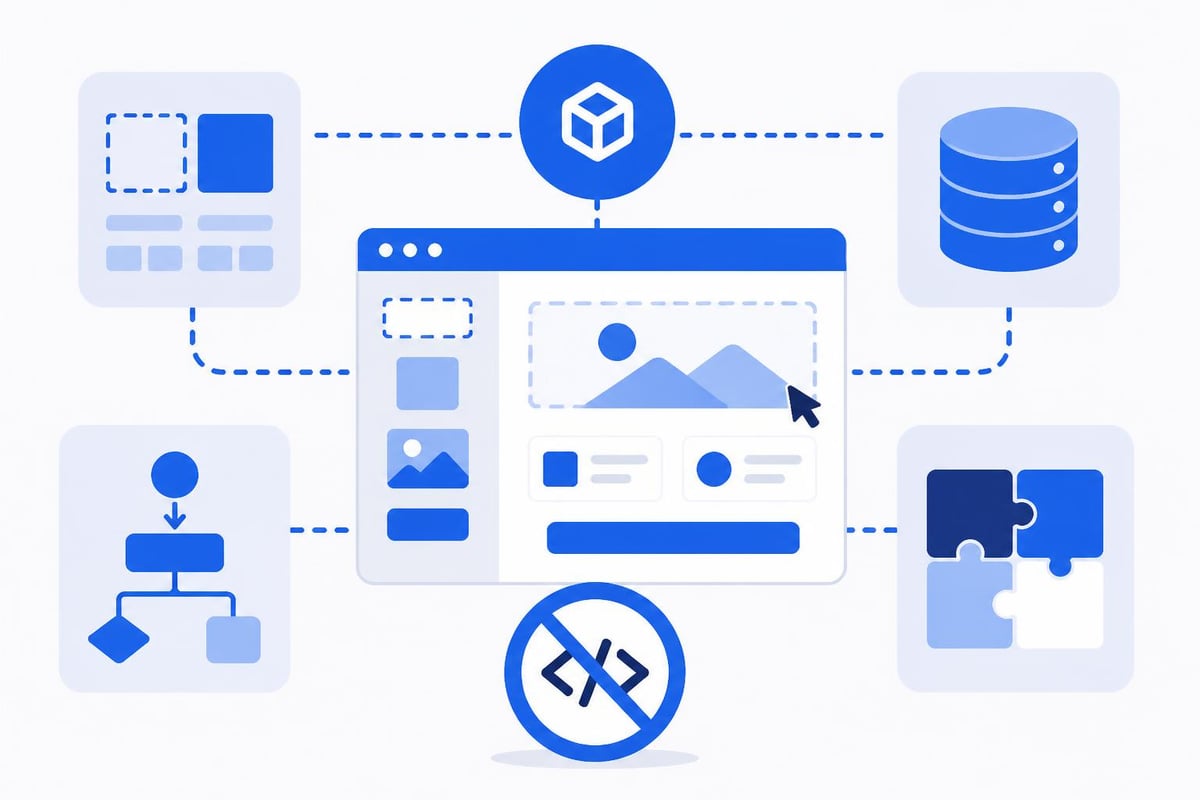
Most no code app builders share several fundamental components that make application development accessible:
- Visual Interface Designers that let users create responsive layouts by dragging and dropping UI elements
- Database Management Tools for structuring and organizing application data without SQL knowledge
- Workflow Automation Engines that handle business logic through visual flow diagrams
- Integration Capabilities connecting to third-party services via pre-built APIs
- Template Libraries offering starting points for common application types
These components work together to provide a comprehensive development environment. When building an MVP with no-code platforms, teams can leverage these tools to compress development timelines from months to weeks or even days.
The Business Case for No Code Development
Organizations are adopting no code app builders at an accelerating pace, driven by compelling business advantages that extend beyond simple cost savings. The value proposition addresses multiple pain points that have historically slowed digital transformation initiatives.
Speed to Market represents perhaps the most significant advantage. Traditional software development cycles can span months or years, but no code platforms compress this timeline dramatically. A functional prototype that might take a development team eight weeks to build can often be assembled in days using visual development tools.
Cost Efficiency changes the economics of software development. Rather than hiring expensive engineering teams for every internal tool or customer-facing application, businesses can empower existing staff to build solutions. This approach is particularly valuable for low-cost MVP development where budget constraints limit traditional development options.
Democratization of Development
The shift toward visual development platforms represents a fundamental change in who can build software:
- Business analysts can prototype solutions that directly address workflow pain points
- Product managers can create working demos without waiting for engineering resources
- Operations teams can build custom dashboards and reporting tools
- Marketing departments can develop landing pages and campaign management systems
- Customer success teams can create client portals and self-service tools
This democratization doesn't eliminate the need for professional developers. Instead, it allows technical teams to focus on complex, differentiated problems while business users handle routine applications. Many enterprises are turning to no-code for internal tool development precisely because it frees engineering resources for strategic initiatives.
Evaluating No Code Platforms
Selecting the right platform requires understanding your specific needs and how different tools address various use cases. The no code ecosystem has matured significantly, with specialized platforms emerging for different application types and industries.
| Platform Type | Best For | Typical Use Cases | Complexity Level |
|---|---|---|---|
| Web App Builders | Customer-facing applications | SaaS products, marketplaces, portals | Medium to High |
| Database Tools | Data management | CRM systems, project tracking | Low to Medium |
| Automation Platforms | Process optimization | Workflow automation, integrations | Low |
| Mobile App Builders | iOS/Android apps | Consumer apps, field service tools | Medium |
When evaluating platforms, consider several critical factors beyond basic functionality. Scalability determines whether your application can grow with your business. Some no code app builders handle thousands of users effortlessly, while others struggle under moderate load.
Technical Considerations
Data Security and Compliance should top your evaluation checklist, especially for applications handling sensitive information. Enterprise-grade platforms provide SOC 2 compliance, GDPR adherence, and role-based access controls. Verify that platforms meet your industry's regulatory requirements before committing.
Integration Ecosystem defines how well your no code applications connect with existing systems. The most versatile platforms offer:
- Native integrations with popular business tools (Salesforce, HubSpot, Stripe)
- REST API support for custom connections
- Webhook capabilities for real-time data synchronization
- Database connectivity to legacy systems
Customization Limits vary dramatically across platforms. Some no code app builders allow custom code injection for specialized requirements, bridging the gap between no-code simplicity and full code flexibility. Understanding these boundaries helps prevent costly platform switches mid-project.
Common Applications and Use Cases
No code app builders excel in specific scenarios where speed, iteration, and business user involvement matter most. Understanding these sweet spots helps organizations identify opportunities for no-code adoption.
Internal Operations Tools
Organizations consistently find value building internal dashboards that consolidate data from multiple sources. These tools provide real-time visibility into business metrics without requiring dedicated engineering resources. Common examples include:
- Employee onboarding portals that guide new hires through paperwork, training, and resource access
- Inventory management systems tracking stock levels across multiple locations
- Approval workflows automating request routing and decision documentation
- Resource booking systems managing conference rooms, equipment, and shared assets
The rapid development cycle of no code platforms makes them ideal for these applications. Requirements often change as users interact with initial versions, and visual development enables quick iterations based on feedback.
Customer-Facing Applications
Market-facing applications built on no code platforms range from simple landing pages to complex multi-sided marketplaces. The application development platforms available in 2026 support sophisticated user experiences that rival traditionally coded applications.
Successful customer applications include membership portals, booking systems, and directory platforms. These applications benefit from no-code development because they require frequent updates to match evolving customer needs and market conditions.
Implementation Best Practices
Successfully deploying no code app builders requires more than platform selection. Organizations that achieve the best outcomes follow structured approaches to planning, development, and governance.
Start with Clear Requirements even though no-code promises rapid development. Rushing into building without defining core user needs and workflows typically leads to rework. Create user stories, map existing processes, and identify success metrics before opening the platform.
Design for Data Integrity from the beginning. Poor database structure causes problems that become harder to fix as applications mature. Consider:
- How data relationships should be structured
- What validation rules ensure quality
- Which fields require uniqueness constraints
- How historical data will be preserved during updates
Plan for Governance as no-code adoption spreads across your organization. Without proper oversight, you risk creating a sprawl of disconnected applications that duplicate functionality and fragment data. Establish approval processes, naming conventions, and data standards early.
Development Workflow
Professional no-code development follows a structured process similar to traditional software engineering:
- Discovery and scoping to understand requirements and define features
- Database design establishing the data model and relationships
- Interface development creating user-facing screens and workflows
- Integration setup connecting to external systems and APIs
- Testing and QA validating functionality across user scenarios
- Deployment and monitoring launching to production with performance tracking
This workflow ensures quality outcomes even when building rapidly. According to research on no-code platform impact, teams that follow structured processes produce more maintainable applications with better user satisfaction.
Advanced Capabilities and AI Integration
The convergence of no code platforms and artificial intelligence represents one of the most significant trends shaping software development in 2026. Modern no code app builders increasingly incorporate AI capabilities that extend beyond basic automation.
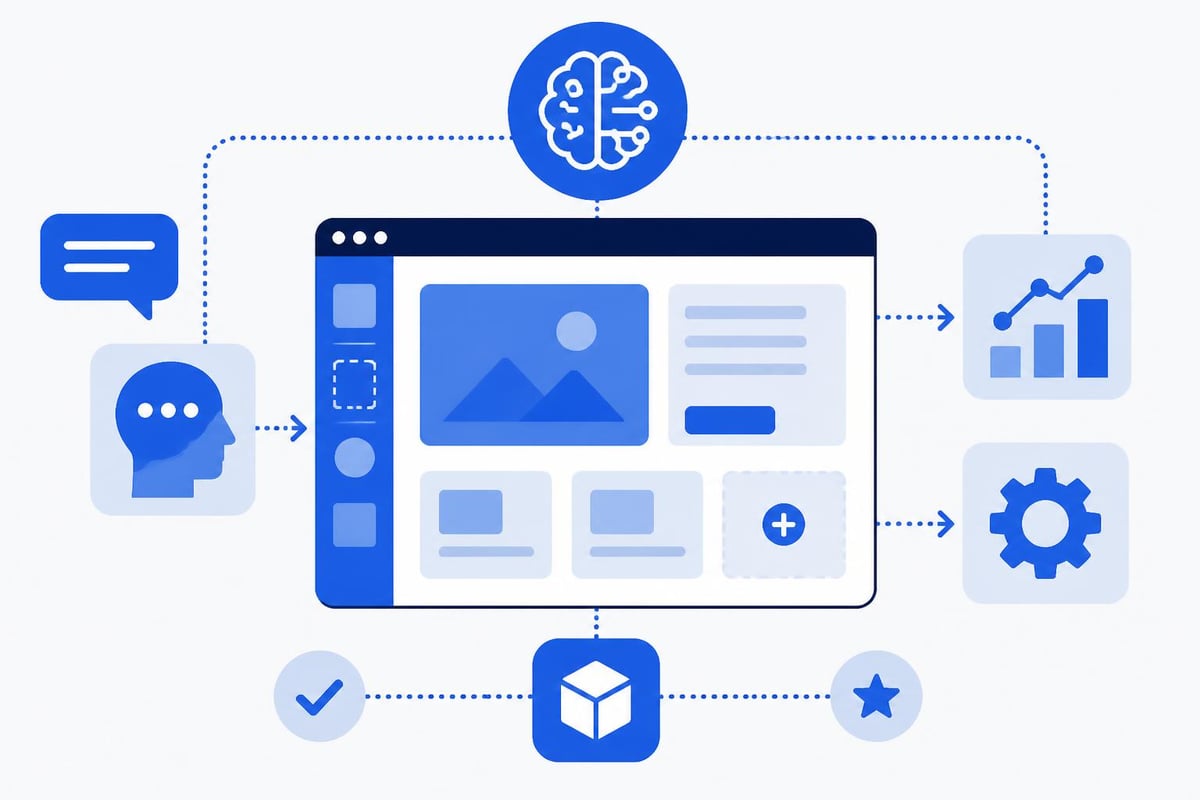
AI-powered no-code development tools now offer features that were unimaginable just a few years ago. These include natural language interfaces that generate application logic from text descriptions, intelligent component suggestions based on design patterns, and automated testing that predicts potential issues.
Practical AI Applications
Businesses integrate AI into no-code applications through several approaches:
Smart Data Processing leverages machine learning models to extract insights, classify information, and predict outcomes. Applications can analyze customer feedback sentiment, forecast inventory needs, or identify transaction anomalies without custom algorithm development.
Conversational Interfaces embed chatbots and virtual assistants directly into no-code applications. These interfaces handle customer support, guide users through complex processes, and collect structured information through natural conversations.
Automated Content Generation powers applications that create marketing copy, product descriptions, or personalized recommendations. No-code builders with AI integration make these capabilities accessible through simple configuration rather than extensive model training.
| AI Capability | Implementation Difficulty | Business Impact | Common Use Cases |
|---|---|---|---|
| Text Analysis | Low | Medium | Sentiment analysis, categorization |
| Chatbots | Low | High | Customer support, lead qualification |
| Image Recognition | Medium | Medium | Document processing, quality control |
| Predictive Analytics | High | High | Demand forecasting, risk assessment |
The Future of No Code Development
The trajectory of no code app builders points toward increasingly sophisticated capabilities while maintaining accessibility. Several trends will shape the evolution of these platforms over the coming years.
Platform Convergence is blurring the lines between no-code and low-code development platforms. The next generation of tools will offer pure visual development for standard scenarios while allowing developers to drop into code for specialized requirements. This hybrid approach provides the best of both worlds.
Industry-Specific Solutions are emerging as vendors recognize that generic platforms don't address specialized needs. Healthcare, finance, and manufacturing sectors increasingly have dedicated no-code tools with pre-built compliance features, industry-specific workflows, and regulatory reporting built in.
Technical Evolution
Several technical advances will expand what's possible with visual development:
- Improved Performance through edge computing and optimized runtime engines
- Native Mobile Experiences that match the quality of traditionally developed apps
- Real-time Collaboration enabling teams to build applications together simultaneously
- Version Control and DevOps bringing professional development practices to visual platforms
Research initiatives like NoCodeGPT demonstrate how language models will further simplify application creation. Future platforms may allow developers to describe applications in plain English and receive working prototypes instantly.
Choosing Between Agency Support and In-House Development
Organizations face a critical decision when adopting no code app builders: whether to develop internal expertise or partner with specialized agencies. Both approaches offer distinct advantages depending on your situation.
In-house development makes sense when you need ongoing application maintenance, have recurring development needs, and want to build institutional knowledge. The investment in training pays dividends through faster iterations and deeper organizational understanding of your tools.
Agency partnerships accelerate initial adoption, ensure professional implementation, and provide access to experienced practitioners who've navigated common pitfalls. Working with specialists who focus on Bubble app building or other specific platforms ensures you leverage best practices from day one.
Hybrid Approaches
Many successful organizations adopt hybrid models:
- Engage agencies for complex initial applications and platform setup
- Develop internal teams who handle simpler tools and modifications
- Maintain agency relationships for periodic enhancements and consultation
- Build internal governance while leveraging external execution expertise
This balanced approach manages costs while building capabilities. The agency provides velocity and expertise during critical launches, while internal teams develop proficiency through hands-on maintenance and smaller projects.
Security and Compliance Considerations
As no code app builders handle increasingly sensitive business operations, security and compliance move from peripheral concerns to central requirements. Understanding how these platforms protect data and enable compliance is essential for enterprise adoption.
Data Sovereignty determines where information physically resides. Enterprise no-code platforms offer region-specific hosting, ensuring data stays within geographic boundaries required by regulations like GDPR. Verify that platforms provide explicit control over data location rather than assuming cloud defaults.
Access Controls must support your organizational structure. Sophisticated platforms provide:
- Role-based permissions limiting who can view, edit, or delete data
- Single sign-on integration with existing identity providers
- Audit logs tracking all system changes and data access
- Temporary access grants for contractors and external collaborators
Compliance Certifications signal platform maturity and commitment to security. Look for SOC 2 Type II, ISO 27001, and industry-specific certifications relevant to your sector. These third-party validations provide assurance that platforms maintain appropriate controls.
Risk Management
Effective no-code adoption requires addressing specific risk categories:
- Vendor Lock-in through limited data export capabilities
- Service Continuity if platforms experience outages or discontinuation
- Skill Dependency when only specific individuals understand critical applications
- Integration Fragility as connected services change their APIs
Mitigation strategies include maintaining data backups, documenting application logic, cross-training team members, and selecting platforms with strong track records and financial stability. Understanding what no-code development entails helps organizations set realistic expectations about capabilities and limitations.
Measuring Success and ROI
Quantifying the value delivered by no code app builders requires tracking metrics beyond simple cost comparison. Comprehensive measurement captures both direct savings and strategic advantages.
Development Velocity compares time-to-market for no-code applications versus traditional development. Track how quickly teams move from concept to production deployment. Most organizations see 3-5x acceleration, with some use cases achieving 10x improvements.
Total Cost of Ownership extends beyond platform subscription fees. Consider:
- Reduced engineering hiring and retention costs
- Faster time-to-revenue for customer-facing applications
- Decreased maintenance burden through visual modifications
- Lower training costs for business users versus developers
Business Agility measures how quickly you respond to changing requirements. Applications built on no code platforms typically accommodate changes in hours or days rather than weeks, enabling rapid experimentation and iteration.
| Metric | Traditional Development | No-Code Development | Improvement Factor |
|---|---|---|---|
| MVP Timeline | 12-16 weeks | 2-4 weeks | 4-6x faster |
| Cost per Application | $50,000-$150,000 | $5,000-$25,000 | 5-10x cheaper |
| Iteration Cycle | 2-4 weeks | 1-3 days | 10-20x faster |
| Team Size Required | 3-5 people | 1-2 people | 2-3x smaller |
These metrics provide concrete evidence of no-code value. When evaluating platforms for bubble agencies or other specialized providers, request case studies with specific performance data rather than generic testimonials.
Training and Skill Development
Maximizing value from no code app builders requires investing in team capabilities. While these platforms reduce technical barriers, effective use still demands understanding of application design, data modeling, and user experience principles.
Structured Learning Paths accelerate skill development. Resources like Coursera's no-code app builder courses provide comprehensive introductions to visual development concepts. Supplement platform-specific training with broader software design education covering database normalization, API architecture, and security fundamentals.
Hands-on Practice builds proficiency faster than passive learning. Encourage team members to:
- Rebuild existing tools as no-code applications
- Prototype new ideas without formal approval processes
- Participate in platform community forums and challenges
- Review applications built by experienced practitioners
Certification Programs offered by major platforms validate expertise and provide structured learning objectives. While not required, certifications help teams assess skill levels and identify knowledge gaps.
No code app builders have fundamentally changed how businesses approach software development, enabling faster delivery, lower costs, and broader participation in application creation. Whether you're launching a startup MVP or modernizing enterprise operations, these platforms offer compelling advantages over traditional development approaches. Big House Technologies specializes in helping organizations leverage no-code and AI platforms like Bubble and Lovable to build scalable, production-ready applications that transform ideas into functional products quickly and cost-effectively.

About Big House
Big House is committed to 1) developing robust internal tools for enterprises, and 2) crafting minimum viable products (MVPs) that help startups and entrepreneurs bring their visions to life.
If you'd like to explore how we can build technology for you, get in touch. We'd be excited to discuss what you have in mind.
Other Articles
Discover the best platforms to hire Bubble developers, explore pricing models, and learn about project timelines, skill levels, and tips for selecting top-tier no-code development talent.
Build a powerful bubble website in 2026 with our complete guide covering planning, design, integrations, scaling, and expert tips for future-proof success.
Curious about the earning potential for Bubble Developers in 2024? Our in-depth survey reveals average salaries, top skills in demand, passive income strategies, and much more. Discover what it takes to succeed in the no-code development field and boost your career!