
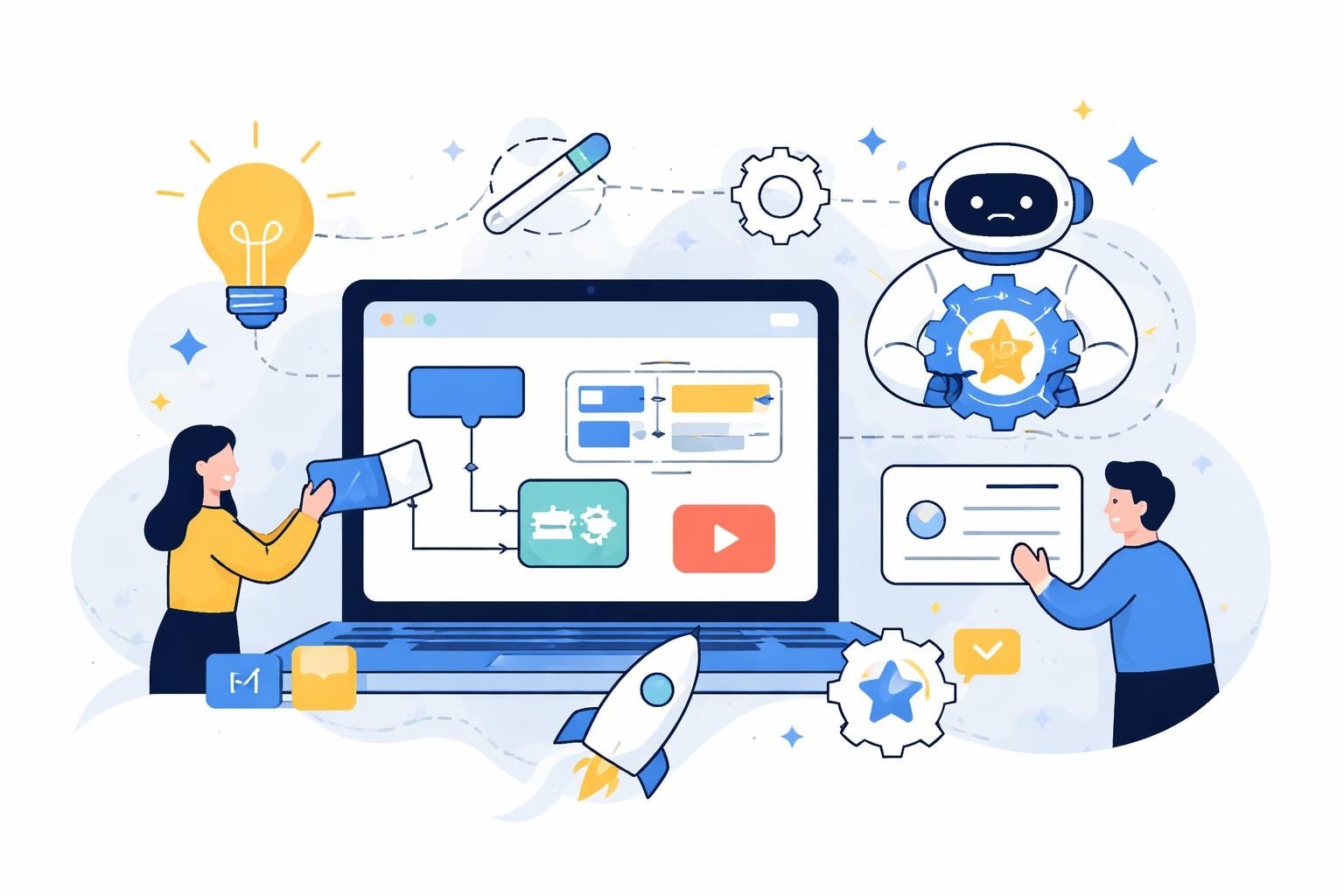
The landscape of application development has transformed dramatically in 2026, with AI-powered no-code platforms democratizing software creation for entrepreneurs, enterprises, and innovators. Understanding how to build apps with ai and no-code is no longer optional for businesses seeking competitive advantages through rapid digital transformation. These platforms combine visual development interfaces with intelligent automation, enabling anyone to create sophisticated applications without writing a single line of code.
The Revolution of AI-Powered No-Code Development
The integration of artificial intelligence into no-code platforms has fundamentally changed what's possible for non-technical builders. Modern platforms now leverage machine learning to suggest optimal database structures, generate responsive interfaces automatically, and even predict user workflows based on project requirements.
What makes AI-enhanced no-code different:
- Intelligent code generation that adapts to your specifications
- Natural language interfaces that translate descriptions into functional components
- Automated testing and optimization recommendations
- Predictive design systems that follow best practices
Platforms like Bubble and Lovable have pioneered this convergence, allowing businesses to build scalable applications without traditional development bottlenecks. The speed advantages are remarkable, with projects that previously took months now launching in weeks or even days.
Understanding the Core Technologies
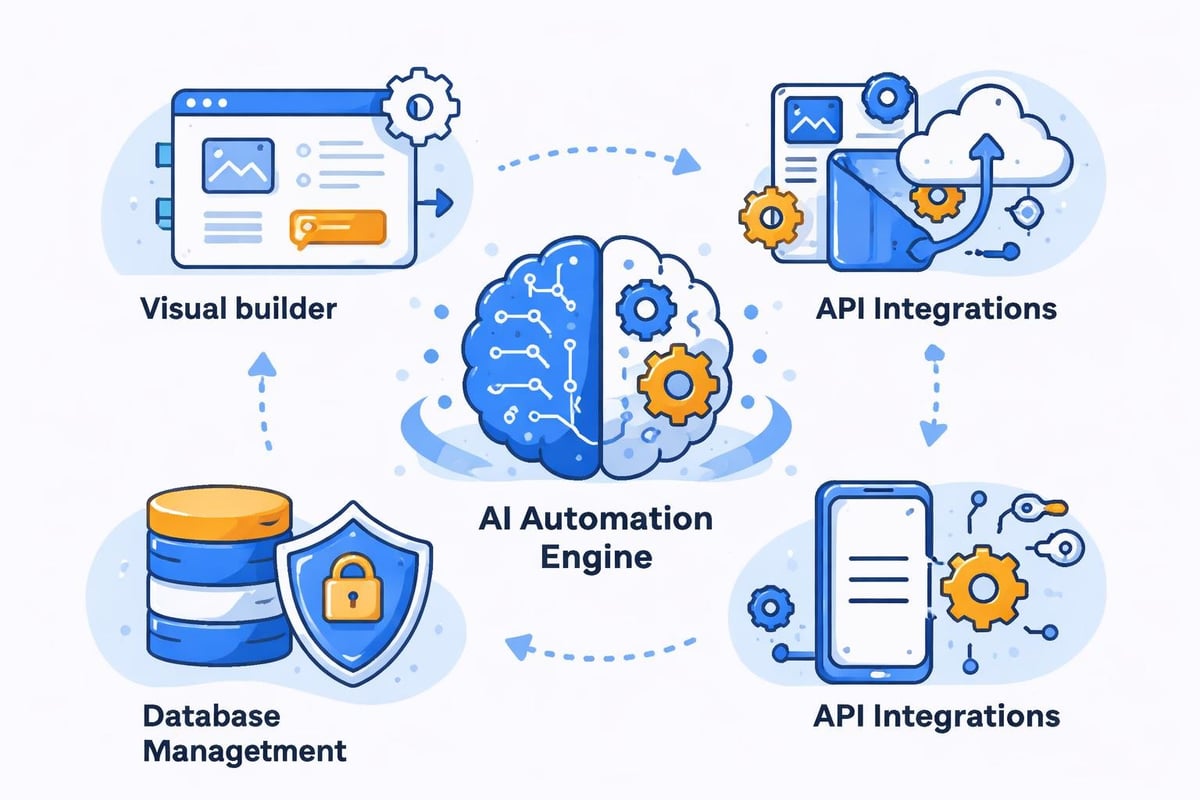
When you explore how to build apps with ai and no-code, you'll encounter several foundational technologies working in concert. Visual programming interfaces replace text-based coding with drag-and-drop components. Database builders let you design complex data structures through simple forms. Workflow engines automate business logic without requiring programming knowledge.
AI enhances each of these elements. For instance, AI-powered no-code development tools can analyze your application requirements and automatically suggest the most efficient database relationships, predict which API integrations you'll need, and even generate initial interface mockups based on industry standards.
Choosing the Right Platform for Your Project
Selecting the appropriate platform is critical when learning how to build apps with ai and no-code. Different platforms excel at different use cases, and understanding these distinctions saves significant time and resources.
| Platform Type | Best For | Key Strengths | Limitations |
|---|---|---|---|
| Full-stack builders | Complex web applications | Complete control, scalability | Steeper learning curve |
| Mobile-first platforms | Native mobile apps | Device-specific features | Limited web functionality |
| AI-native builders | Rapid prototyping | Speed, natural language input | Less customization |
| Workflow automation | Business process apps | Integration capabilities | Limited UI flexibility |
Bubble stands out for enterprise-grade applications requiring extensive customization and database complexity. The platform supports sophisticated user authentication, payment processing, and API integrations while maintaining visual development simplicity. Organizations building internal dashboards or customer-facing portals often choose Bubble for its flexibility.
Lovable represents the cutting edge of AI-native development. This platform uses conversational interfaces where you describe what you want to build, and the AI generates functional code and interfaces accordingly. Building AI-powered apps becomes remarkably fast when natural language replaces manual configuration.
Evaluating Platform Capabilities
Beyond basic features, consider these advanced capabilities when selecting your platform:
- Scalability potential - Can the platform handle growth from hundreds to millions of users?
- Integration ecosystem - Does it connect with your existing tools and databases?
- Customization depth - How far can you extend functionality when visual builders reach their limits?
- AI assistance level - What aspects of development does the AI actually automate?
- Deployment options - Can you host on your infrastructure or are you locked into proprietary hosting?
The emergence of tools like Google's Workspace Studio demonstrates how major technology companies recognize the value of no-code AI development. These platforms enable businesses to build and deploy AI agents without prior technical experience, opening new possibilities for automation and intelligent assistance.
Building Your First AI-Powered Application
The practical process of how to build apps with ai and no-code follows a structured methodology that ensures successful outcomes. Starting with clear requirements and iterating through rapid prototypes creates better applications than attempting to build everything perfectly from the start.
Phase 1: Planning and Requirements
Define your core user stories and prioritize features ruthlessly. AI-powered platforms work best when you articulate what the application should accomplish rather than how it should be built. Document your data model, understanding what information you'll collect, store, and display.
Phase 2: Rapid Prototyping
Create a minimal viable product that demonstrates core functionality. Building an MVP with no-code allows you to validate assumptions quickly and gather user feedback before investing heavily in features that may not resonate with your audience.
Designing Data Structures
Your database architecture determines application performance and scalability. No-code platforms simplify database design through visual schema builders, but understanding relational data principles remains valuable.
- Create clear entity relationships (users, products, orders, etc.)
- Define data types carefully to enable proper searching and filtering
- Plan for scalability by normalizing data appropriately
- Use option sets for predefined choices instead of free text
- Implement proper privacy rules from the beginning
AI assistants within platforms can now suggest optimal database structures based on your application description. Some tools analyze similar applications and recommend proven data models, significantly reducing the learning curve for database design.
Building User Interfaces
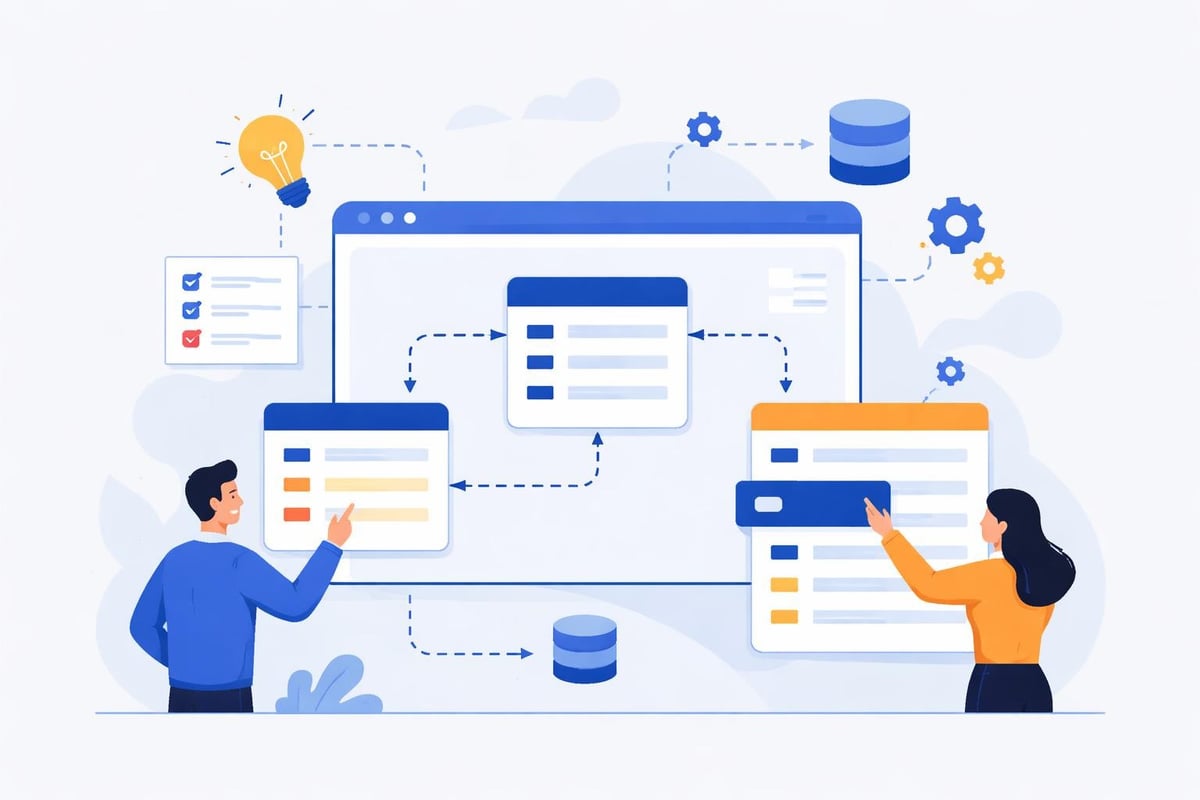
Interface design in no-code platforms combines pre-built components with customization options. Modern platforms include responsive design systems that automatically adapt to different screen sizes, eliminating the need for separate mobile and desktop designs.
AI enhances this process through intelligent layout suggestions. Describe the page purpose, and AI generates appropriate component arrangements. For example, specifying "customer dashboard showing recent orders and account balance" produces a functional layout with proper data connections already configured.
Advanced Features and Integrations
Once you master basic application building, understanding advanced capabilities separates functional apps from truly powerful solutions. Learning how to build apps with ai and no-code at an advanced level means leveraging APIs, implementing complex workflows, and creating intelligent automations.
API Integration Strategies
Connecting external services expands your application's capabilities exponentially. Payment processors, communication platforms, analytics tools, and specialized databases all enhance functionality through API connections.
Common integration categories:
- Payment processing - Stripe, PayPal, and Square for transactions
- Communication - Twilio for SMS, SendGrid for email
- AI services - OpenAI, Google AI, and specialized ML models
- Data enrichment - Clearbit, ZoomInfo for business intelligence
- Productivity - Google Workspace, Microsoft 365 for document management
Most no-code platforms include API connectors that handle authentication and data formatting automatically. The Coursera specialization on building AI apps with no-code tools provides comprehensive training on leveraging these integrations effectively.
Implementing Intelligent Automation
AI transforms static applications into dynamic, responsive systems that adapt to user behavior. Incorporate machine learning models that improve recommendations over time, chatbots that handle customer inquiries intelligently, and predictive analytics that forecast trends.
Platforms like Dify AI specialize in embedding AI capabilities into no-code applications. These tools allow you to implement natural language processing, image recognition, and predictive modeling without understanding the underlying algorithms.
| Automation Type | Use Case | Implementation Complexity |
|---|---|---|
| Rule-based workflows | Order processing, notifications | Low |
| AI chatbots | Customer support, lead qualification | Medium |
| Predictive analytics | Sales forecasting, inventory management | Medium-High |
| Computer vision | Product recognition, quality control | High |
| Natural language processing | Content analysis, sentiment monitoring | Medium-High |
Testing and Quality Assurance
Professional-grade applications require systematic testing regardless of how they're built. Understanding how to build apps with ai and no-code includes mastering testing methodologies that ensure reliability and performance.
Testing Methodologies for No-Code Apps
Start with user acceptance testing where real users interact with your application and provide feedback. No-code development's rapid iteration capability makes this approach practical, as you can implement fixes and improvements within hours rather than weeks.
Essential testing categories:
- Functional testing - Verify each feature works as intended
- Performance testing - Ensure the app responds quickly under load
- Security testing - Confirm data protection and access controls
- Cross-browser testing - Validate consistent experience across platforms
- Mobile responsiveness - Check appearance and functionality on various devices
AI-powered testing tools now exist specifically for no-code applications. These platforms analyze your workflows, automatically generate test scenarios, and even predict potential failure points based on similar applications.
Deployment and Monitoring
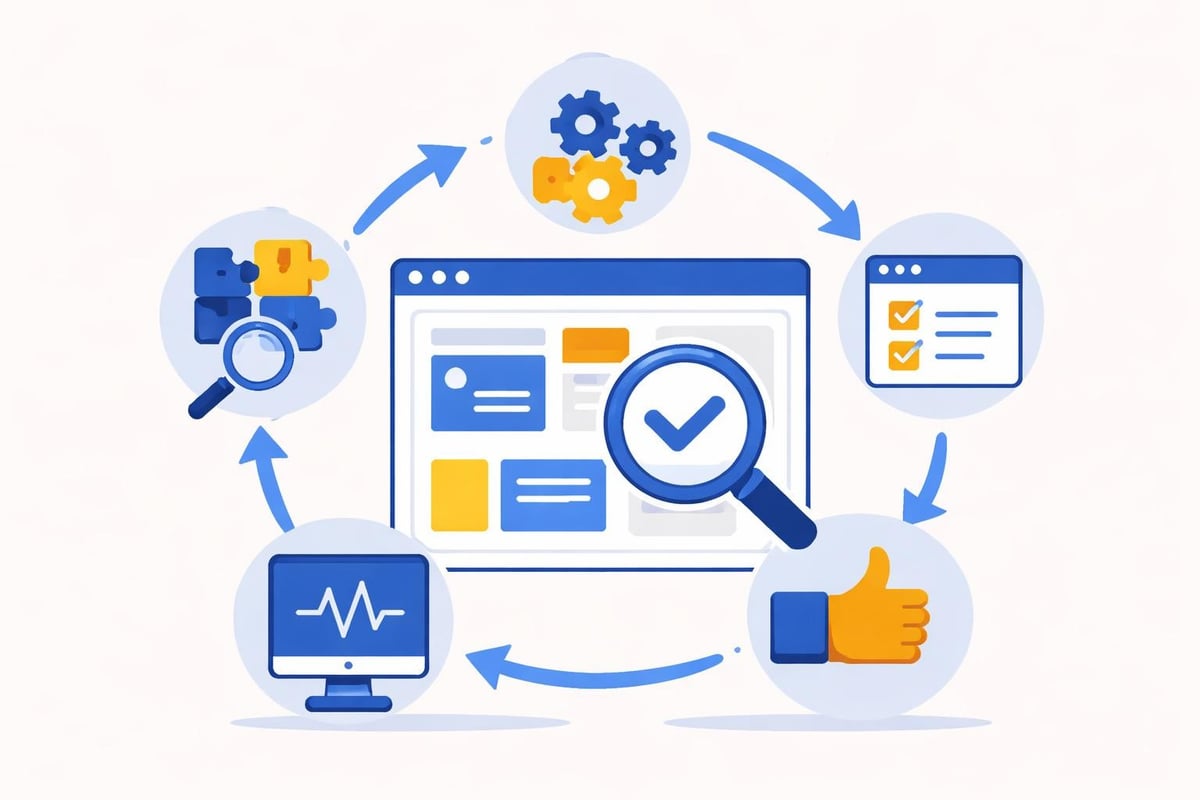
Moving from development to production involves more than simply publishing your application. Configure proper monitoring to track performance, user behavior, and error rates. Set up alerting systems that notify you immediately when issues arise.
Most enterprise-focused platforms provide built-in analytics dashboards showing key metrics like response times, database query performance, and user engagement patterns. This data informs optimization efforts and helps prioritize future development.
Scaling Your No-Code AI Application
Growth presents unique challenges for no-code applications. Understanding scalability considerations when you learn how to build apps with ai and no-code prevents costly rebuilds later.
Performance Optimization Techniques
Database optimization remains crucial as user bases expand. Structure queries efficiently, implement caching strategies, and use background processing for time-intensive operations. No-code platforms increasingly include AI-powered optimization suggestions that identify performance bottlenecks automatically.
Consider these scaling strategies:
- Database indexing - Speed up searches by indexing frequently queried fields
- Content delivery networks - Distribute static assets geographically for faster loading
- Asynchronous processing - Move heavy computations to background workflows
- Data archiving - Move historical data to separate storage to maintain performance
- Load balancing - Distribute traffic across multiple servers during peak usage
Platforms like Bubble support enterprise-scale applications through dedicated server clusters and advanced infrastructure options. Enterprises increasingly turn to no-code for internal tools because these platforms now handle demanding workloads while maintaining development speed advantages.
Security and Compliance Considerations
Professional applications must address security comprehensively. Implement proper authentication systems, encrypt sensitive data, and follow industry compliance standards relevant to your sector. No-code platforms typically handle infrastructure security, but application-level security remains your responsibility.
AI can enhance security through anomaly detection, identifying unusual access patterns that might indicate breaches. Some platforms now include AI-powered security auditing that reviews your application configuration and suggests improvements based on best practices.
Real-World Applications and Case Studies
Understanding how to build apps with ai and no-code becomes clearer through practical examples. Businesses across industries have deployed sophisticated applications using these approaches, demonstrating the technology's versatility and power.
No-code startups have launched entire businesses on platforms like Bubble, handling thousands of users and processing significant transaction volumes. These success stories prove that no-code isn't just for prototypes but for production-grade applications.
Industry-specific applications:
- Healthcare - Patient portals, appointment scheduling, telemedicine platforms
- Finance - Lending applications, investment dashboards, financial planning tools
- Education - Learning management systems, student portals, course marketplaces
- E-commerce - Custom storefronts, inventory management, supplier portals
- Real estate - Property listings, tenant management, transaction tracking
Tools like Bitrig enable iPhone users to create custom apps in minutes through conversational AI interfaces, demonstrating how accessible application development has become. These innovations lower barriers to entry while maintaining professional functionality.
Cost Analysis and ROI Considerations
Financial advantages represent a primary driver for organizations exploring how to build apps with ai and no-code. Traditional development costs typically range from $50,000 to $500,000 for custom applications, while no-code alternatives often deliver similar functionality at 10-20% of those costs.
| Development Approach | Typical Cost Range | Development Timeline | Maintenance Cost |
|---|---|---|---|
| Traditional coding | $50,000-$500,000 | 3-12 months | $20,000-$100,000/year |
| Low-code platforms | $25,000-$150,000 | 1-6 months | $10,000-$50,000/year |
| No-code platforms | $5,000-$50,000 | 2 weeks-3 months | $2,000-$20,000/year |
| AI-native no-code | $3,000-$30,000 | 1 week-2 months | $1,500-$15,000/year |
These figures vary based on application complexity, but the pattern remains consistent. No-code development delivers faster time-to-market and lower total cost of ownership. For MVP development, these advantages become even more pronounced as businesses validate concepts before major investments.
Hidden Costs and Considerations
While platform subscription fees seem straightforward, factor in training time, potential consulting needs, and integration costs. Some platforms charge based on usage metrics like workflow executions or database records, making cost projections essential for budgeting.
AI-powered platforms may incur additional costs for AI processing, especially when implementing advanced features like natural language processing or computer vision. However, these costs typically remain far below custom AI development expenses.
Future Trends in AI and No-Code Development
The convergence of AI and no-code development continues accelerating. Research initiatives like NoCodeGPT explore how large language models can generate complete web applications from natural language descriptions, pushing the boundaries of what's possible without traditional coding.
Emerging capabilities to watch:
- Voice-driven application building where you speak features into existence
- AI that generates custom components based on design mockups
- Automated optimization that continuously improves application performance
- Intelligent testing that predicts and prevents errors before deployment
- Cross-platform deployment that automatically adapts applications for web, iOS, and Android
Google's experiments with AI-generated web apps showcase how major technology companies invest in making development accessible to everyone. These innovations suggest a future where describing what you want creates functional applications instantly.
Understanding how to build apps with ai and no-code positions businesses advantageously as these technologies mature. Early adopters develop expertise that compounds as platforms become more capable, creating sustained competitive advantages through faster innovation cycles and lower development costs.
Mastering how to build apps with AI and no-code empowers businesses to innovate rapidly while controlling costs and timelines. The combination of visual development interfaces and intelligent automation creates unprecedented opportunities for digital transformation across industries. Whether you're launching a startup, modernizing enterprise processes, or testing new market opportunities, these platforms deliver professional-grade applications without traditional development constraints. If you're ready to transform your ideas into functional applications, Big House Technologies specializes in leveraging Bubble and Lovable platforms to build scalable solutions that meet enterprise standards while maintaining the speed and cost advantages that make no-code development so compelling.

About Big House
Big House is committed to 1) developing robust internal tools for enterprises, and 2) crafting minimum viable products (MVPs) that help startups and entrepreneurs bring their visions to life.
If you'd like to explore how we can build technology for you, get in touch. We'd be excited to discuss what you have in mind.
Other Articles
Discover 2025’s top trends, insights, and strategies for choosing the right enterprise app development company. Make smarter investments with expert guidance.
Master every stage of the development phase in 2025 with this expert guide. Discover proven steps, tools, and strategies for faster, smarter project success.
Master the app runwayml in 2025 with this step by step expert guide covering features setup creative workflows pricing tips and troubleshooting for creators.